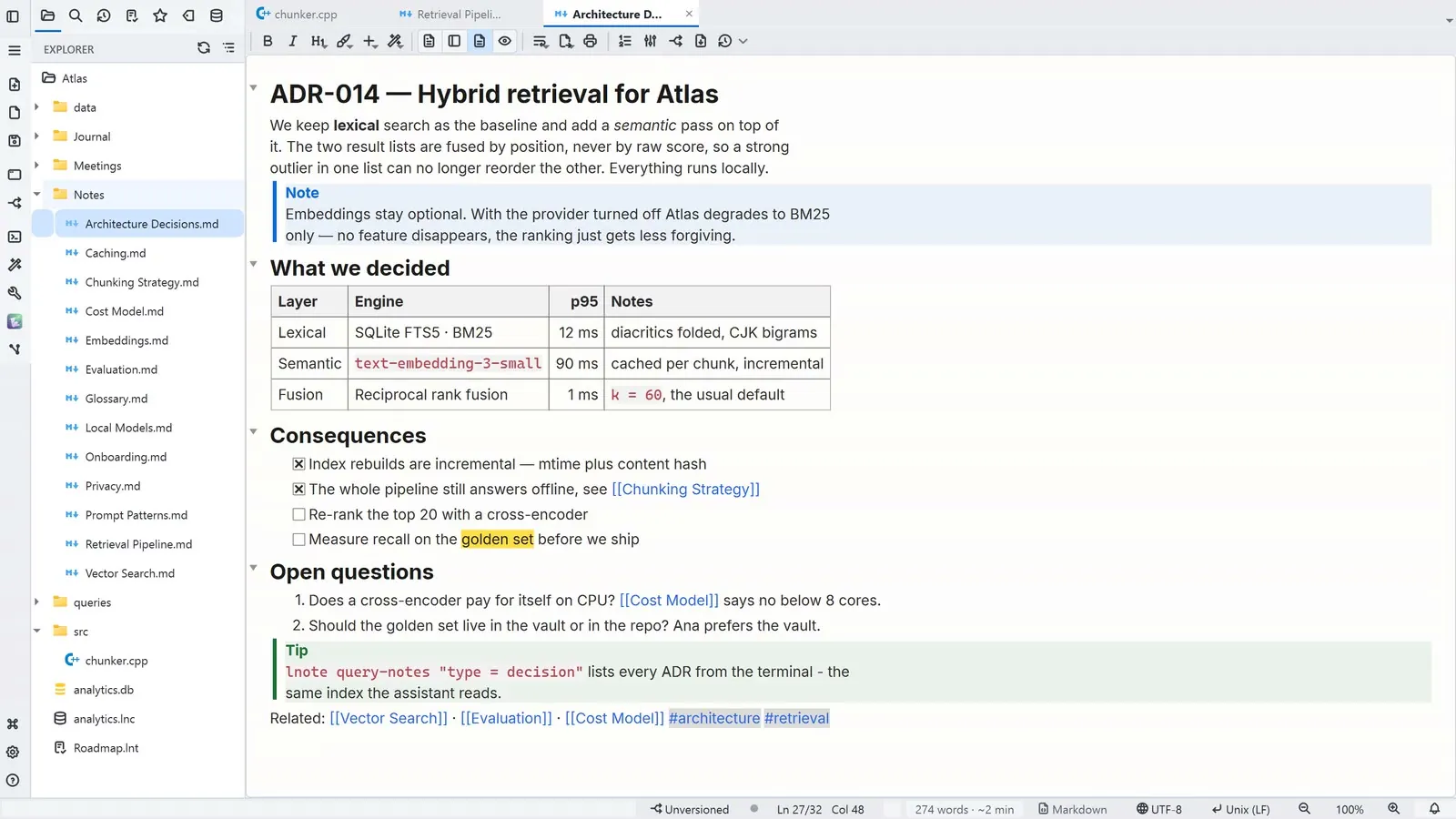
A lightweight Windows editor where your second brain in Markdown becomes the context for your AI agents. 100% local, Electron-free, under 50 MB of RAM.
Turn AI agents loose on your code and keep your knowledge in plain Markdown — then let the two talk to each other. The developer tools are all here, in service of those two pillars.
Scintilla core with highlighting for ~30 languages, script execution (F5) and an integrated terminal — the strong editor that gives the cockpit its credibility.
Use your local AI CLIs or API providers (OpenAI, Gemini, Claude, or local models via Ollama): chat in the terminal, inline editing (Ctrl+K) with a diff — accept changes hunk by hunk — and an AI Sessions cockpit to track and review each session.
Simplified versioning, a per-line change gutter and checkpoints to audit what an AI session modified — including an isolated worktree per session.
Near-WYSIWYG editing, [[ ]] wikilinks and an Obsidian-style connections graph for your second brain — in open .md files, yours forever.
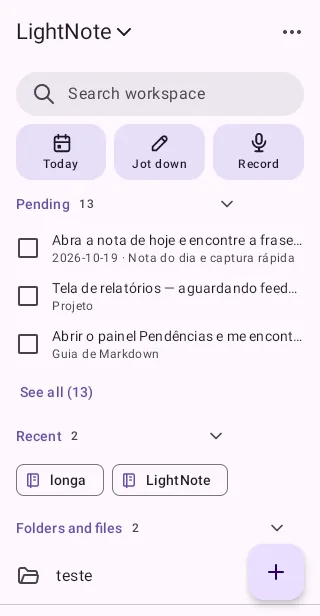
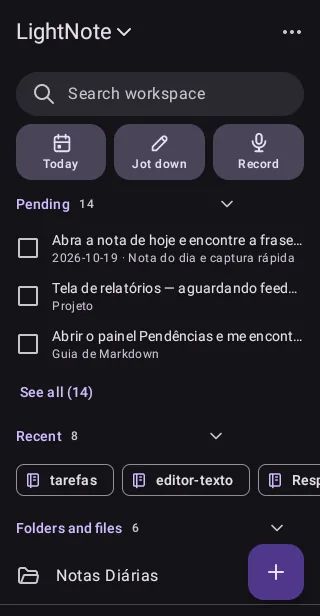
Colorful sticky notes on your desktop, an automatic journal and quick capture from the tray — with the global shortcut Ctrl+Alt+N, even with everything closed.
Record your microphone and system audio from the tray, then transcribe or summarize with AI — including Google Gemini's free tier.
Chat with your second brain: answers grounded in your own notes, with clickable citations — local retrieval, plus optional semantic reinforcement via embeddings.
An MCP server and the lnote CLI expose the workspace to AI agents and scripts — read and write notes and tasks, search, query data and use Git. It's the intersection neither Obsidian nor Cursor has in the same process.
.lnc connections for SQLite, DuckDB, PostgreSQL, MySQL, SQL Server and Oracle — with schema, history and variables.
Integrated SSH terminal and remote file transfer through .lns files, with an encrypted password.
Open Parquet, CSV, JSON and Excel as a spreadsheet via DuckDB — filter, sort and export without code.
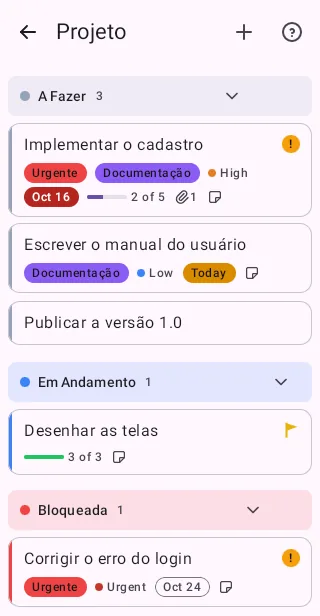
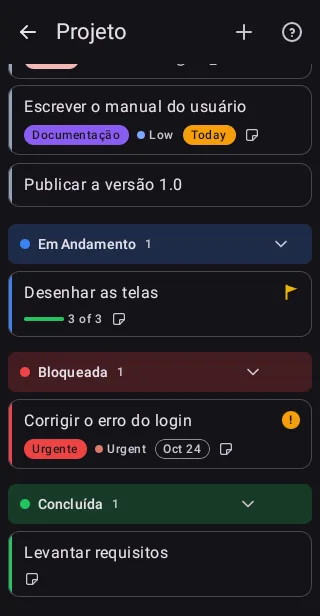
.lnt task boards as a table, Kanban or timeline — and Git-versionable without conflicts.
A per-workspace Secure Phrase and Secure Markdown .lne with encryption that opens on any machine.
Under 50 MB of RAM, CPU-only rendering and instant startup. Native C++/Qt, no Electron.
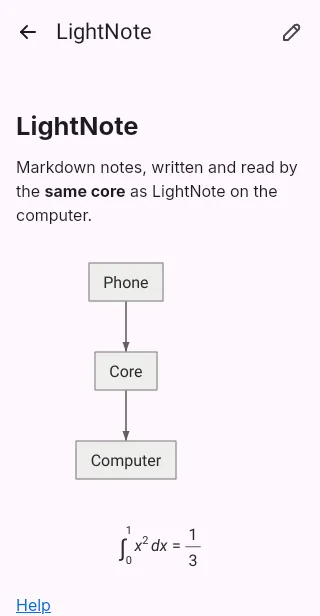
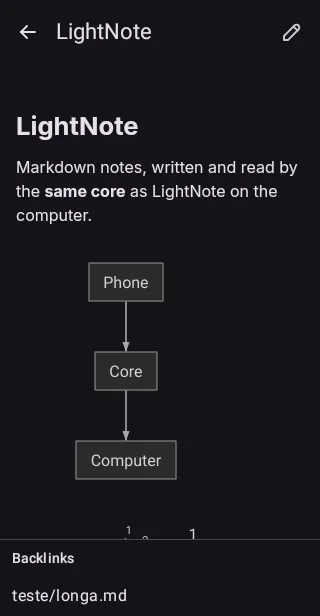
Real captures of the app running. Switch themes and click to enlarge.
The same features in both editions. Use the free one for personal projects, or support development with the Core edition on the Microsoft Store.
Free · 64-bit
For personal, non-commercial use. Download and use it freely.
Download now🔒 Local app: your files stay on your machine and nothing is sent to our servers.
Microsoft Store · contribution
For commercial use and to support development — same features as the free version.
Get it on Microsoft Store💜 Your contribution keeps the project alive and evolving. Thank you!
LightNote grows with the people who use it. Join in, suggest improvements and help make it better.
Leave a suggestion, ask questions and follow development on GitHub Discussions.
Open DiscussionsReport problems on our GitHub. The more detail, the faster the fix arrives.
Report on GitHub IssuesLightNote is maintained by a single person. If it helps you, consider supporting it on Ko-fi — or get LightNote Core on the Microsoft Store.
Support on Ko-fiNo complicated setup. Download, open a folder and start writing.
| F1 | Contextual help |
| Ctrl+P | Go to file |
| Ctrl+Shift+P | Command palette |
| Ctrl+Shift+F | Global search (ripgrep) |
| Ctrl+` | Integrated terminal |
| F5 | Run file |
| Ctrl+K / Ctrl+I | Inline AI editing |
| Ctrl+Alt+N | Quick capture (global) |
Yes, for personal, non-commercial use: the download is free and the app runs entirely on your machine. For commercial use, or to support development, there is LightNote Core on the Microsoft Store — same features, with a commercial license and automatic updates.
For now LightNote is exclusive to Windows 10 and 11 (64-bit). Several features use native Windows APIs, so there is no version for other systems at the moment.
No. LightNote does not send your files to our servers — everything is local. You decide whether and when to sync anything (for example, via Git or a cloud service of your choice).
LightNote embeds no model: it connects to what you already use — local AI CLIs, API providers (OpenAI, Google Gemini, Anthropic Claude) and local models via Ollama or LM Studio. You can chat in the terminal, request inline edits with a diff to accept or reject, ask your notes, and expose the workspace via MCP to agents.
Use Git: tasks, connections and notes use text formats designed to merge without conflicts. The encryption (Secure Phrase) is portable and re-entered manually on each machine, so secure files work anywhere.
Suggestions and questions go to GitHub Discussions; bugs, to GitHub Issues. Every contribution is welcome.