Step by step
Select a step to jump to that moment in the video.
- 00:01Search all your notes at once
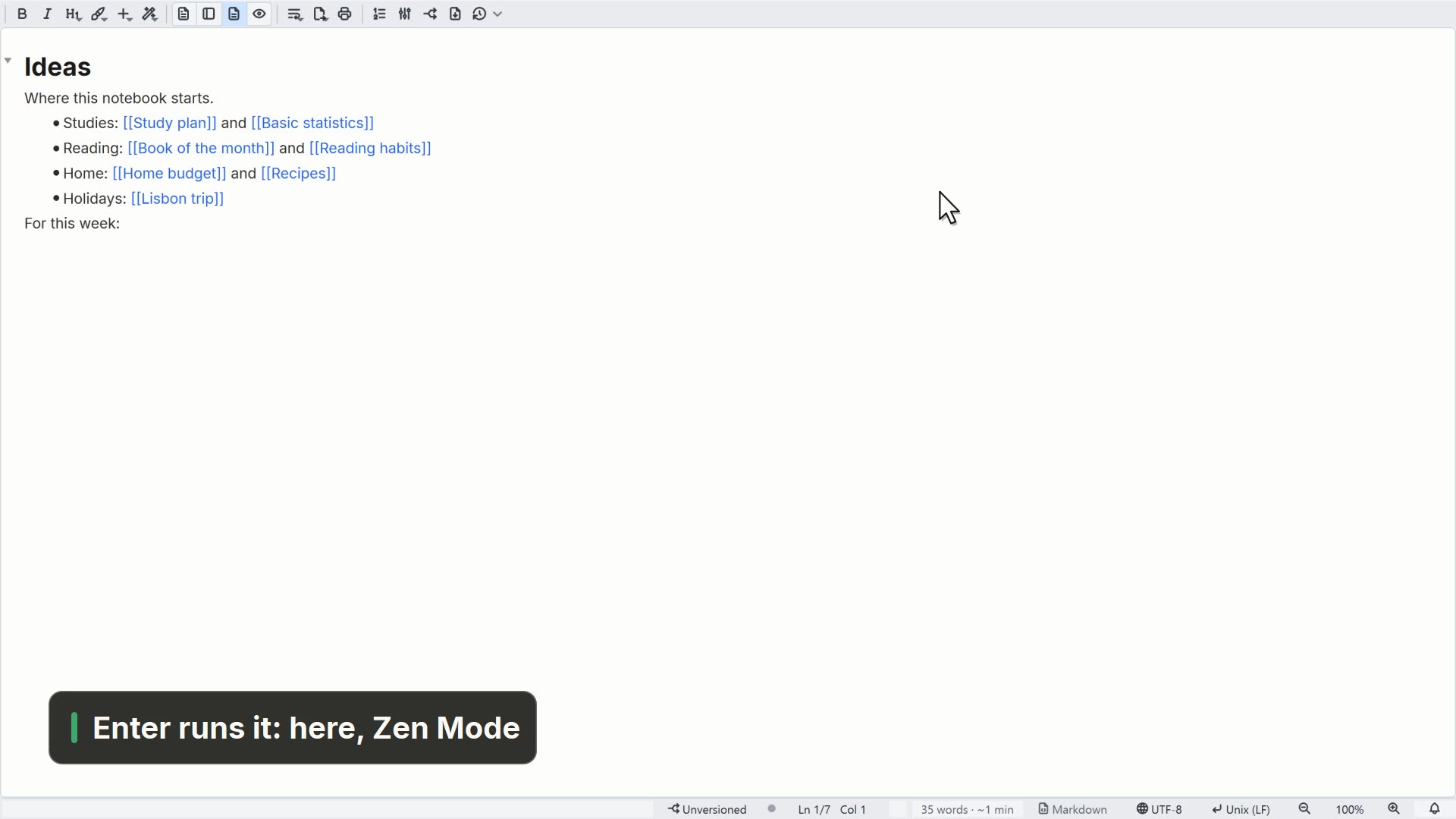
- 00:05Enter searches; each line shows the passage
- 00:09Double-click to open the note at that spot
Read more in the HelpSearching files and documents
Other ways
Search in Files
- Menu
- Window → Search in Files
- Shortcut
- Ctrl+Shift+F
- Command palette
- Search in Files
- Command line (lnote)
lnote search --query <txt>
Tips
- To find a file by name, use Ctrl+R
- Ctrl+F searches only the open file