Step by step
Select a step to jump to that moment in the video.
- 00:01Type [[ to link to another note
- 00:07Pick the note from the list
- 00:10In reading mode, one click follows the link
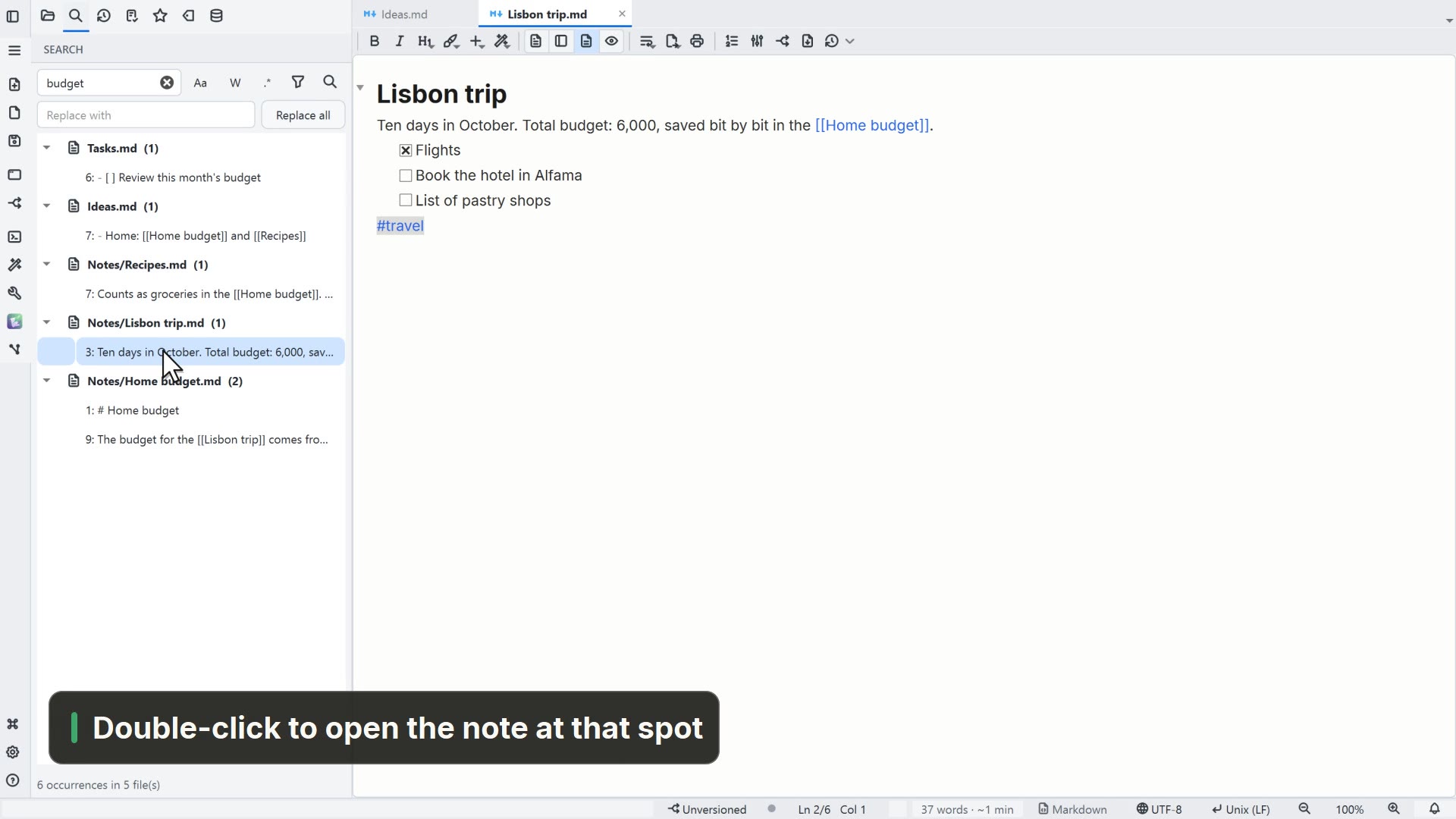
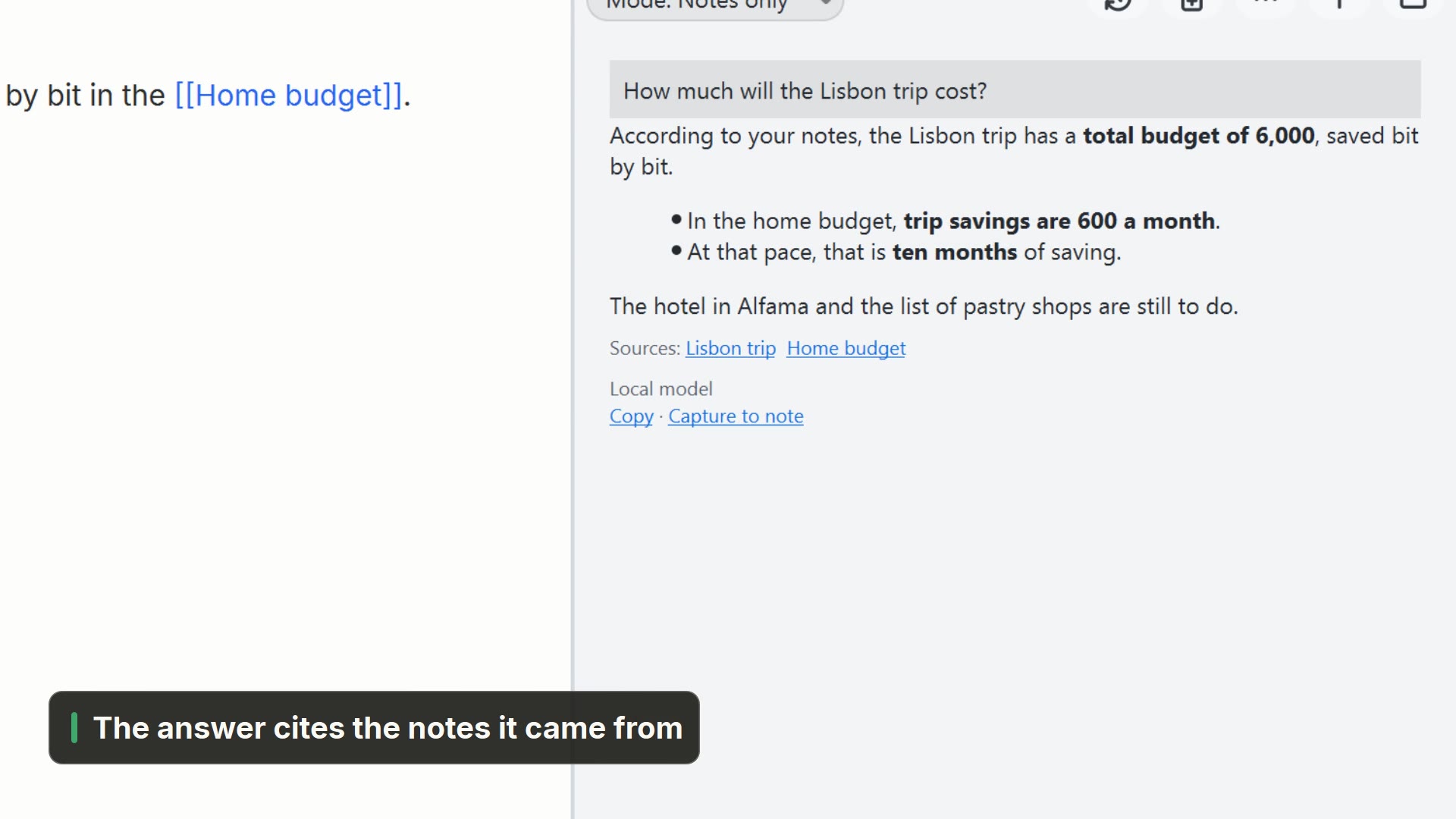
- 00:13Connections shows who links here
- 00:16And the graph shows every link
Read more in the HelpImages, links and wikilinks
Other ways
Connections graph
- Menu
- Tools → Connections graph
- Shortcut
- Ctrl+Alt+G
- Command palette
- Connections graph
- Activity bar
- Graph
Tips
- Type [[ anywhere in a note to link to another one
- Connections, on the note toolbar, lists what links to it