Step by step
Select a step to jump to that moment in the video.
- 00:02New → New note adds a note to the folder
- 00:05Give it a name
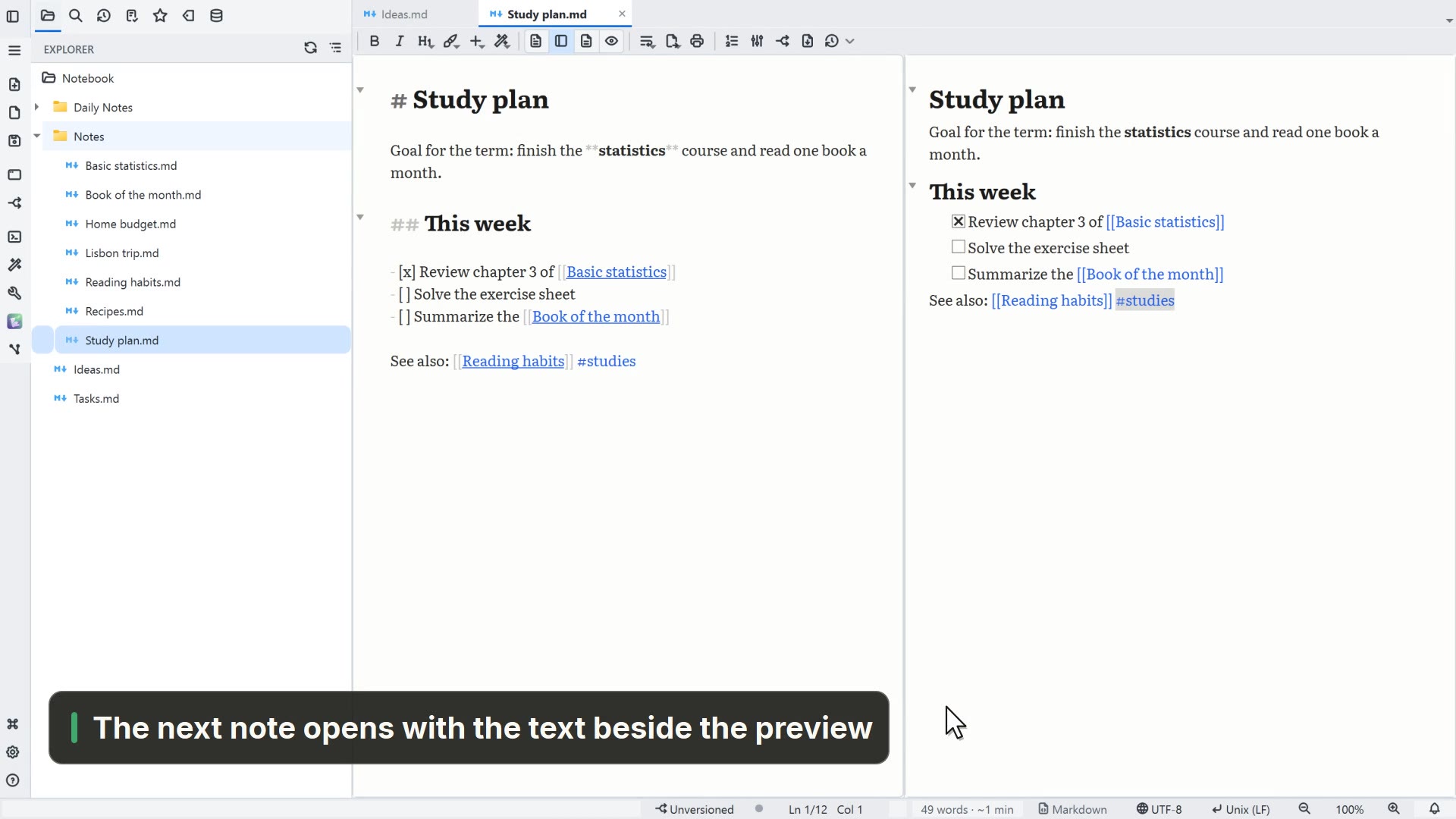
- 00:08# makes a heading, - [ ] makes a task
- 00:14Type / to insert a block
- 00:18Enter inserts the callout block
Read more in the HelpFormatted editing
Other ways
New note (.md)
- Menu
- File → New → New note (.md)
- Command palette
- New note (.md)
- Activity bar
- New → New note (.md)
Tips
- # at the start of a line makes a heading, and - [ ] makes a task
- At the start of a line or after a space, / opens the insert menu
- Ctrl+Shift+Enter completes or reopens the task on the line