Step by step
Select a step to jump to that moment in the video.
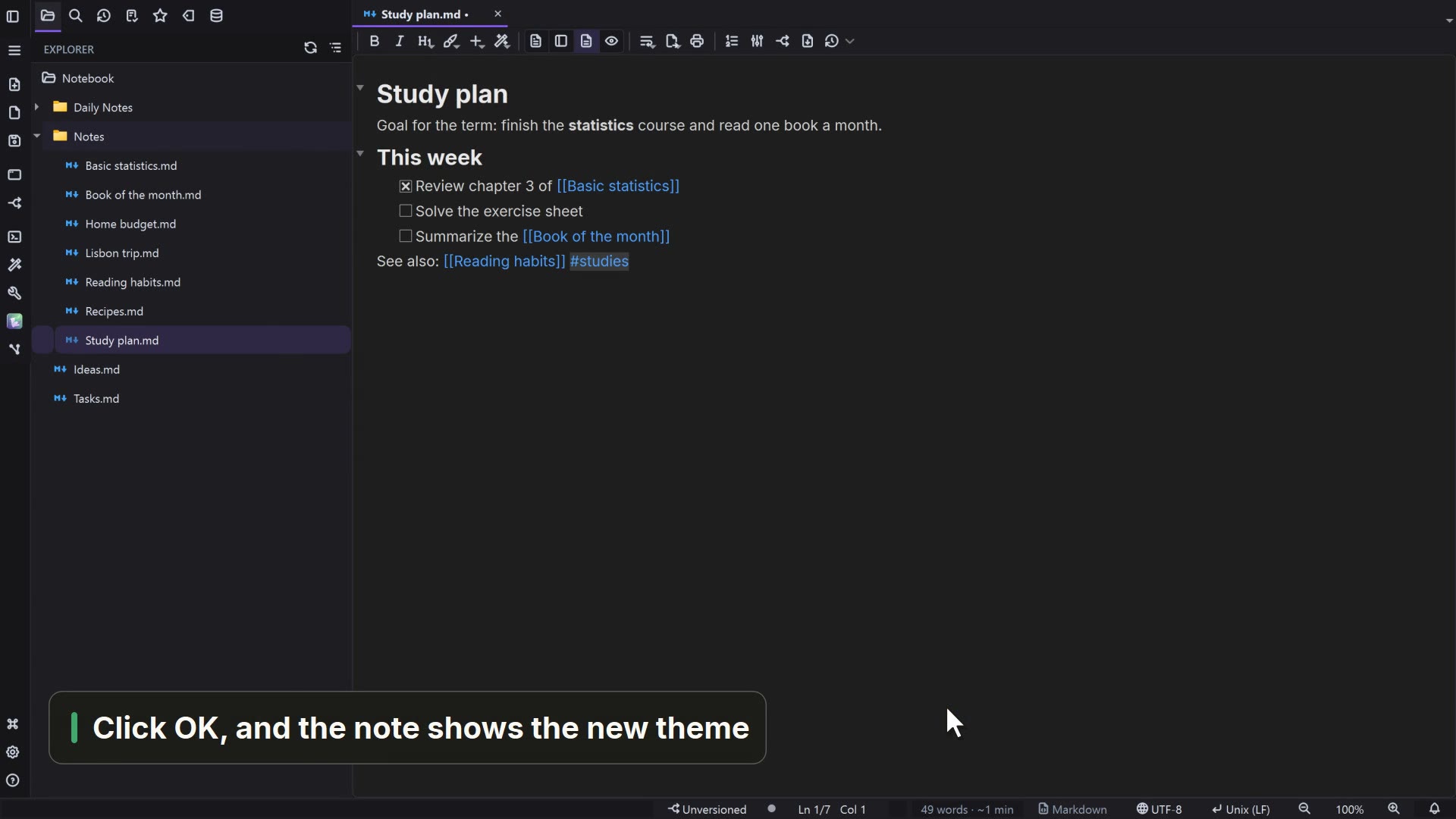
- 00:01Make your notes look your way
- 00:05Under Markdown, the note font
- 00:08The open note changes font right away
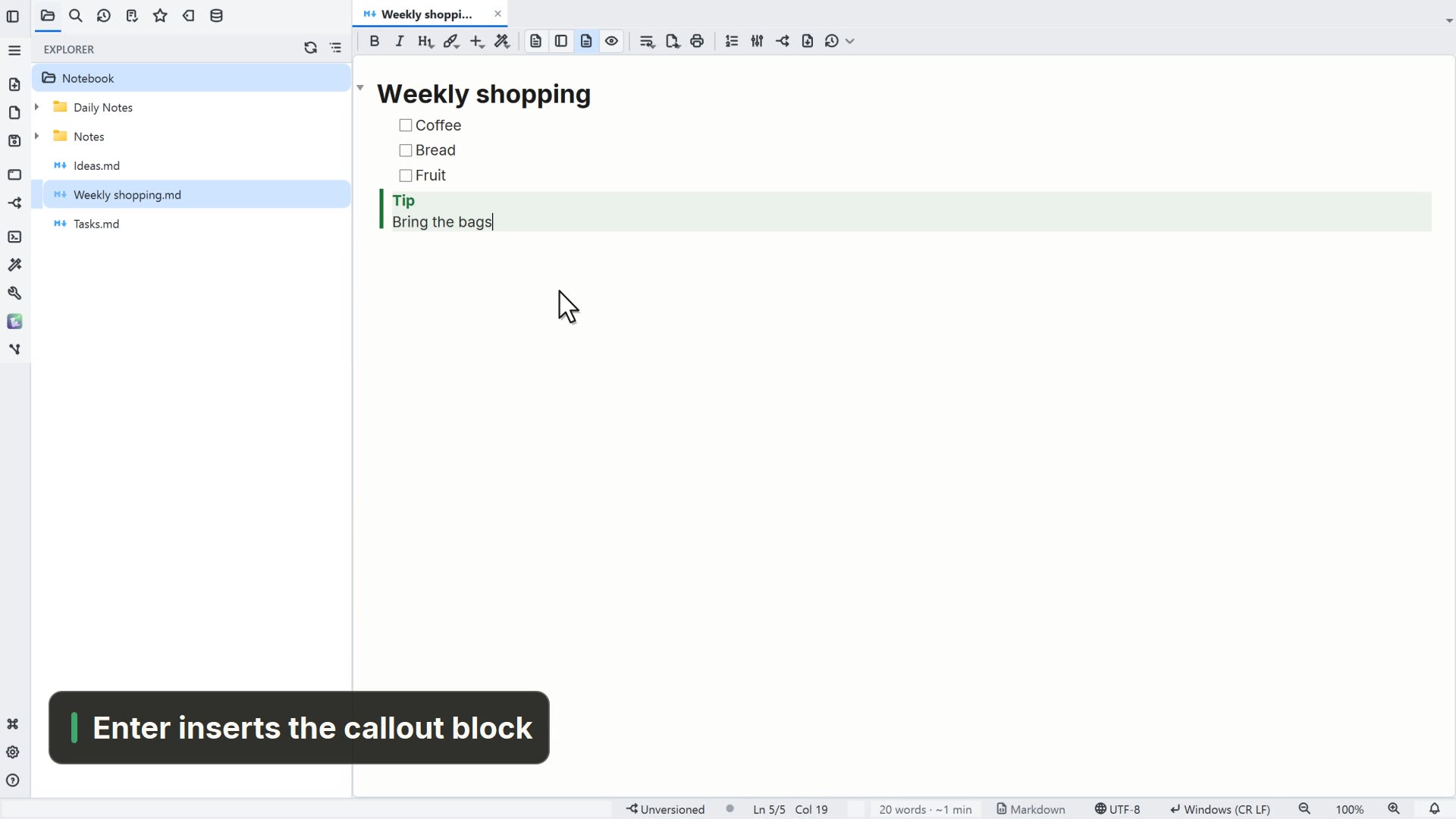
- 00:13Under General, choose how notes open
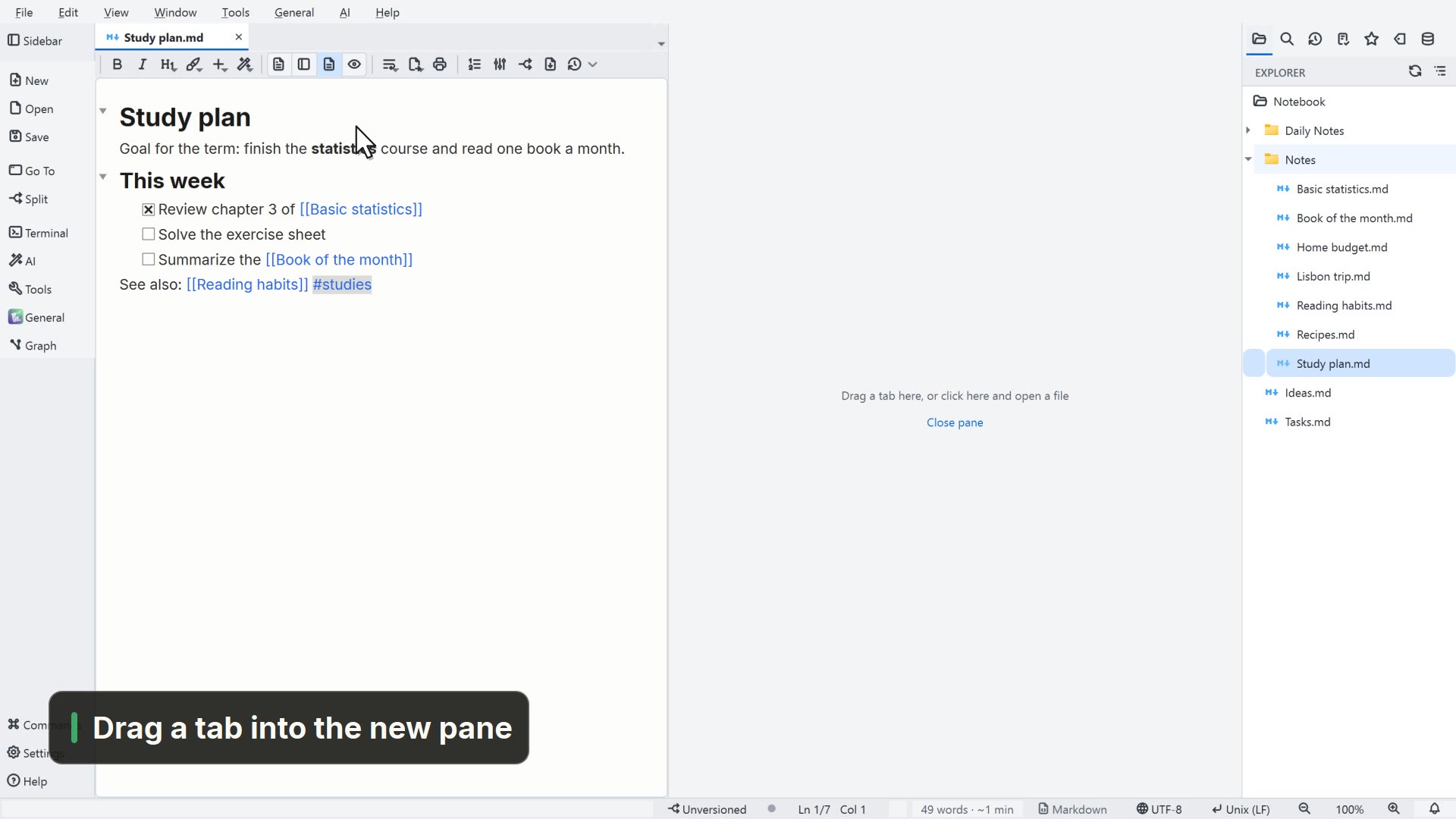
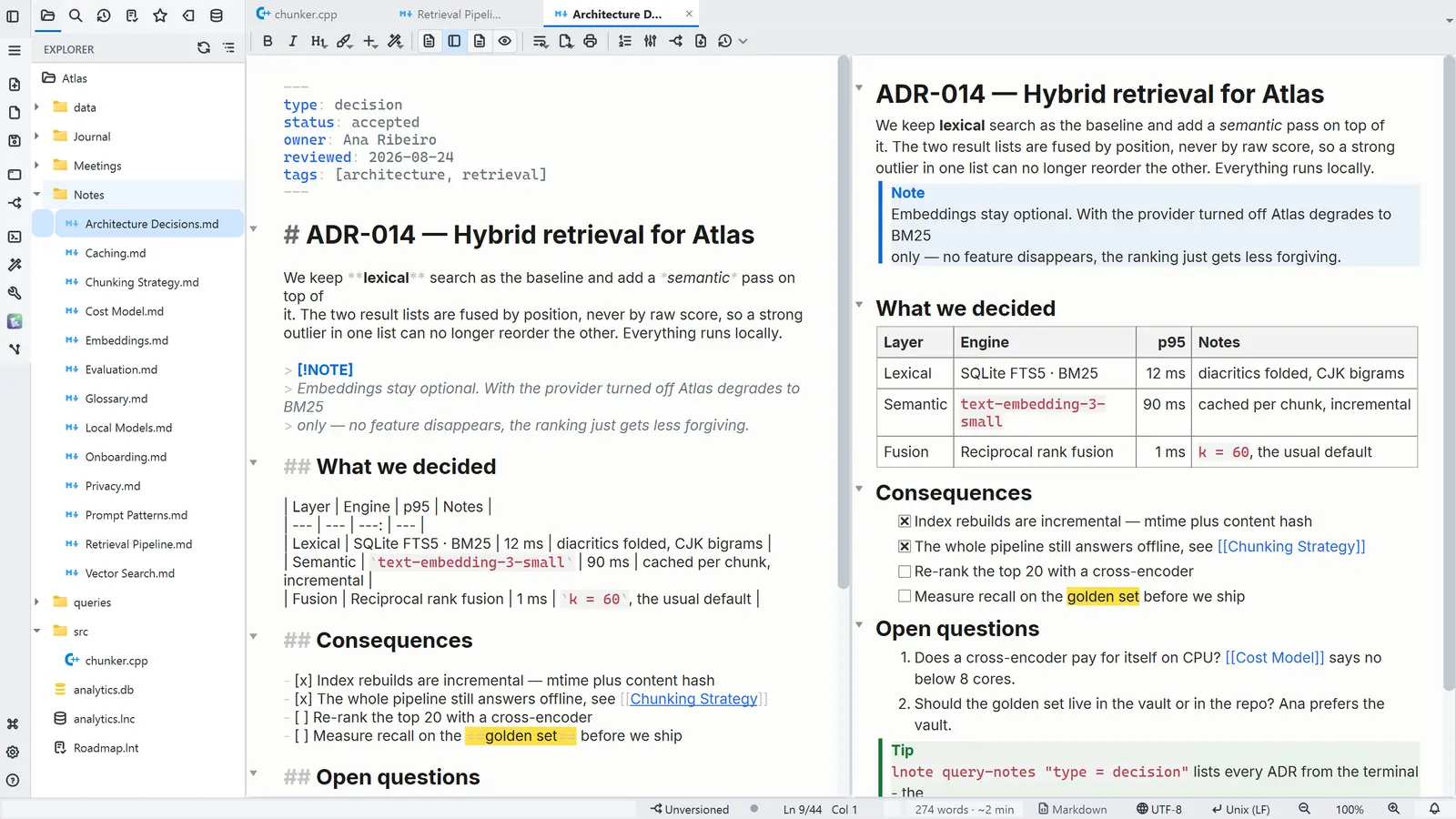
- 00:17The next note opens with the text beside the preview
Read more in the HelpDisplay modes·Themes
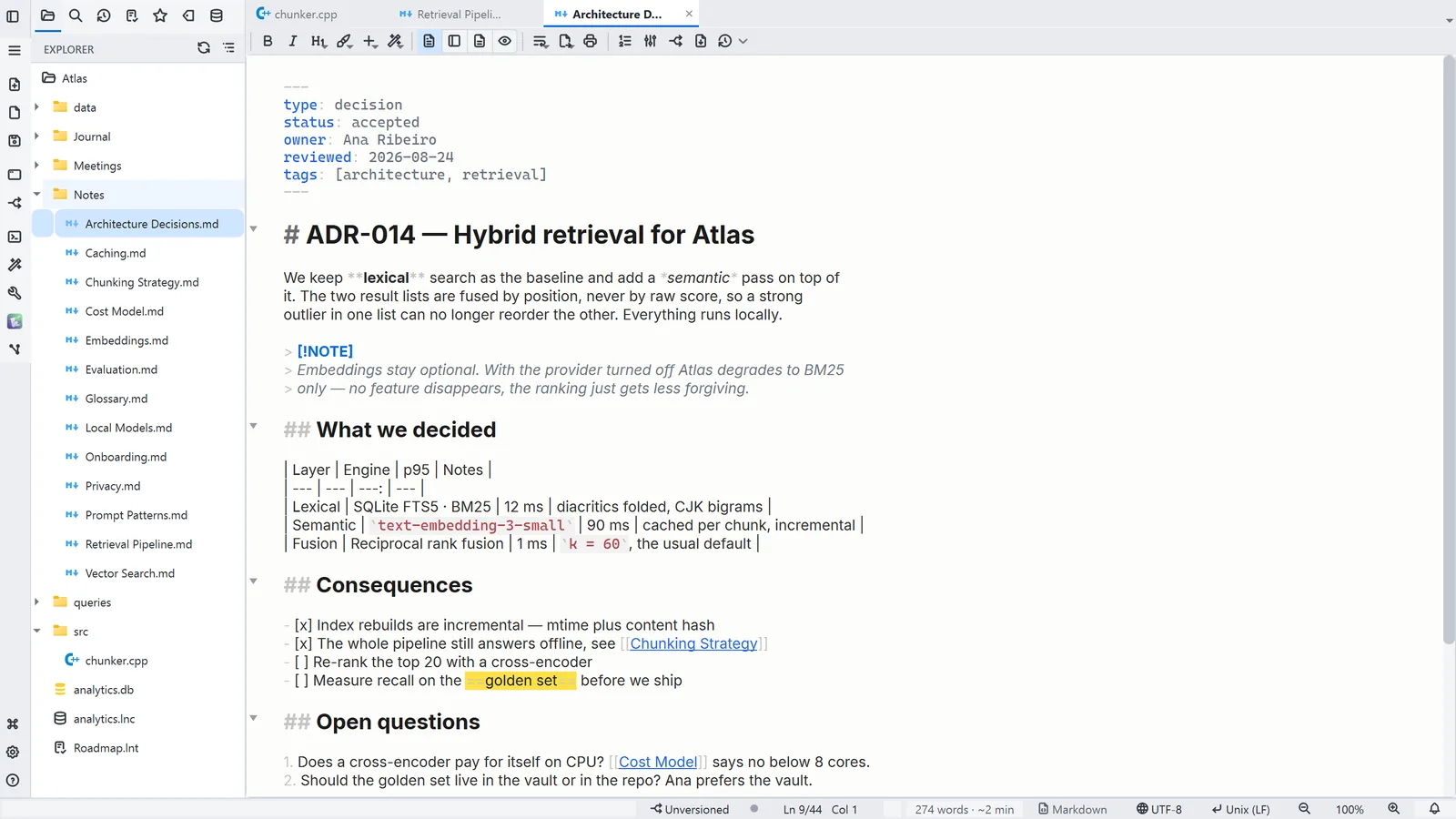
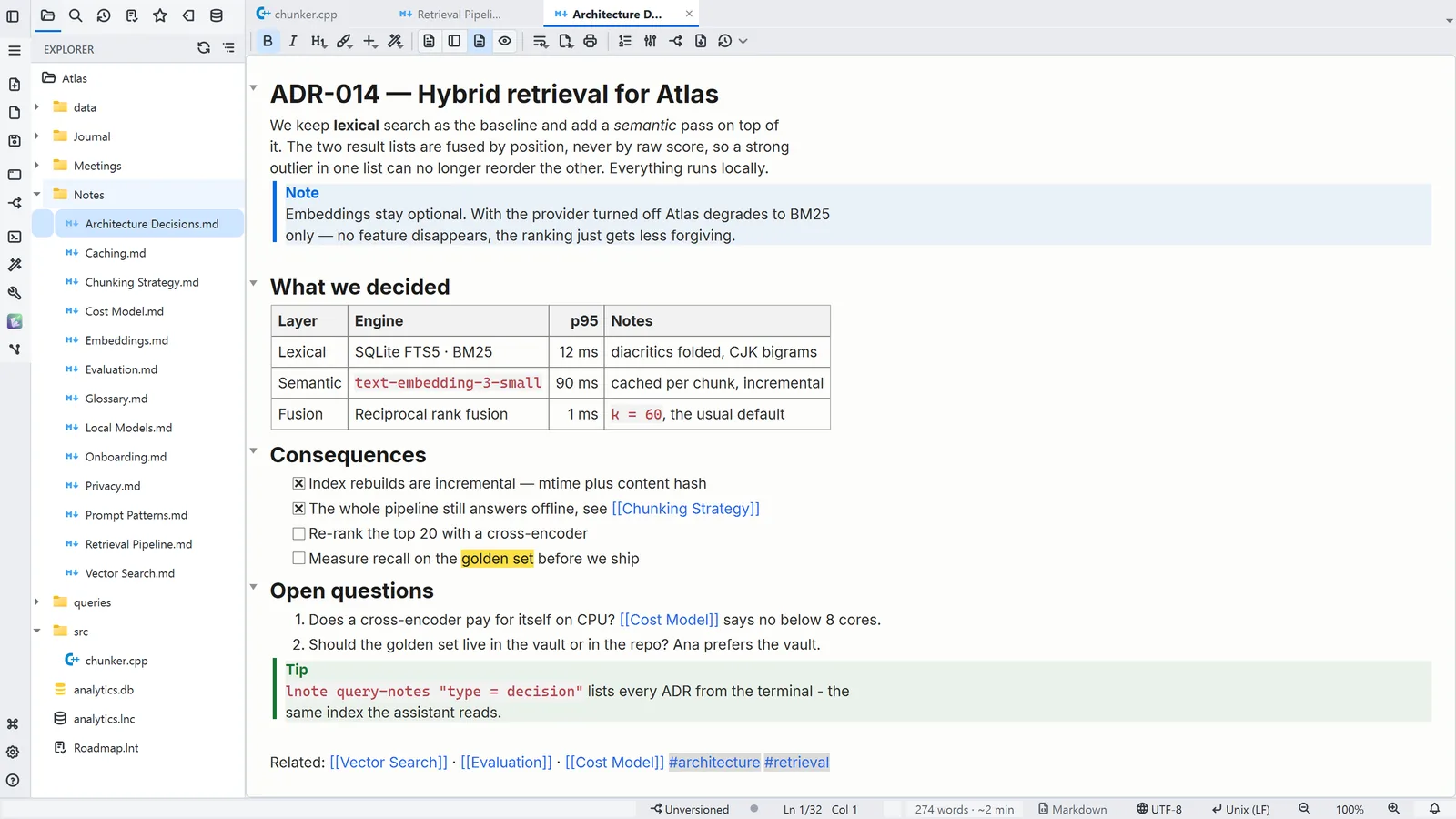
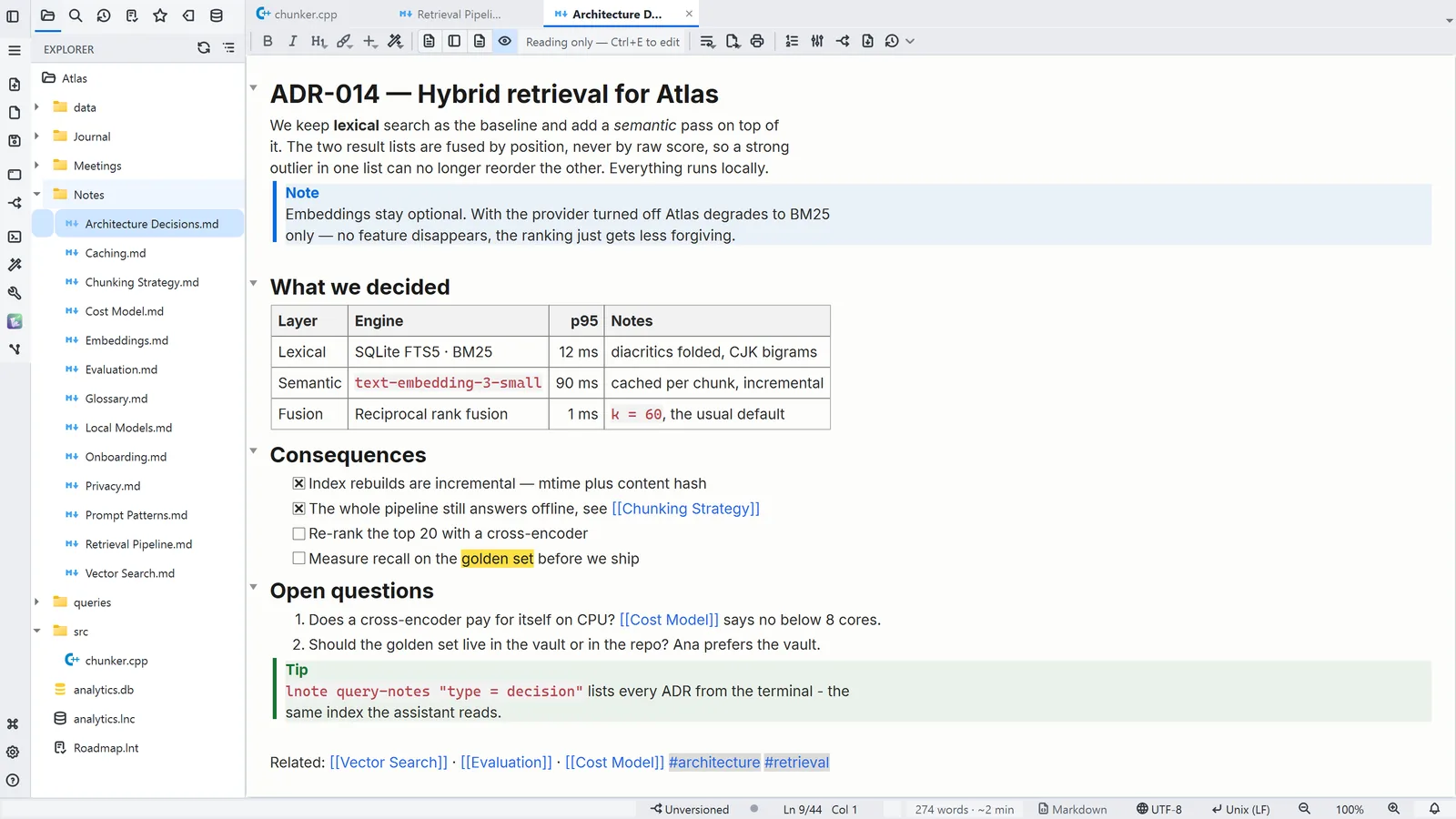
What each view looks like
Other ways
Markdown
- Menu
- General → General Settings... → Markdown
- Command palette
- General Settings...
- Activity bar
- Settings → General settings... → Markdown
General
- Menu
- General → General Settings... → General
- Command palette
- General Settings...
- Activity bar
- Settings → General settings... → General
Tips
- Ctrl+E switches the note between edit, split and reading