Step by step
Select a step to jump to that moment in the video.
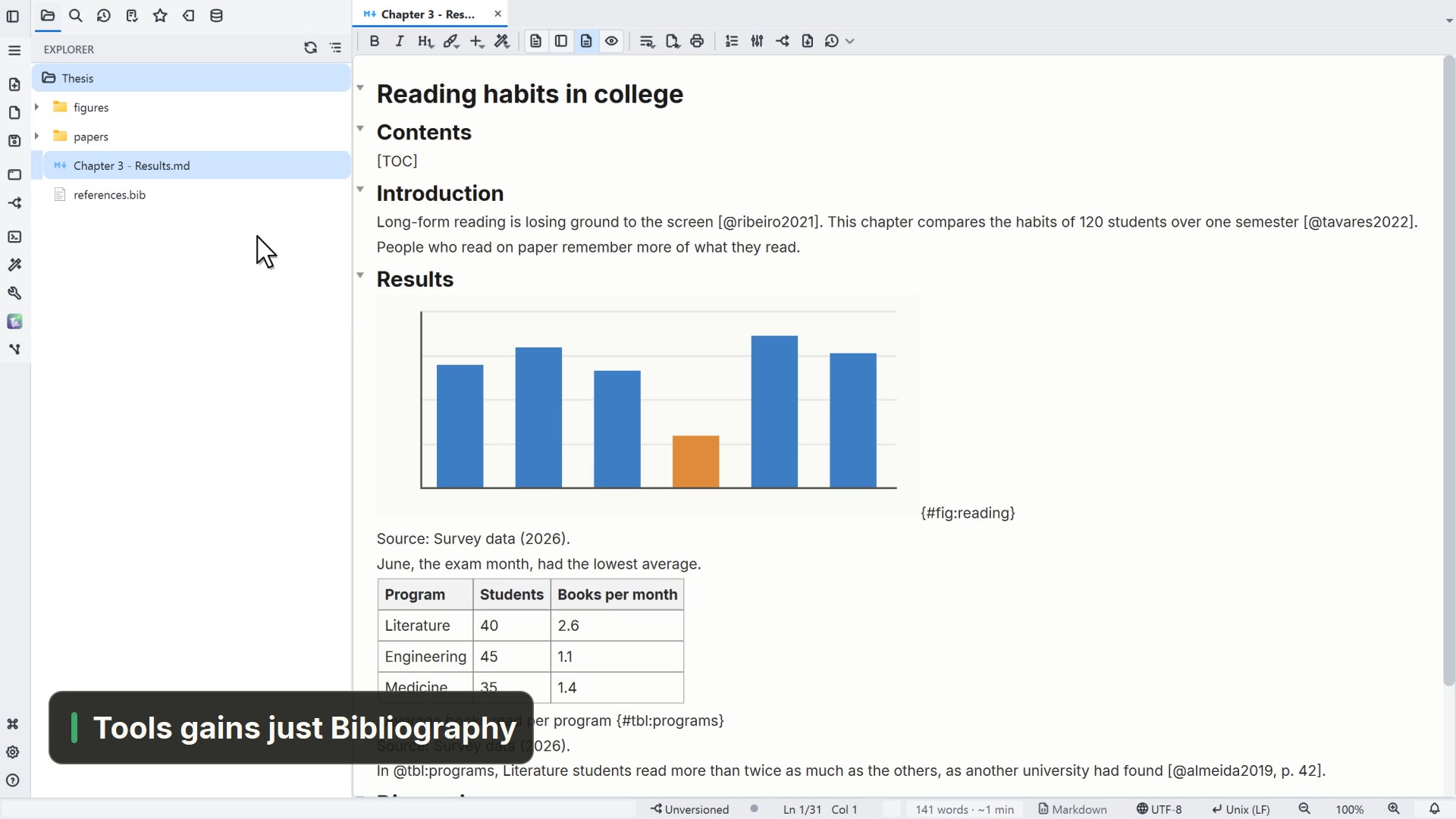
- 00:01The New menu lists everything the app creates
- 00:05Notice New API test
- 00:09Under Features, turn off what you don't use
- 00:13Uncheck API tests, for example
- 00:17Done, it is gone from the New menu
Read more in the HelpFile types and screens: only what you use
Other ways
Features
- Menu
- General → General Settings... → Features
- Command palette
- General Settings...
- Activity bar
- Settings → General settings... → Features
Tips
- A feature you turn off leaves the menus, the palette and the shortcuts at once