Step by step
Select a step to jump to that moment in the video.
- 00:01LightNote starts out as a simple editor
- 00:05The academic features come turned off
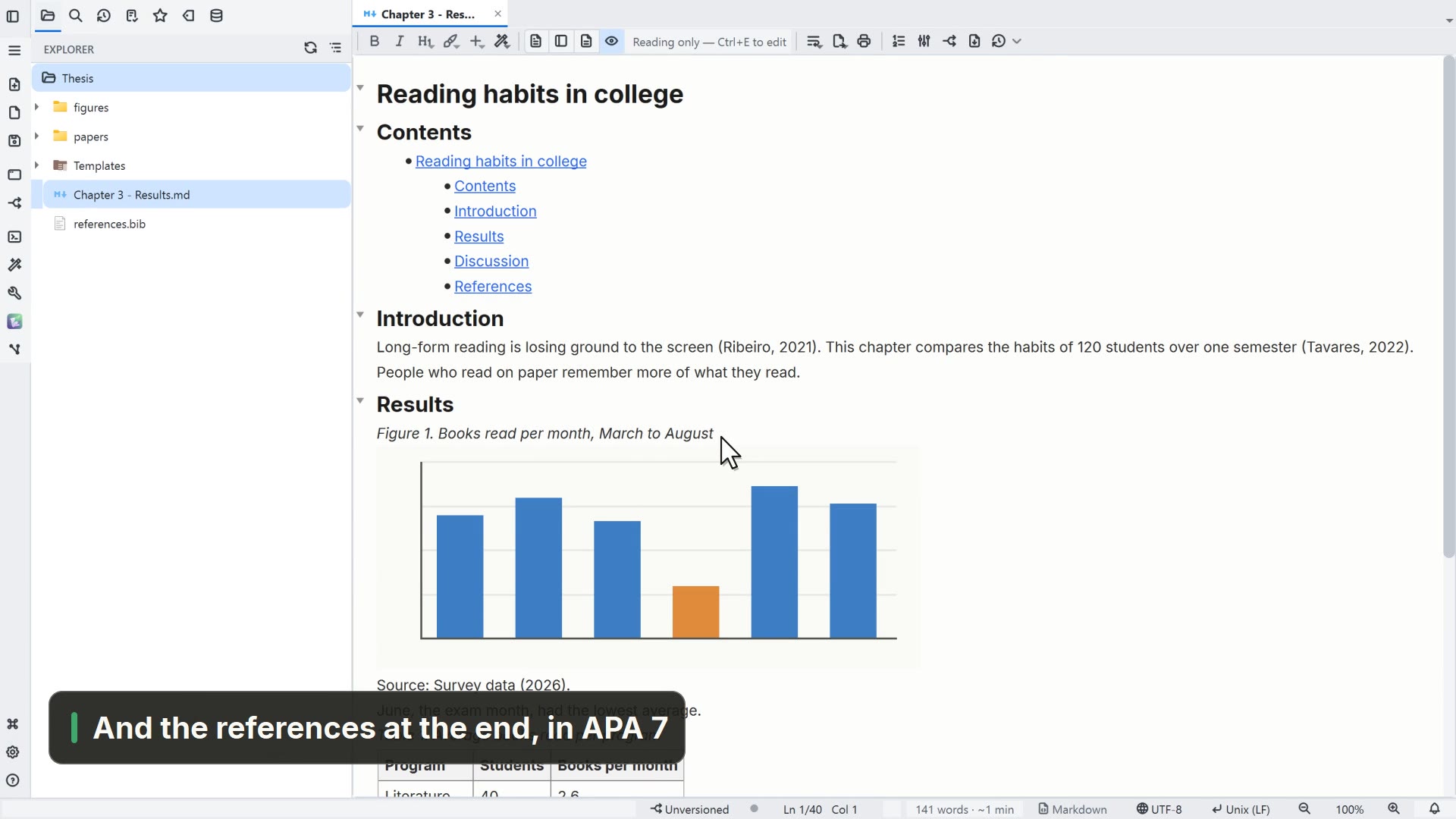
- 00:09Turn on citations and bibliography
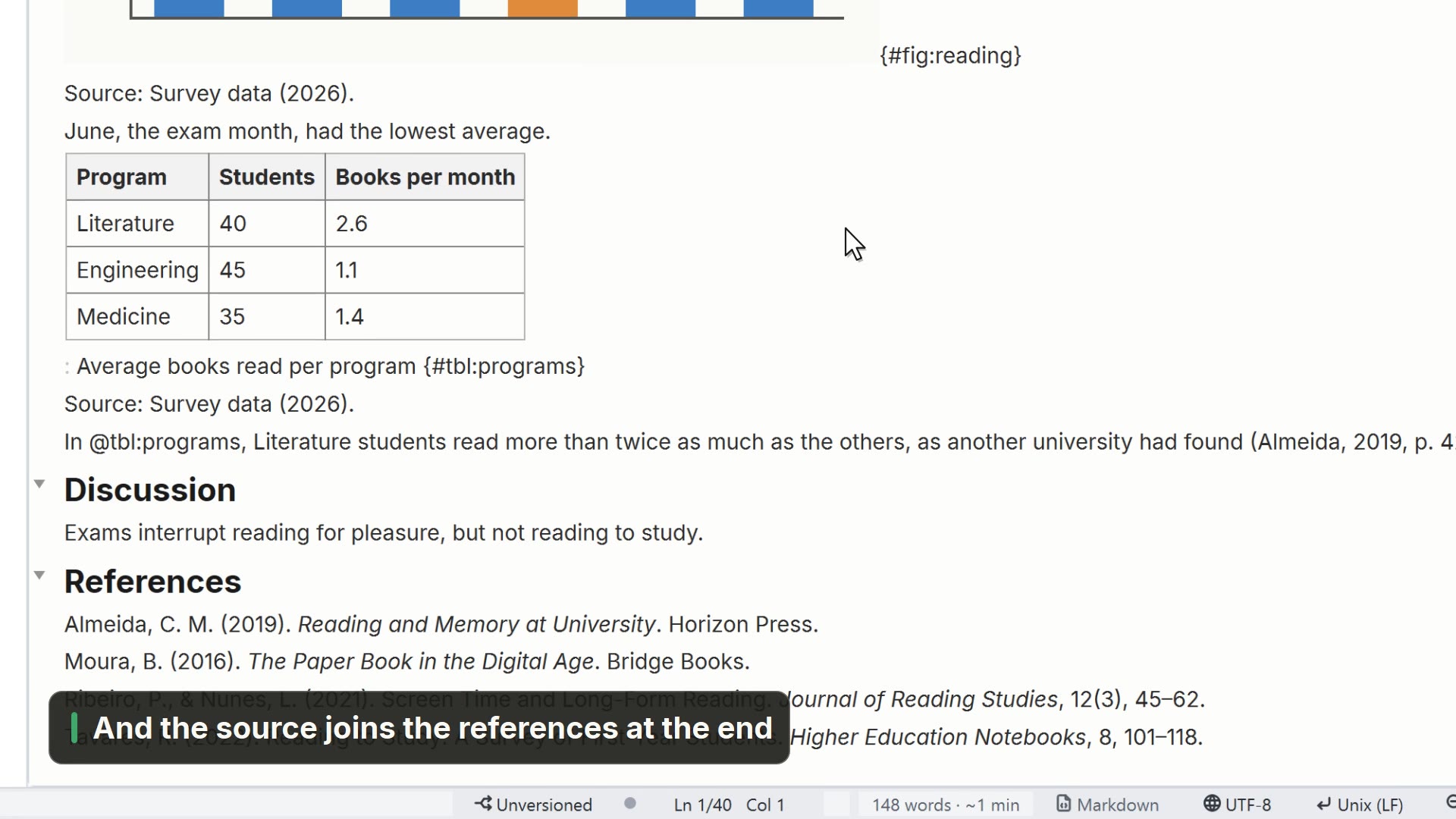
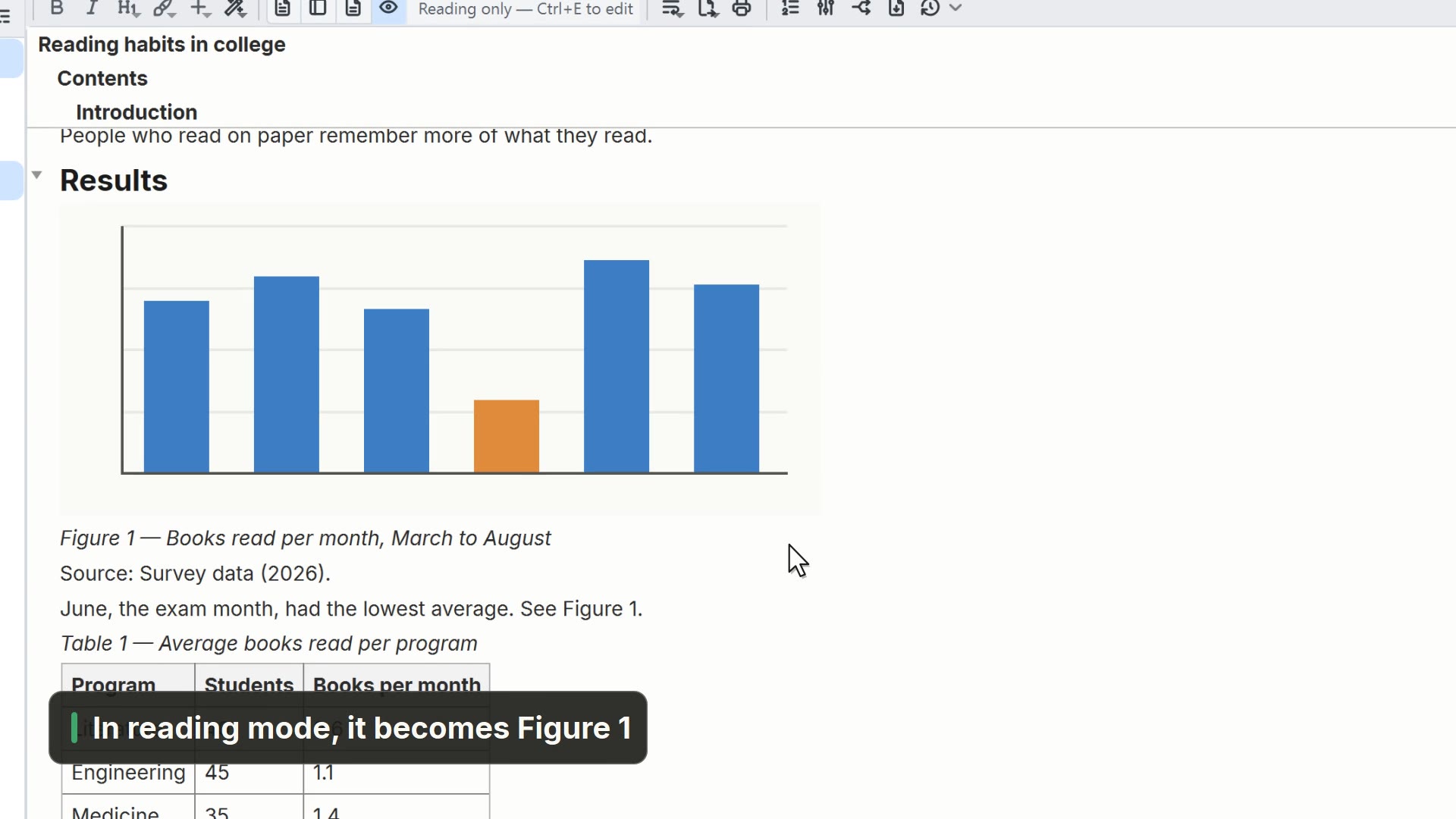
- 00:12And figure and table numbering
- 00:16Tools gains just Bibliography
Read more in the HelpCitations and references
Other ways
Features
- Menu
- General → General Settings... → Features
- Command palette
- General Settings...
- Activity bar
- Settings → General settings... → Features
Tips
- When off, the academic features don't show up in any menu