Step by step
Select a step to jump to that moment in the video.
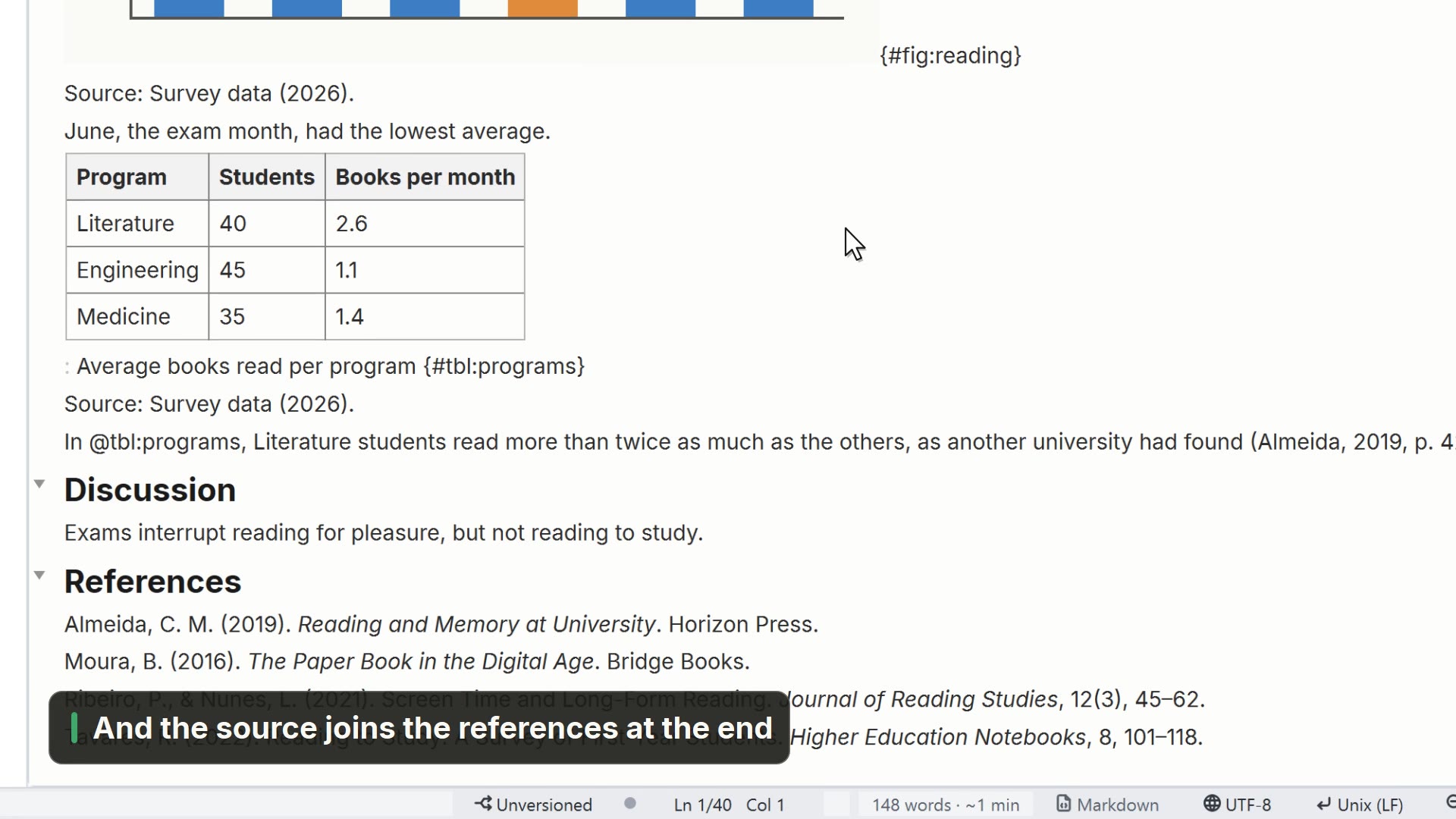
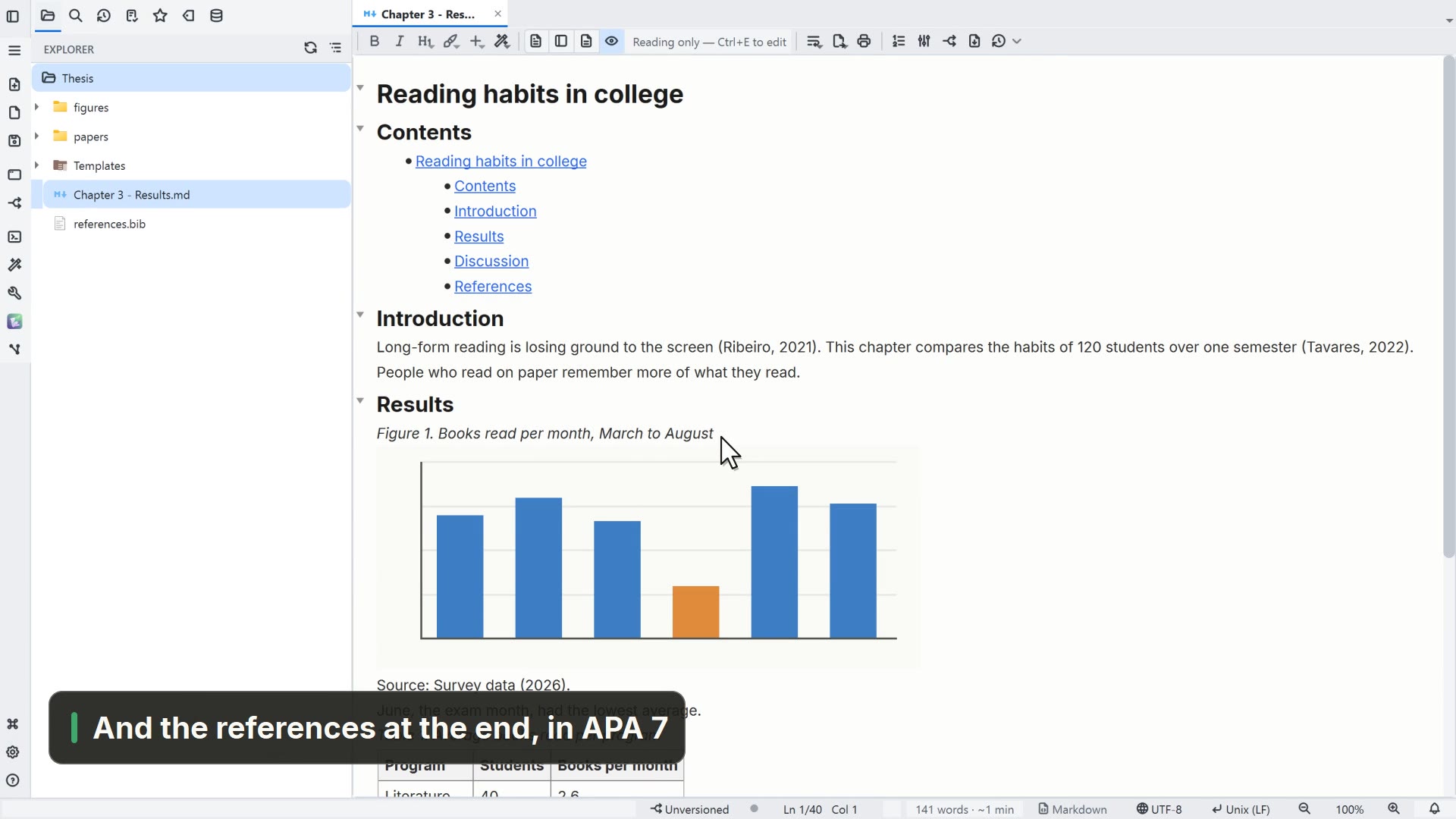
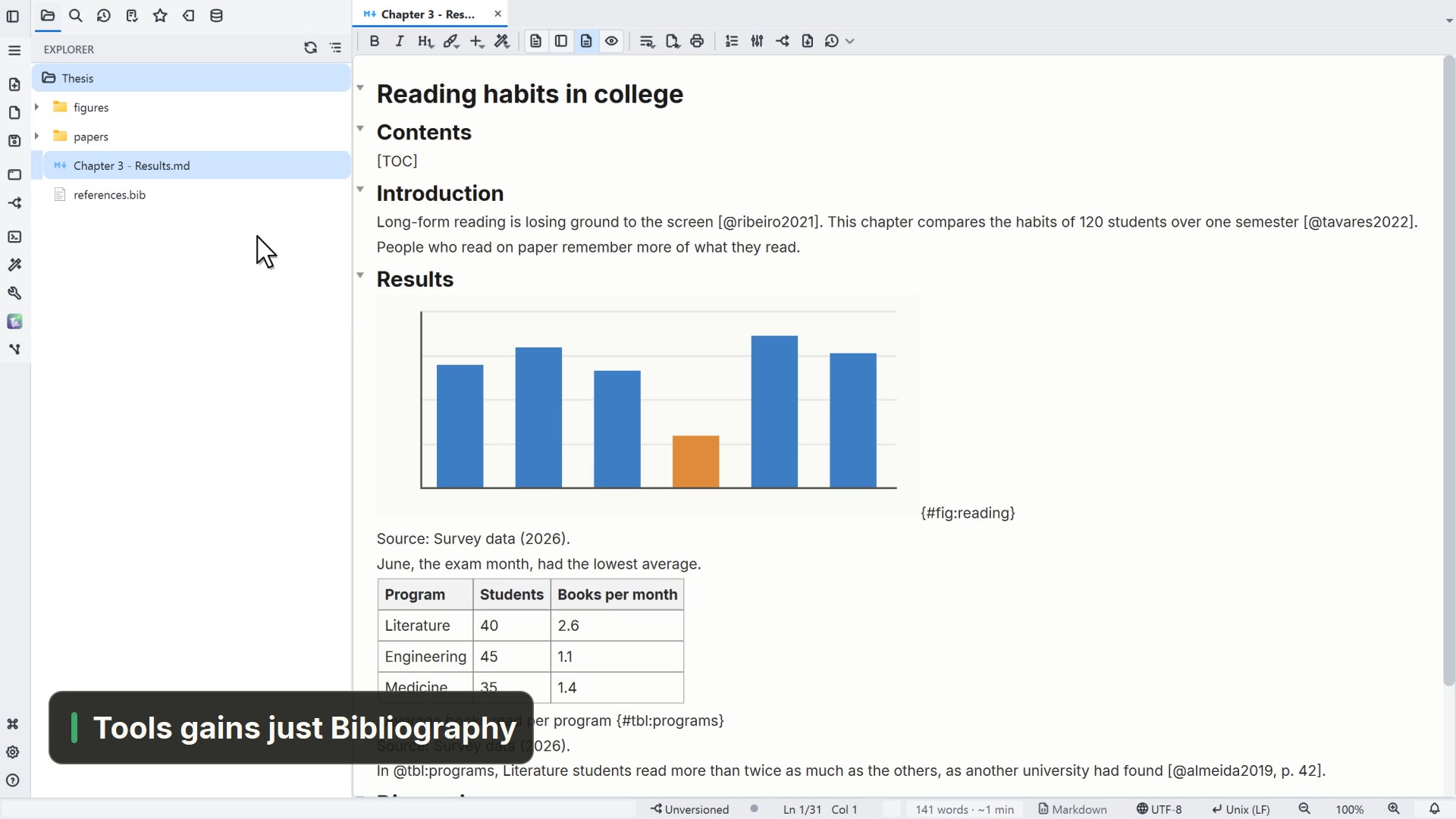
- 00:01A {#fig:…} label marks the figure
- 00:05To point to it, write @fig:
- 00:08In reading mode, it becomes Figure 1
Read more in the HelpNumbering and cross-references
Other ways
Features
- Menu
- General → General Settings... → Features
- Command palette
- General Settings...
- Activity bar
- Settings → General settings... → Features
Tips
- Tables use {#tbl:…} and @tbl:, like figures