Step by step
Select a step to jump to that moment in the video.
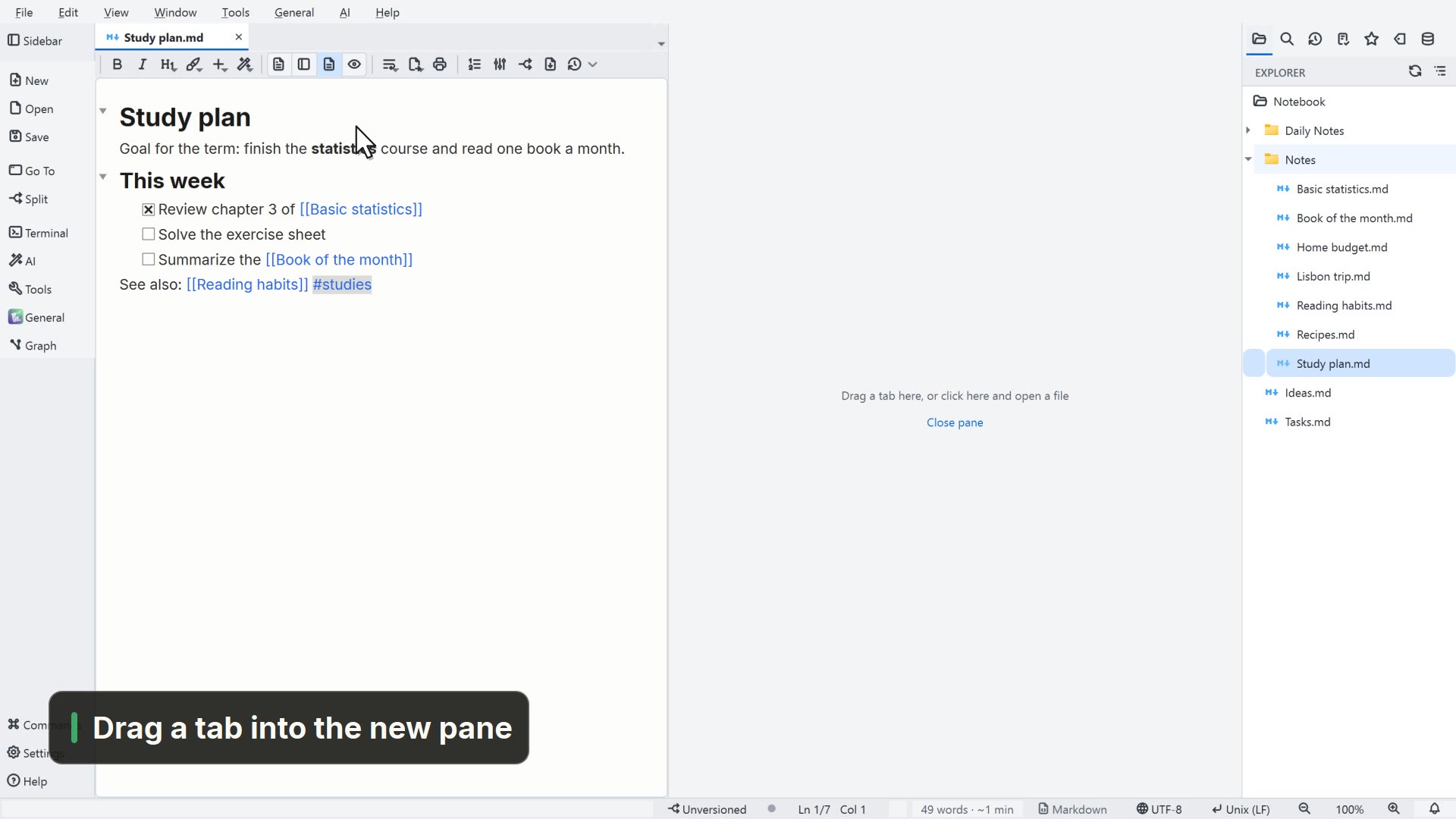
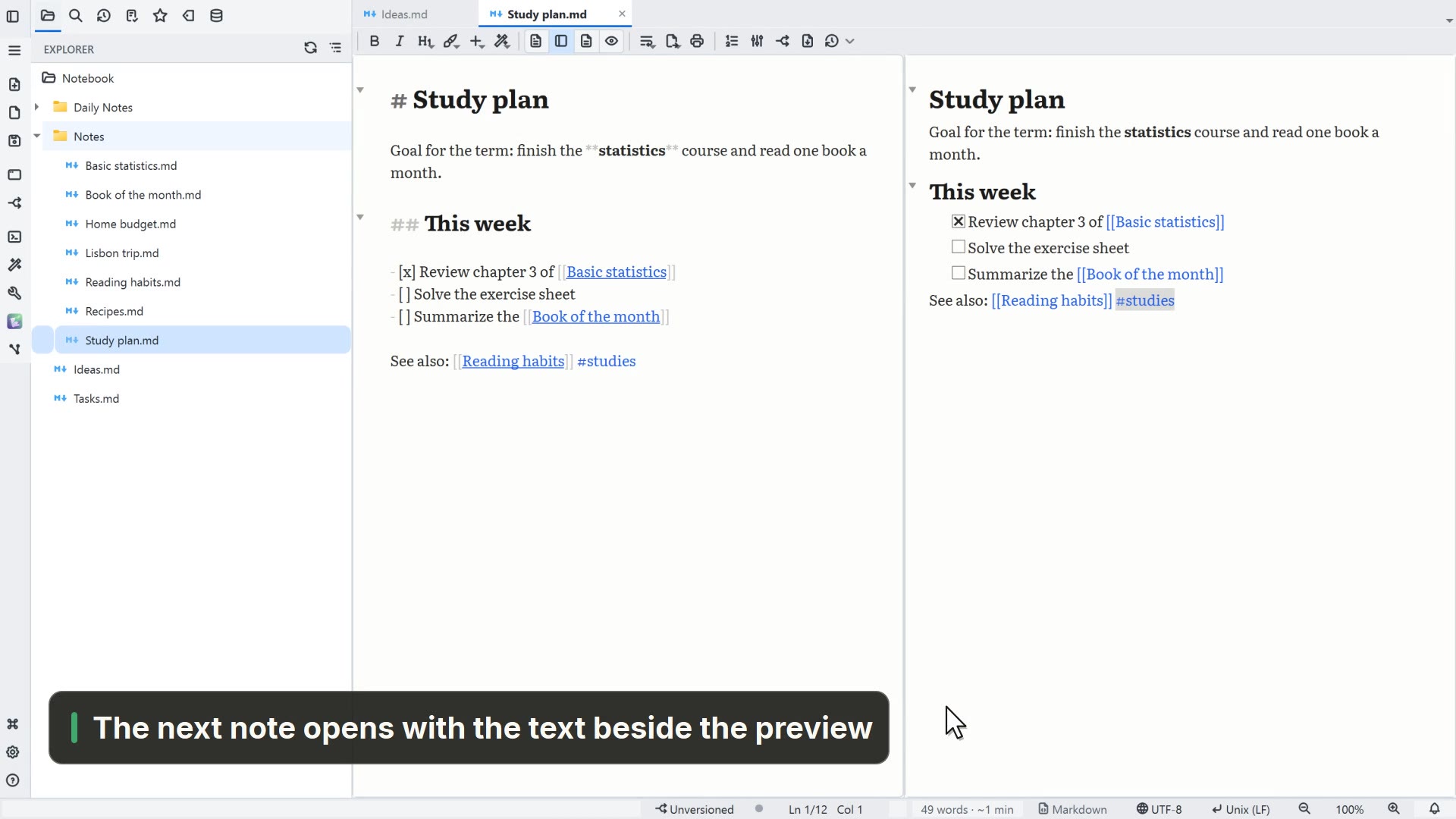
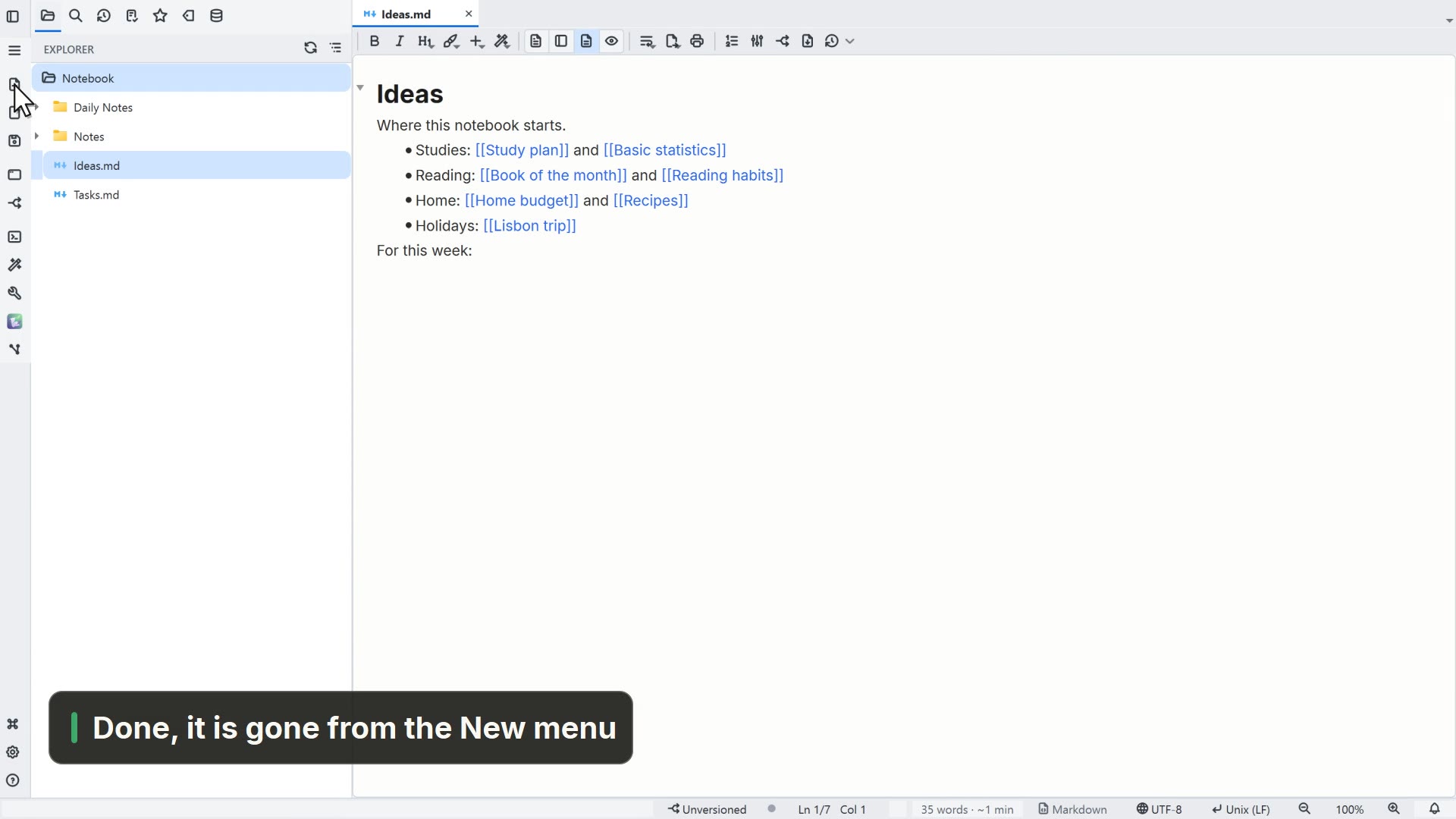
- 00:01The theme applies to the whole app
- 00:05Open Settings from the gear
- 00:08Under Theme, pick Dark
- 00:11Note colors live under Markdown
- 00:15Pick a dark theme for your notes
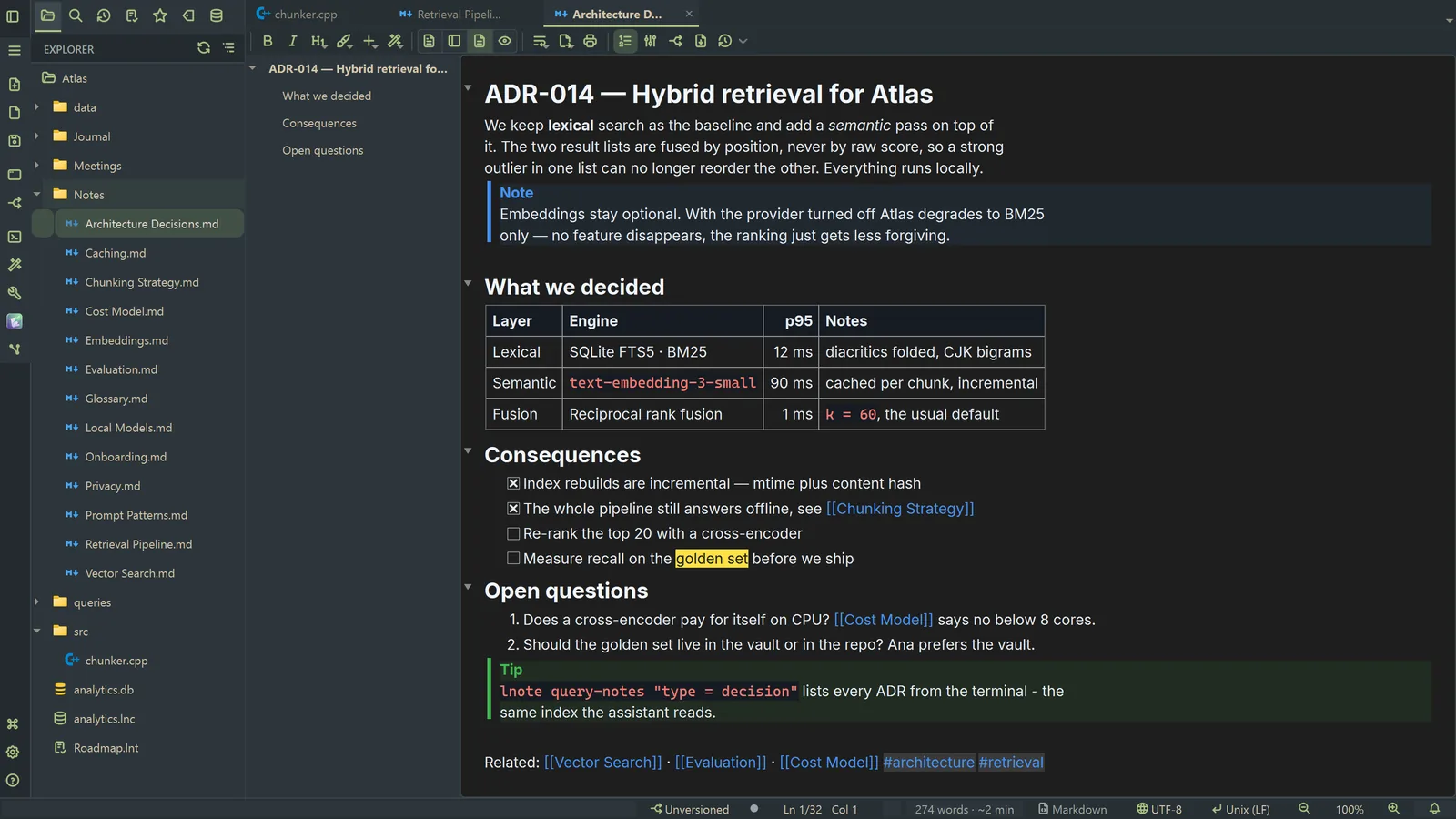
- 00:18Click OK, and the note shows the new theme
Read more in the HelpThemes
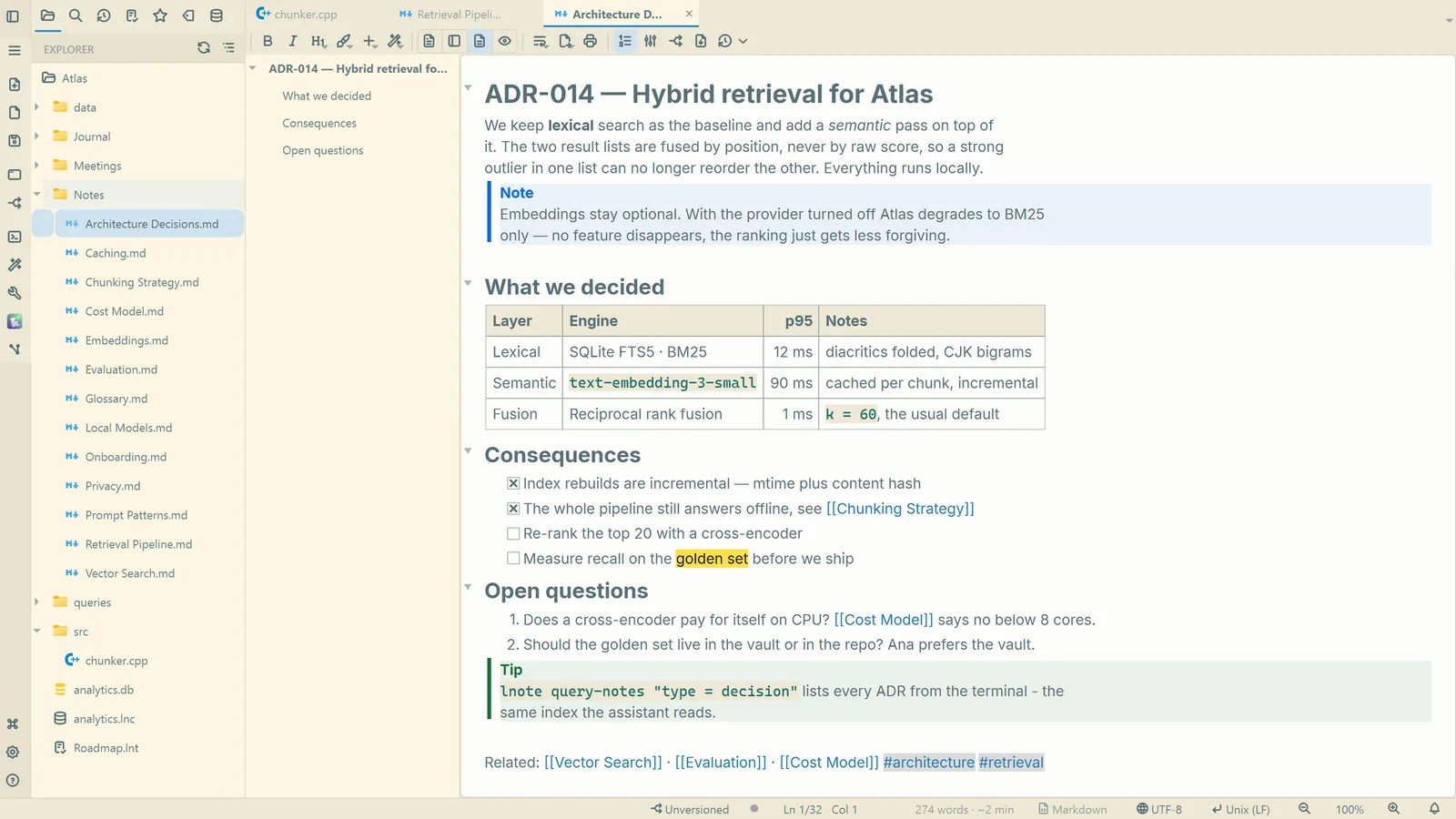
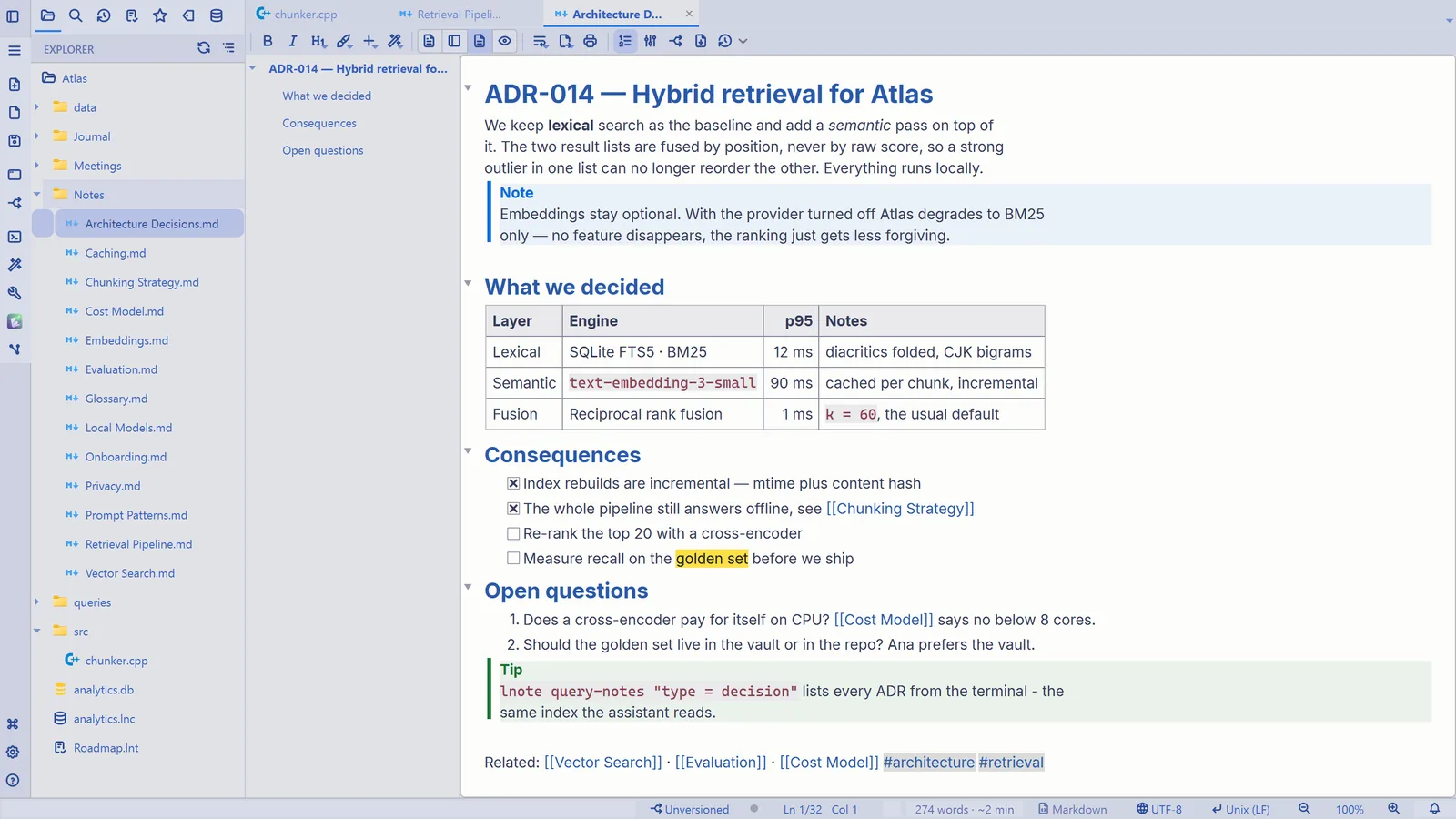
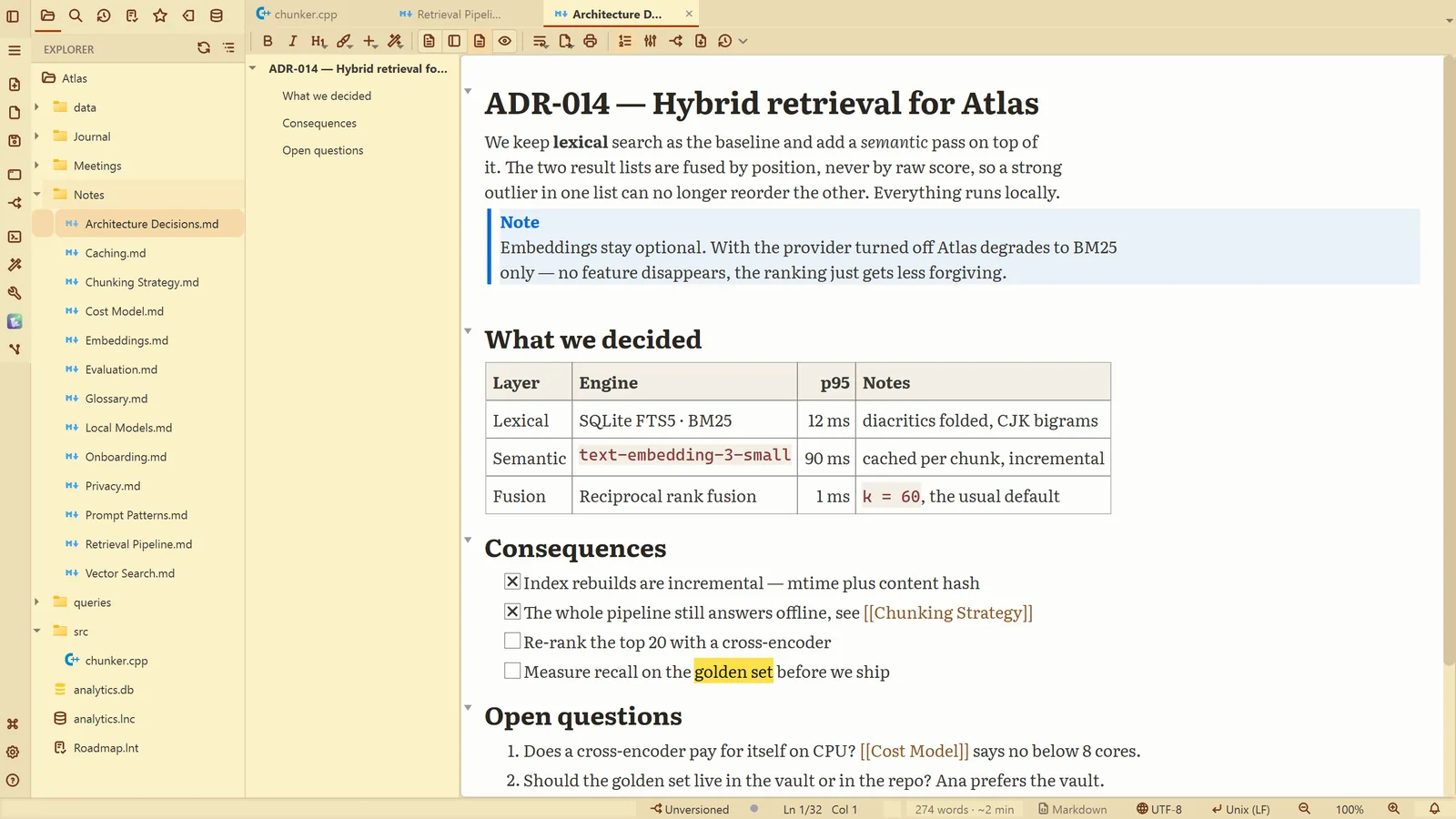
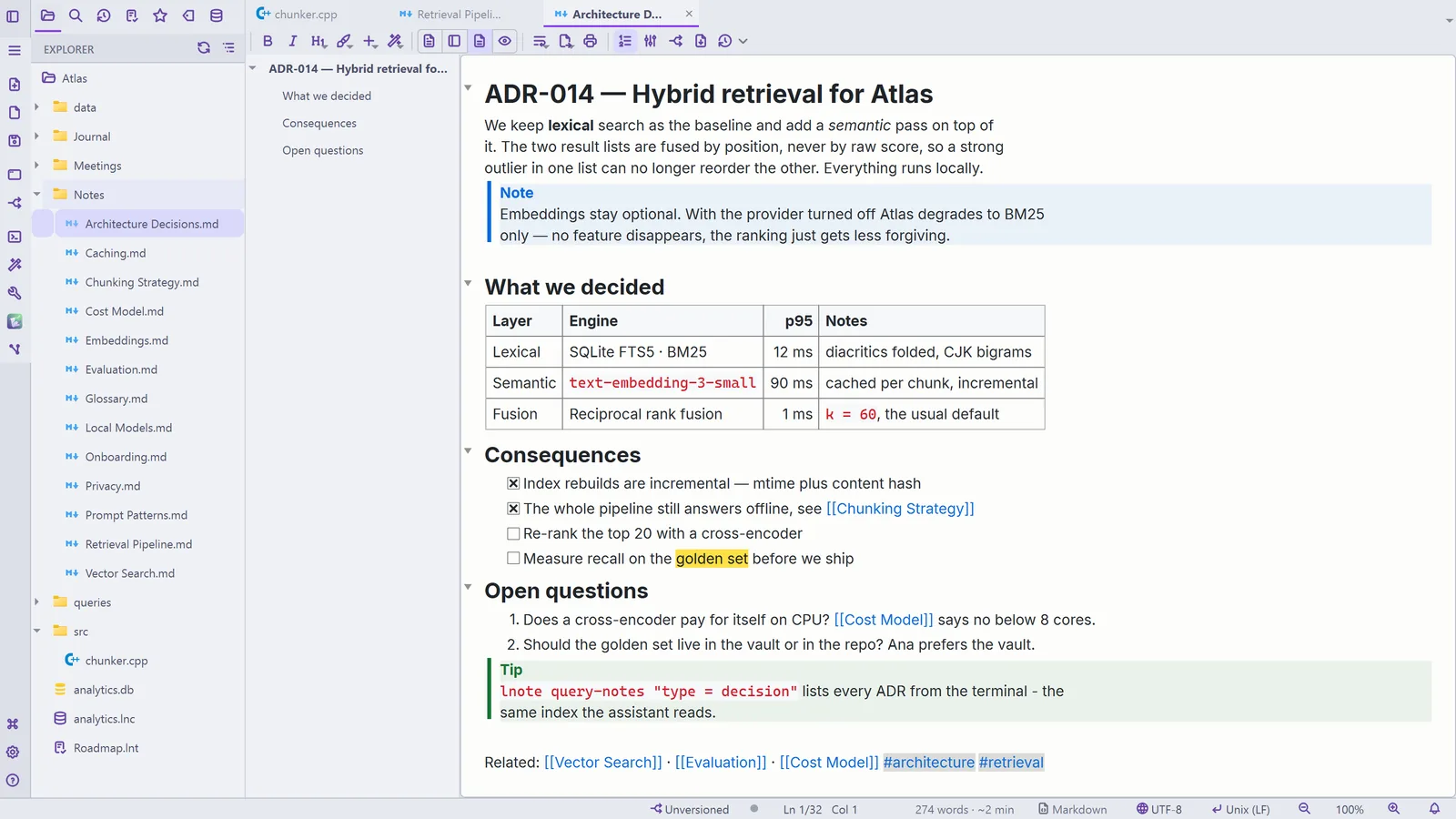
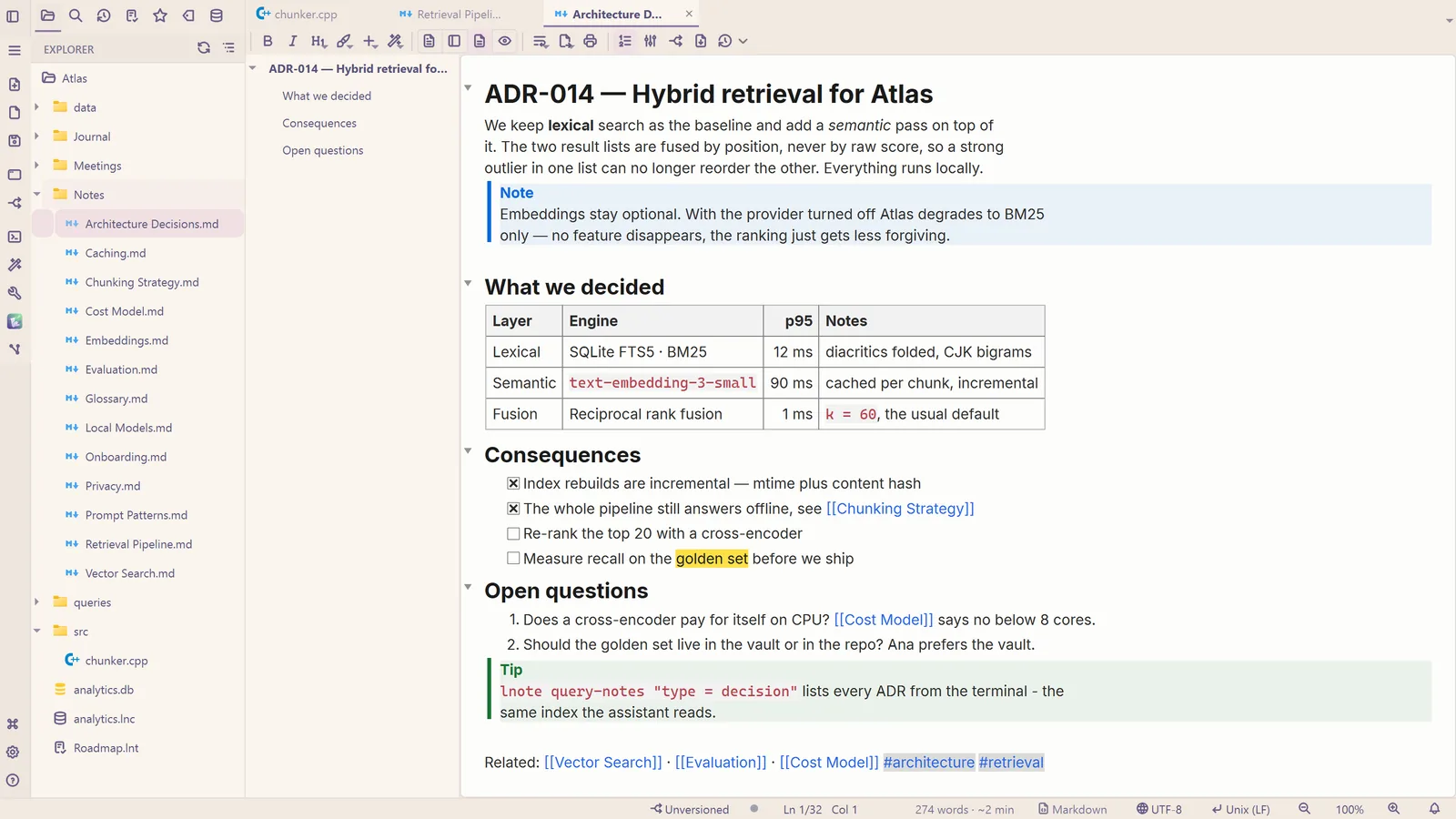
What each theme looks like
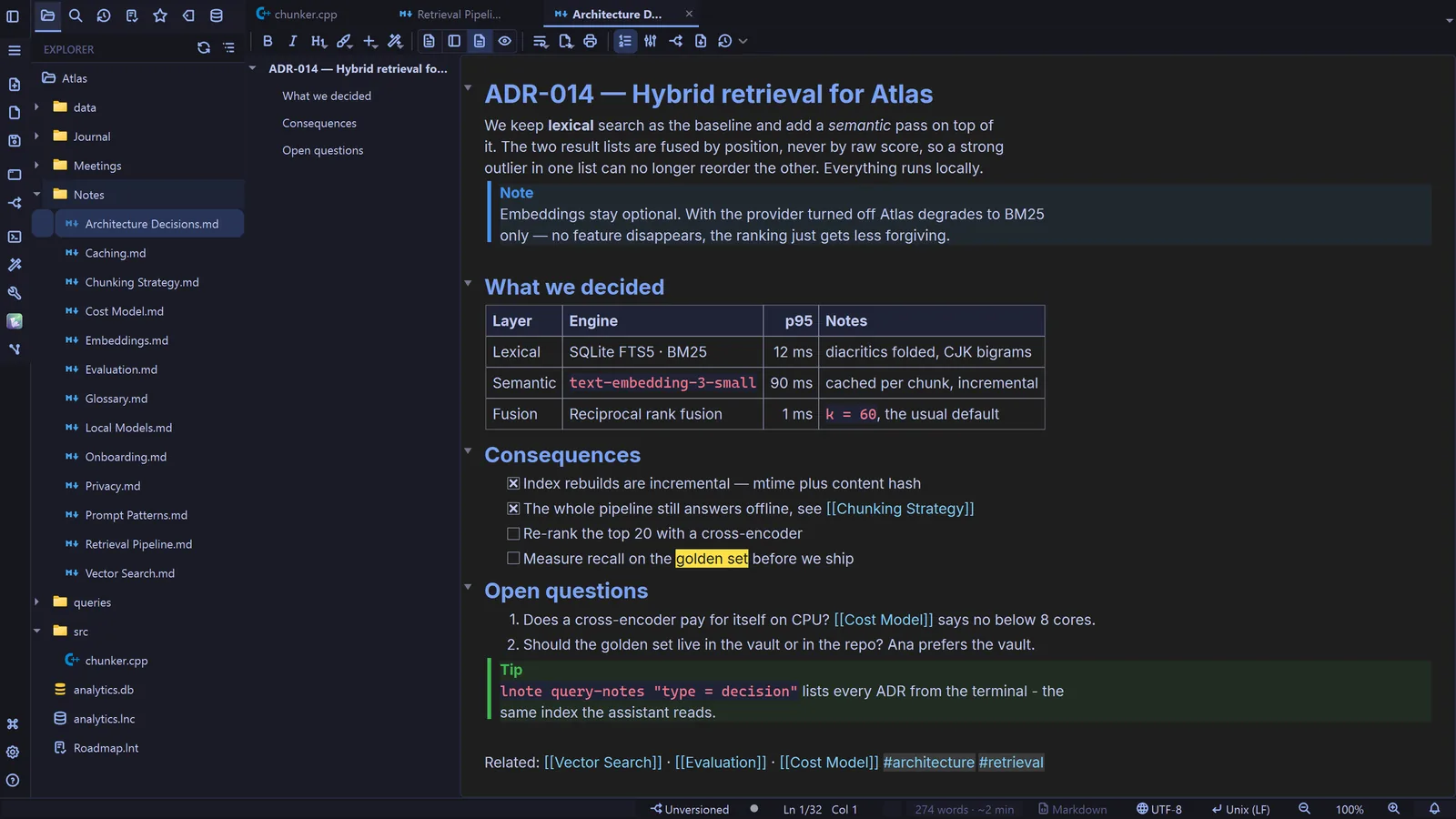
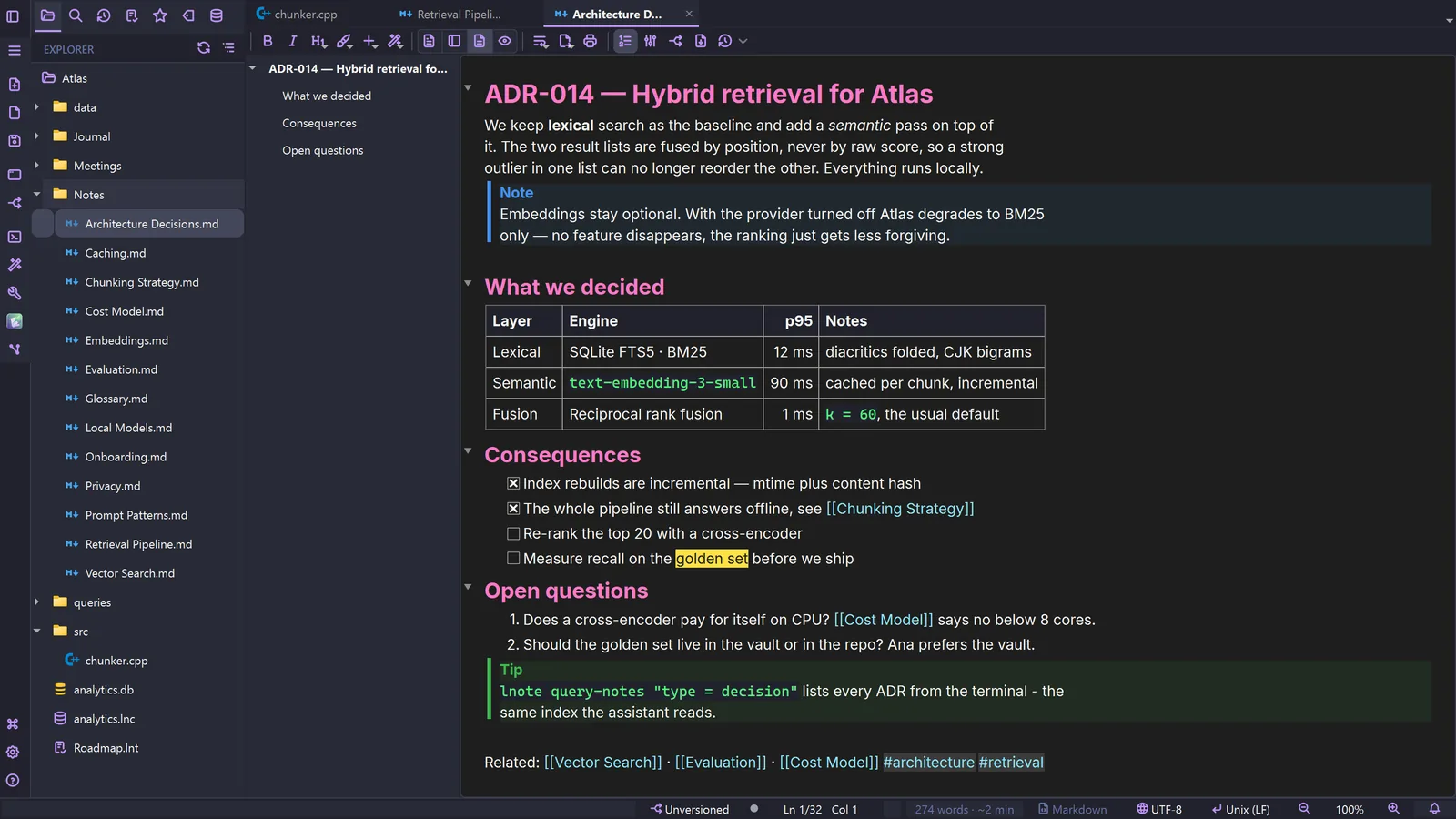
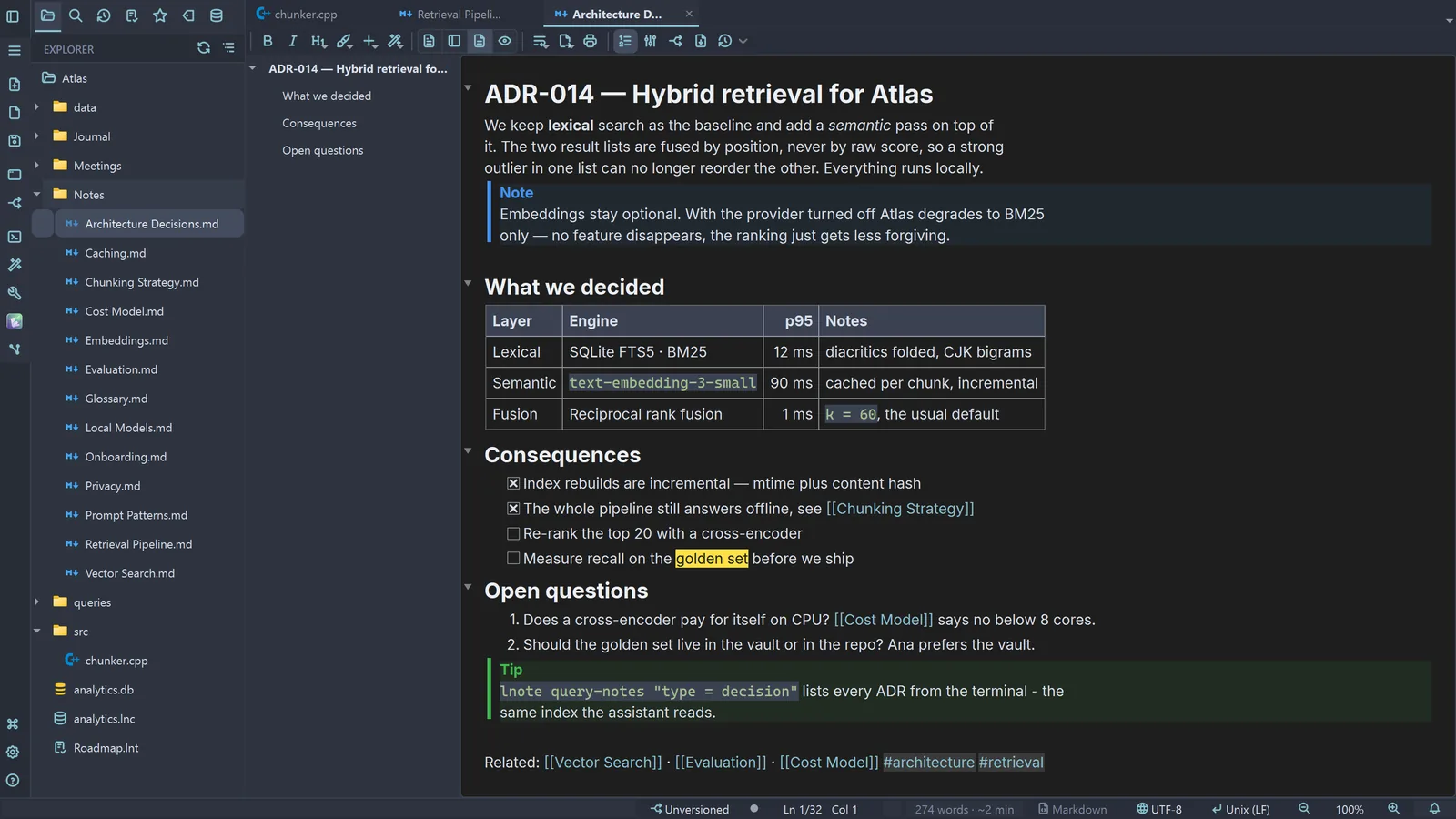
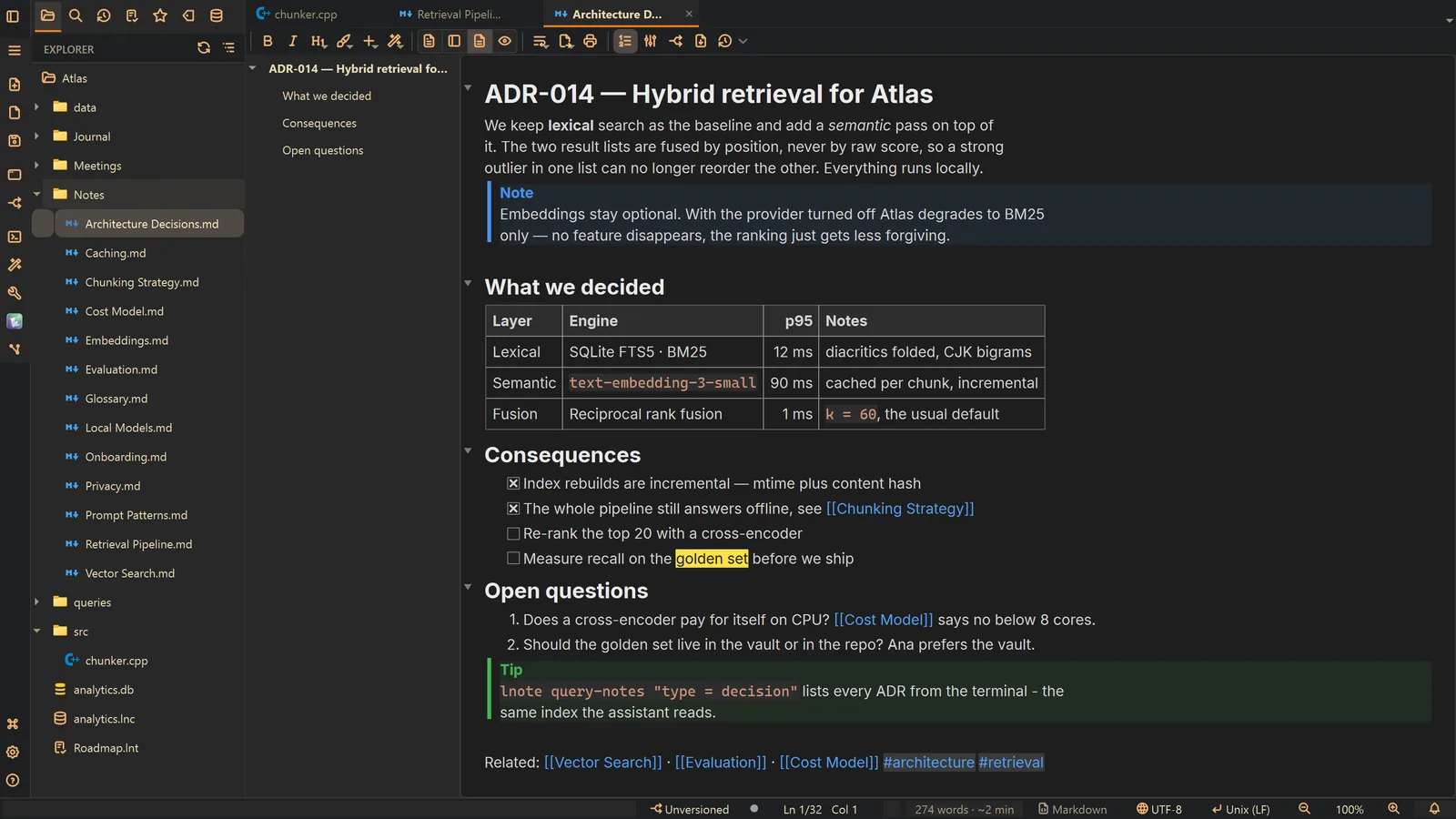
Other ways
Theme
- Menu
- General → General Settings... → Theme
- Command palette
- General Settings...
- Activity bar
- Settings → General settings... → Theme
Markdown
- Menu
- General → General Settings... → Markdown
- Command palette
- General Settings...
- Activity bar
- Settings → General settings... → Markdown
Tips
- The window theme and the note theme are separate choices