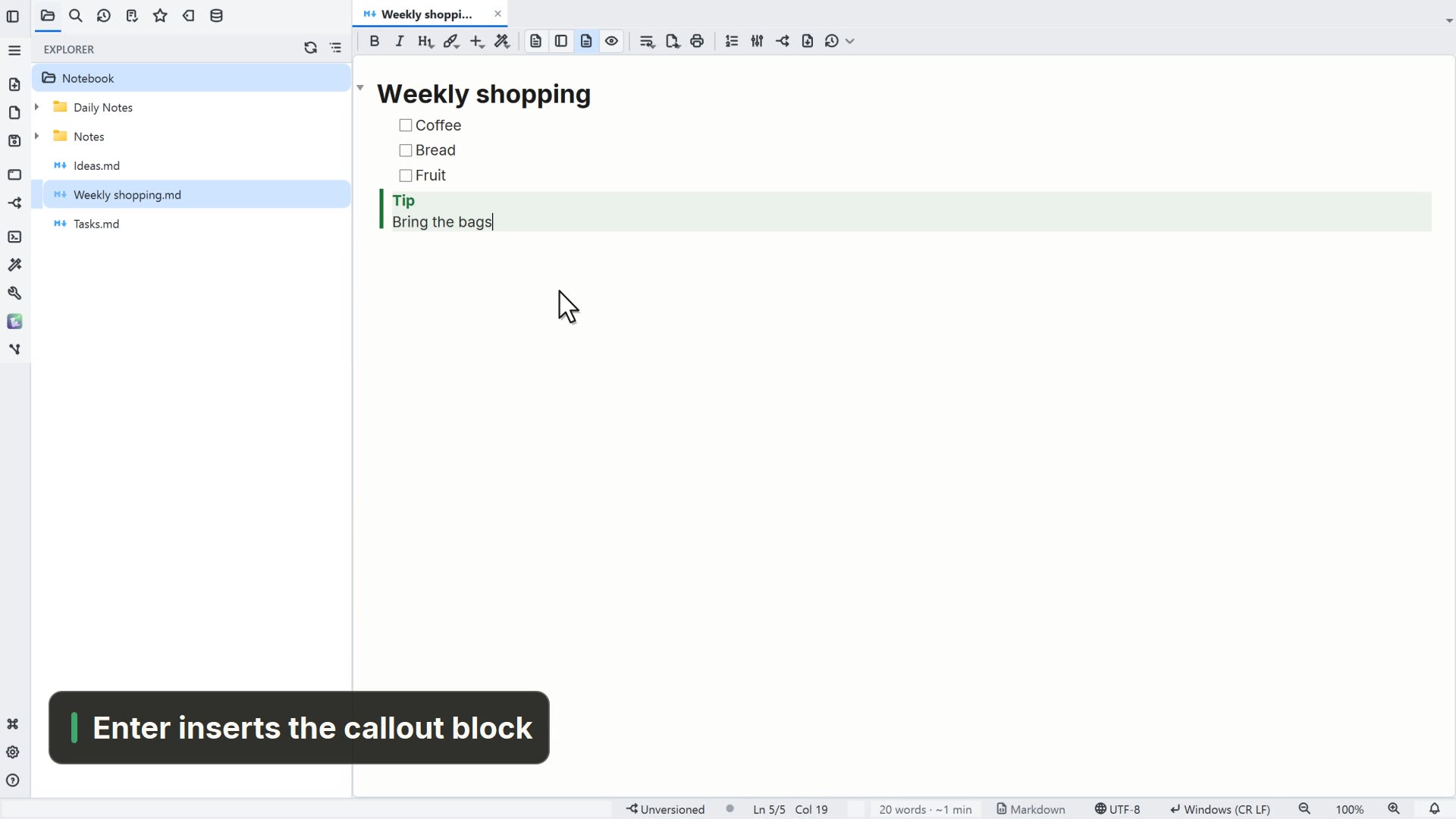
Simulated in the video: the system's folder picker.
Step by step
Select a step to jump to that moment in the video.
- 00:02On the start screen, click Open folder…
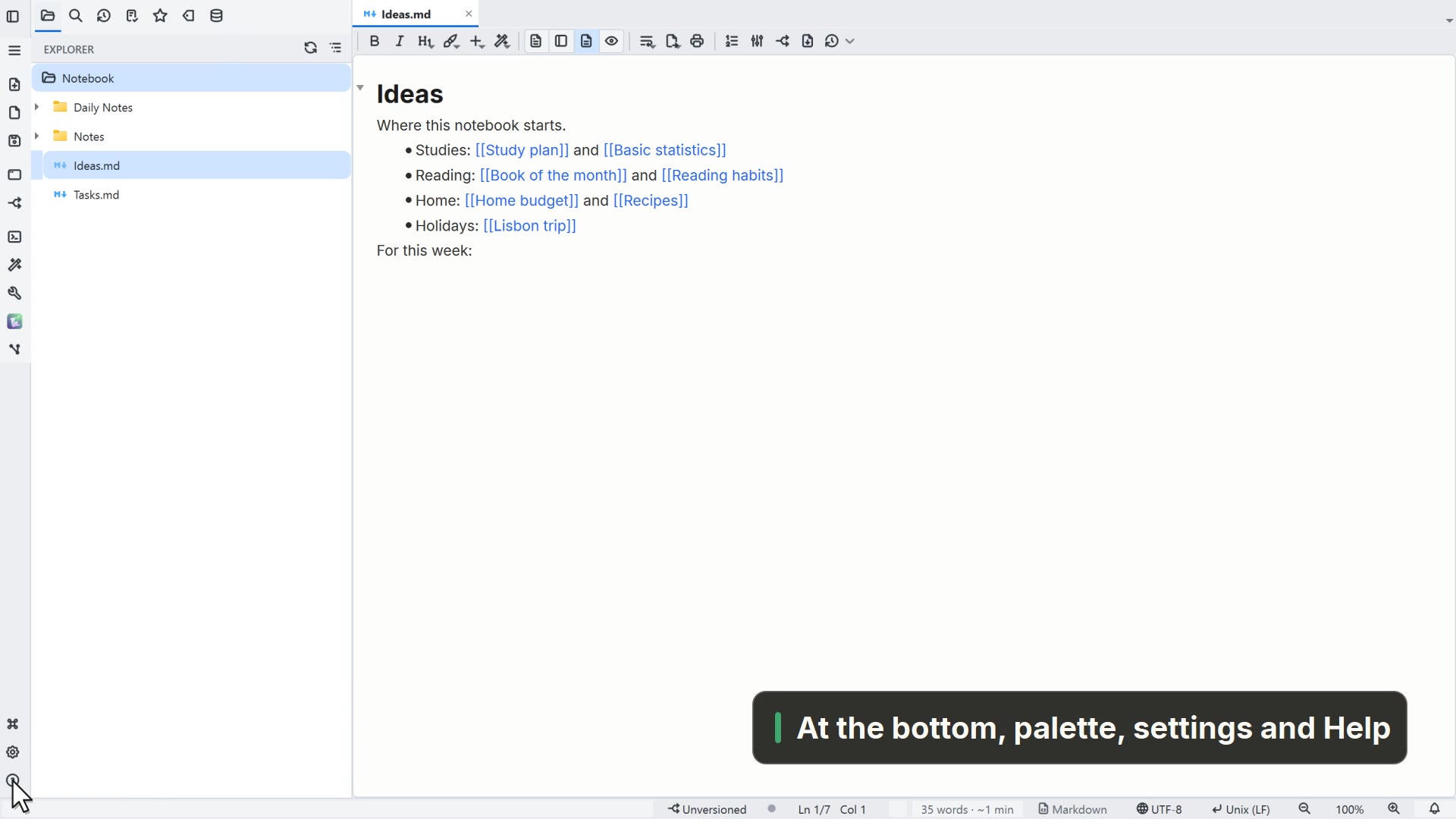
- 00:05The folder becomes your workspace, with the notes in the tree
- 00:08Double-click a note to open it
Read more in the HelpThe root folder and the window
Other ways
Switch this window's workspace
- Menu
- File → Switch this window's workspace...
- Shortcut
- Ctrl+Shift+O
- Command palette
- Switch this window's workspace...
Tips
- Folders you opened before are under Open → Recent folders
- An Obsidian vault is already Markdown: open it as a folder