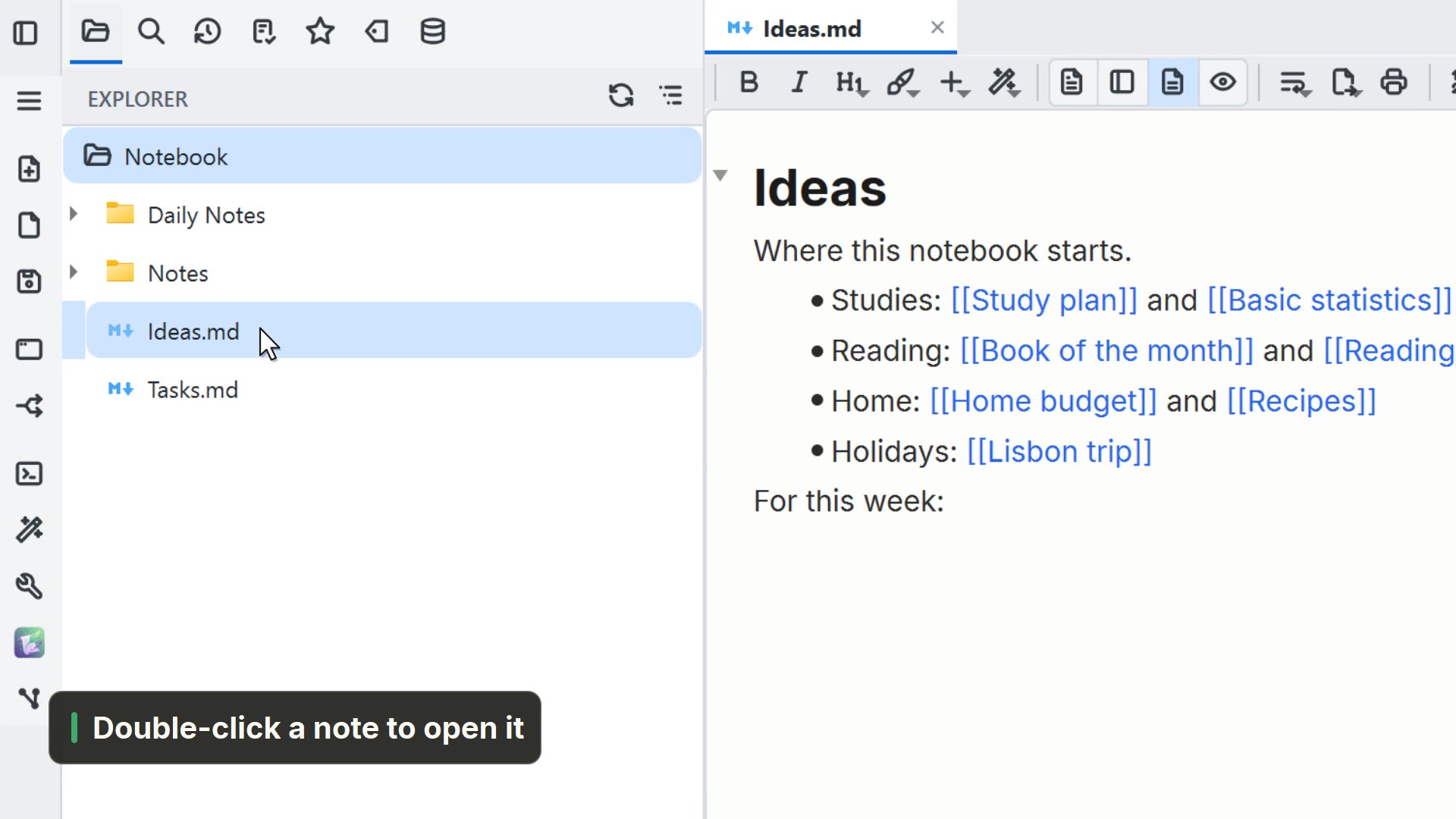
Simulated in the video: the system's folder picker.
Step by step
Select a step to jump to that moment in the video.
- 00:02In the palette, ask for Import from another app
- 00:07Pick the export folder; the app is recognized for you
- 00:10Import: each page becomes a note
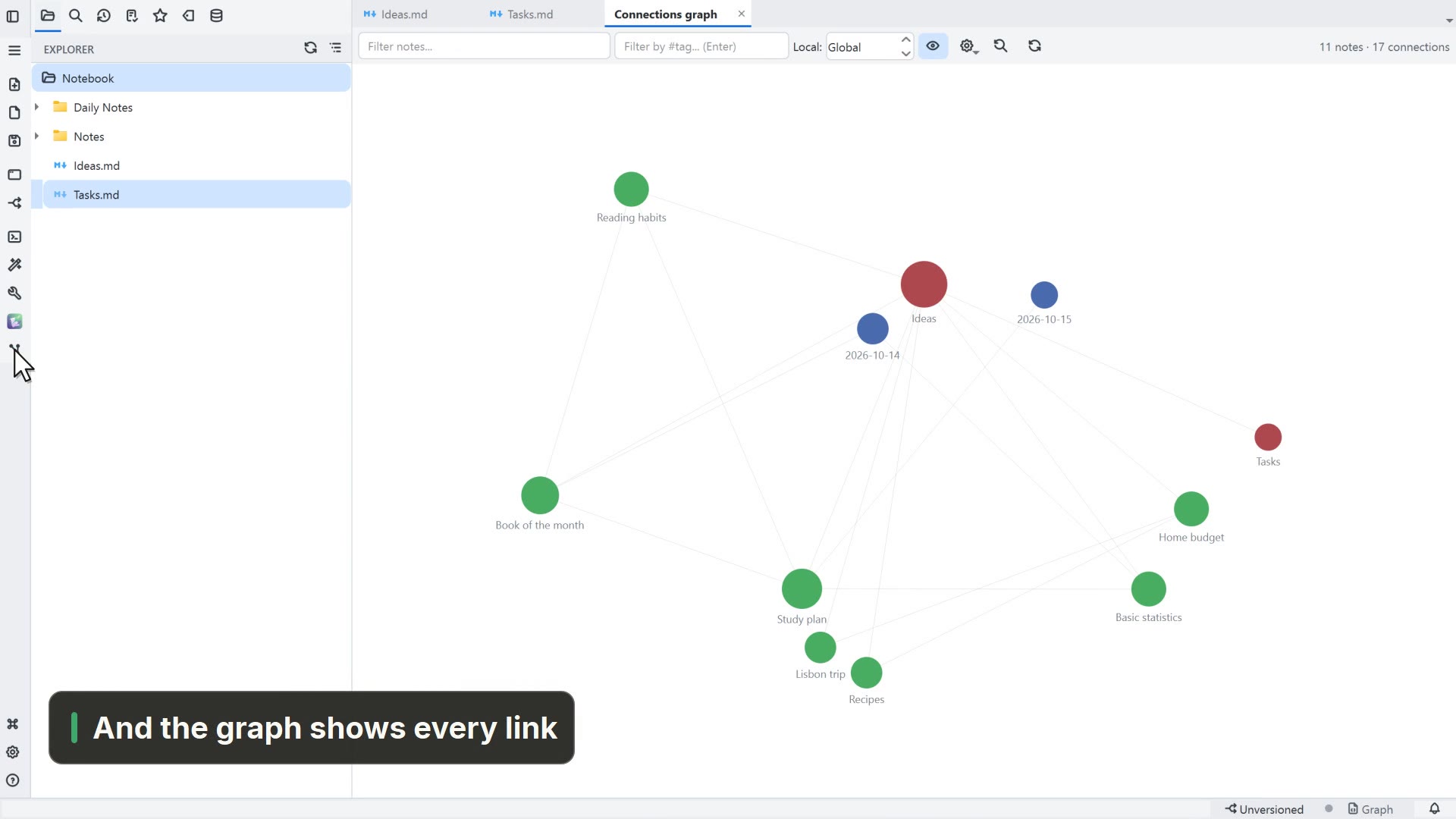
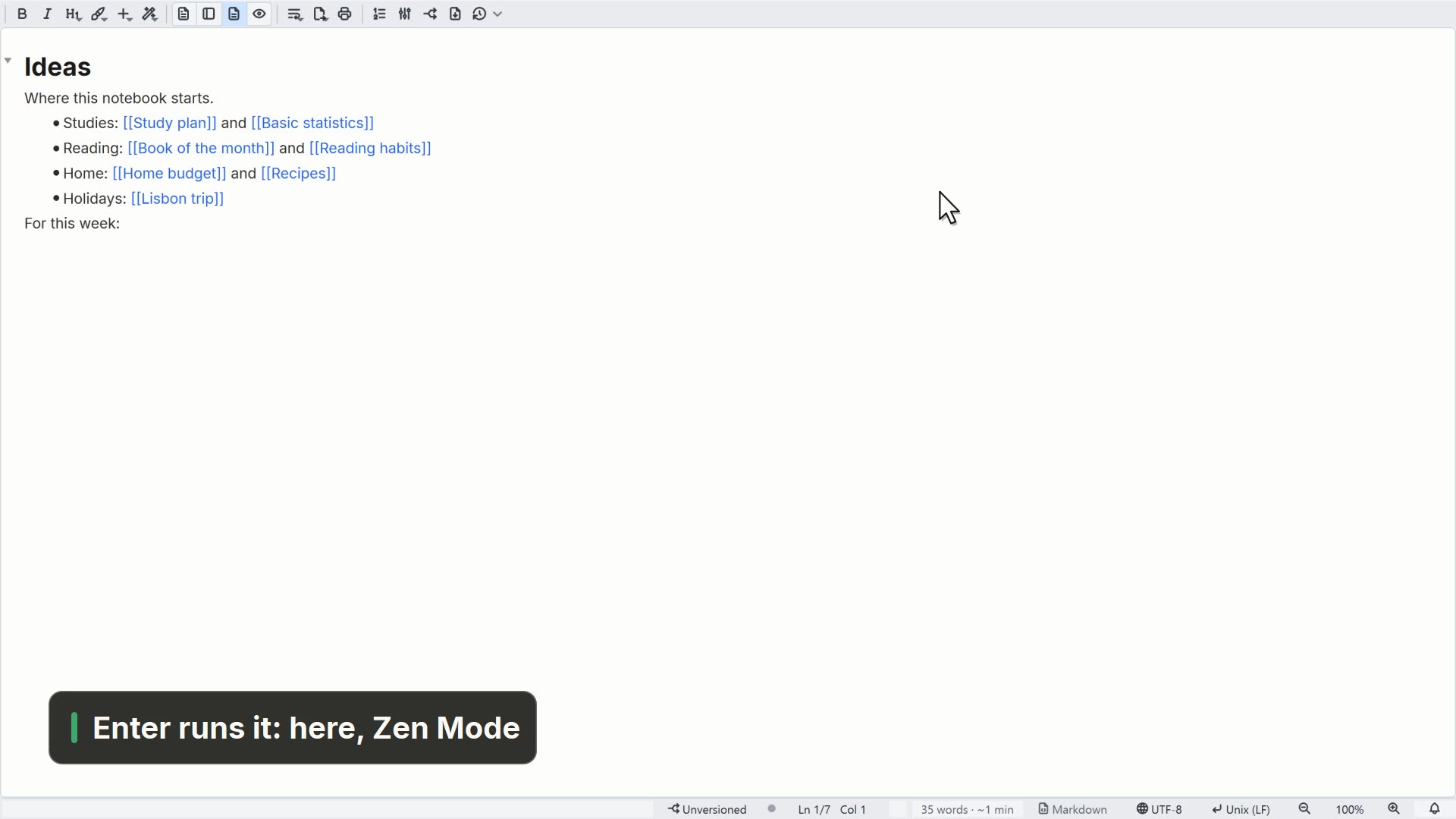
- 00:14The links between the pages still work
Read more in the HelpImporting documents and other apps
Other ways
Import from another app
- Menu
- File → Import from another app...
- Command palette
- Import from another app...
Tips
- It works with exports from Notion, Evernote, Joplin, Logseq and Roam
- An Obsidian vault needs no import: open it as a folder