Step by step
Select a step to jump to that moment in the video.
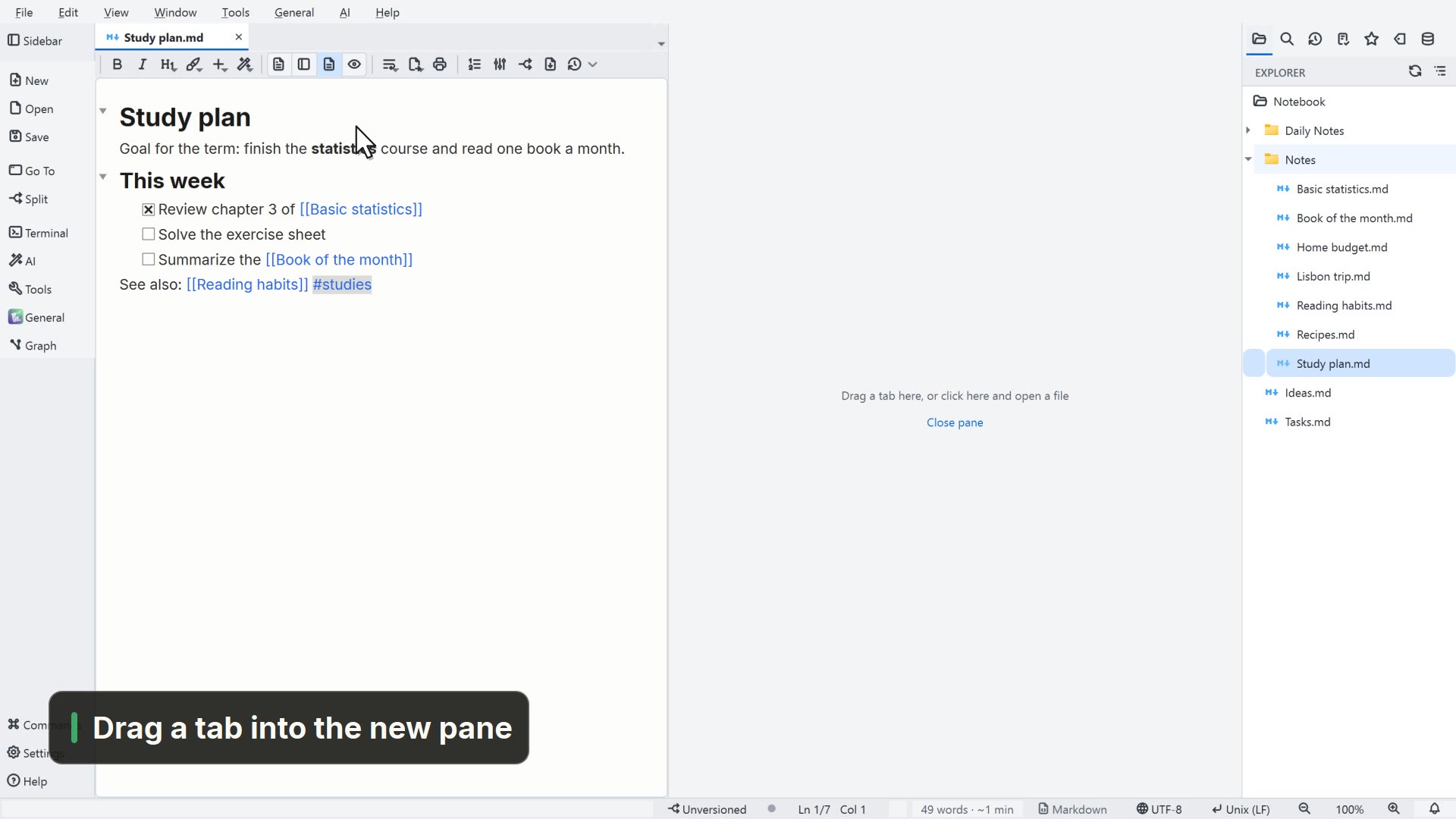
- 00:01On the left, the activity bar
- 00:08Navigate, split, the terminal and AI
- 00:14Tools, app actions and the graph
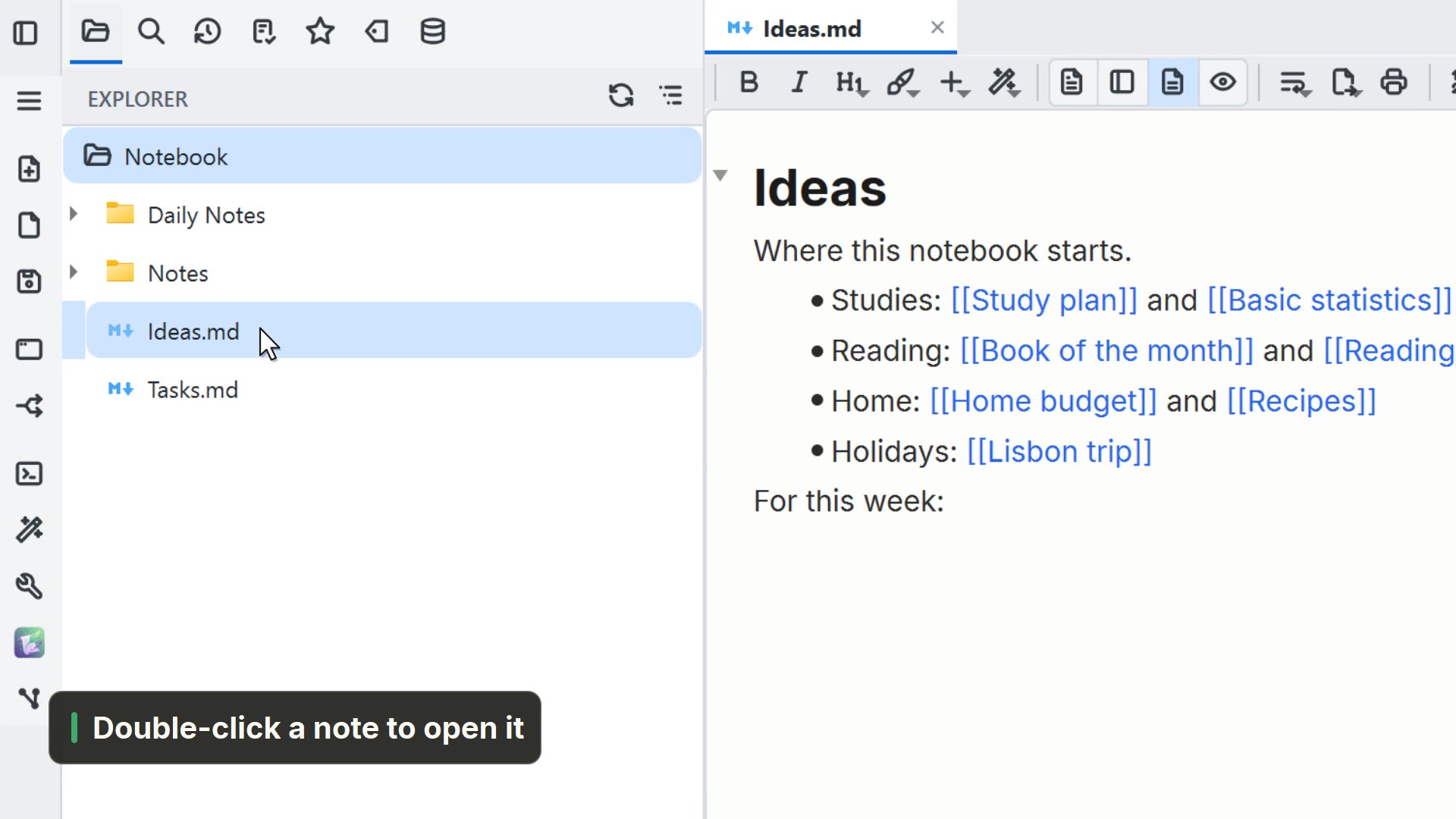
- 00:18At the top of the sidebar, its tabs
- 00:25At the bottom, palette, settings and Help
Read more in the HelpMenus and zoom
Other ways
Sidebar
- Shortcut
- Ctrl+B
- Activity bar
- Sidebar
Explorer Panel
- Menu
- Window → Explorer Panel
- Shortcut
- Ctrl+Shift+E
- Command palette
- Explorer Panel
Tips
- Hover over a button and its tip shows its name
- The sidebar can move to the right, in Settings → General