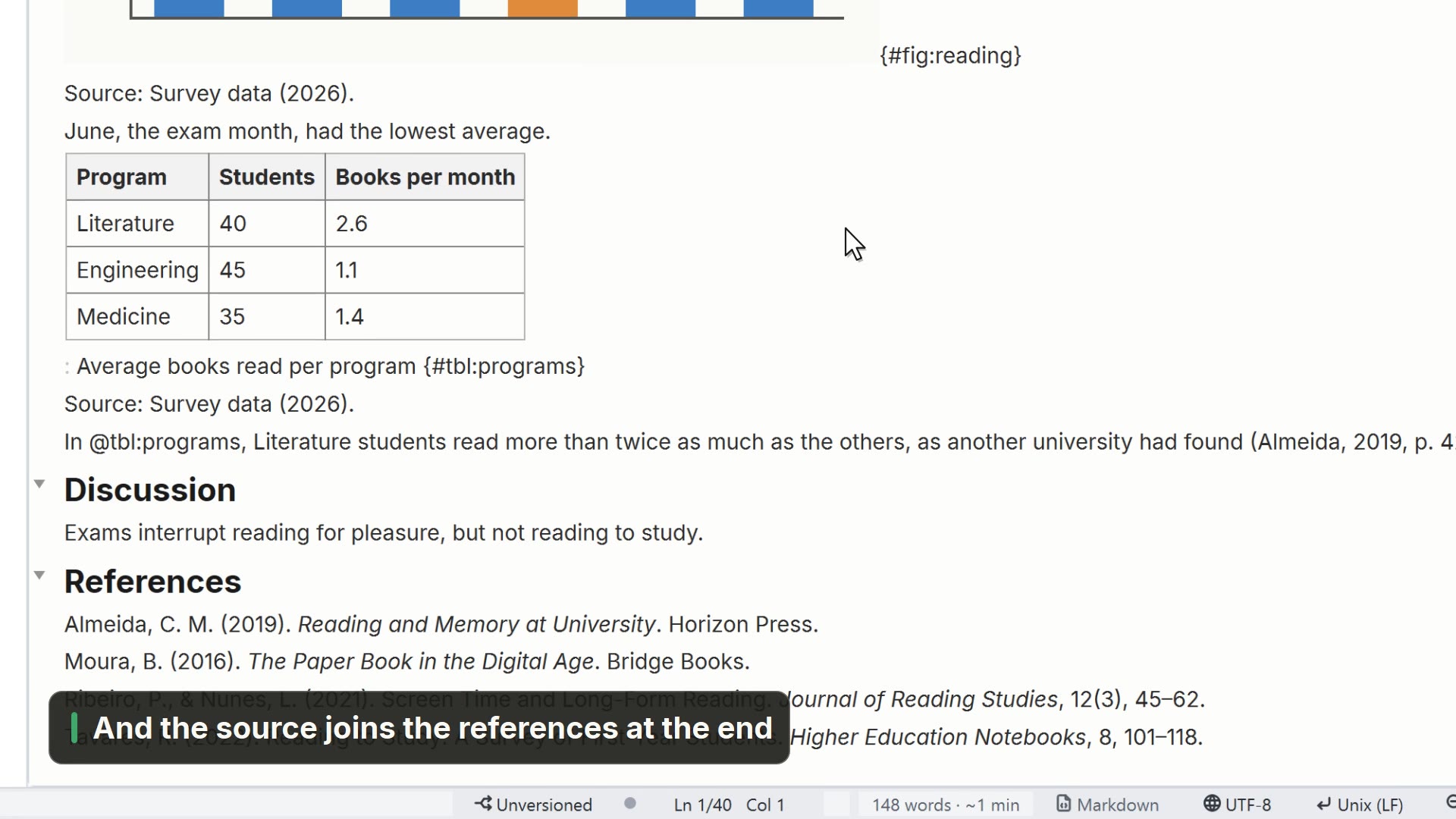
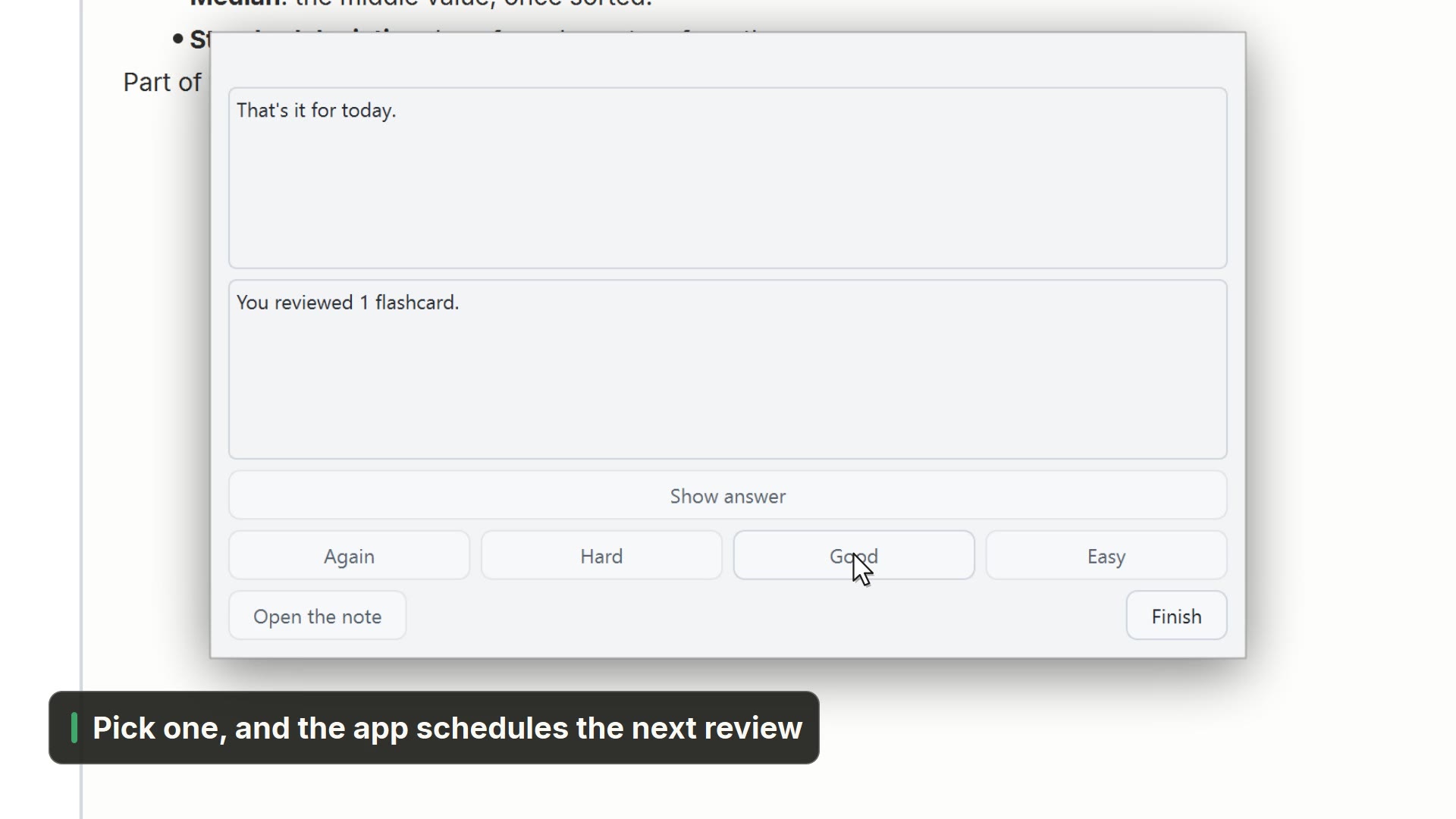
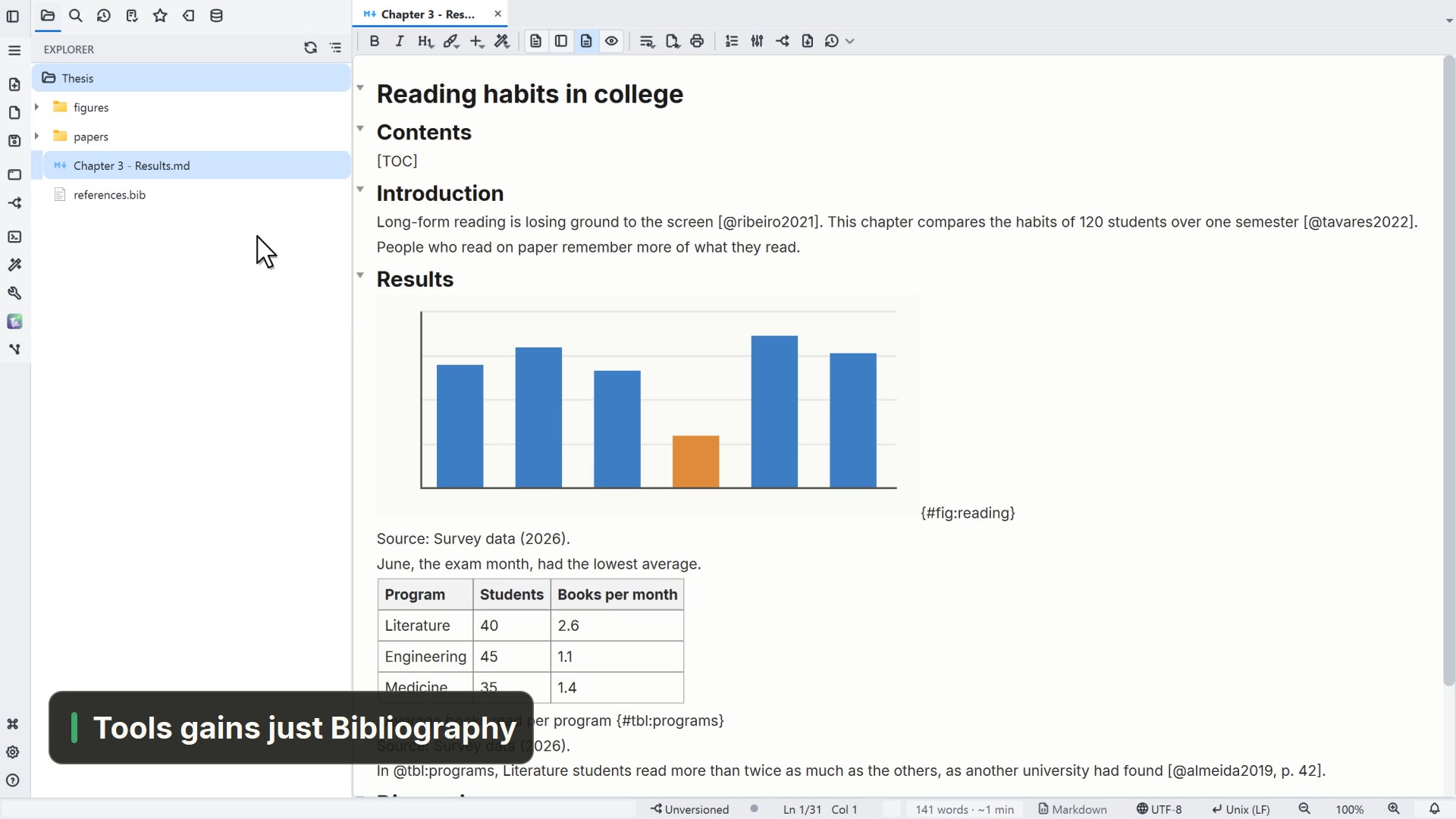
Simulated in the video: the system Save dialog.
Step by step
Select a step to jump to that moment in the video.
- 00:01The PDF paper opens right in the app
- 00:05Turn on the highlighter and drag over the passage
- 00:09Your highlights are listed alongside
- 00:12And they become a note, linking back to the page
Read more in the HelpPDF and images
Tips
- Each highlight taken into the note links back to its PDF page