Simulated in the video: the hardware, the download and the speed test.
Step by step
Select a step to jump to that moment in the video.
- 00:02Under AI Assistants, open Set up AI
- 00:07Pick AI on your computer
- 00:10It suggests the models that fit in memory
- 00:14Accept the model's terms
- 00:18It downloads and checks each file
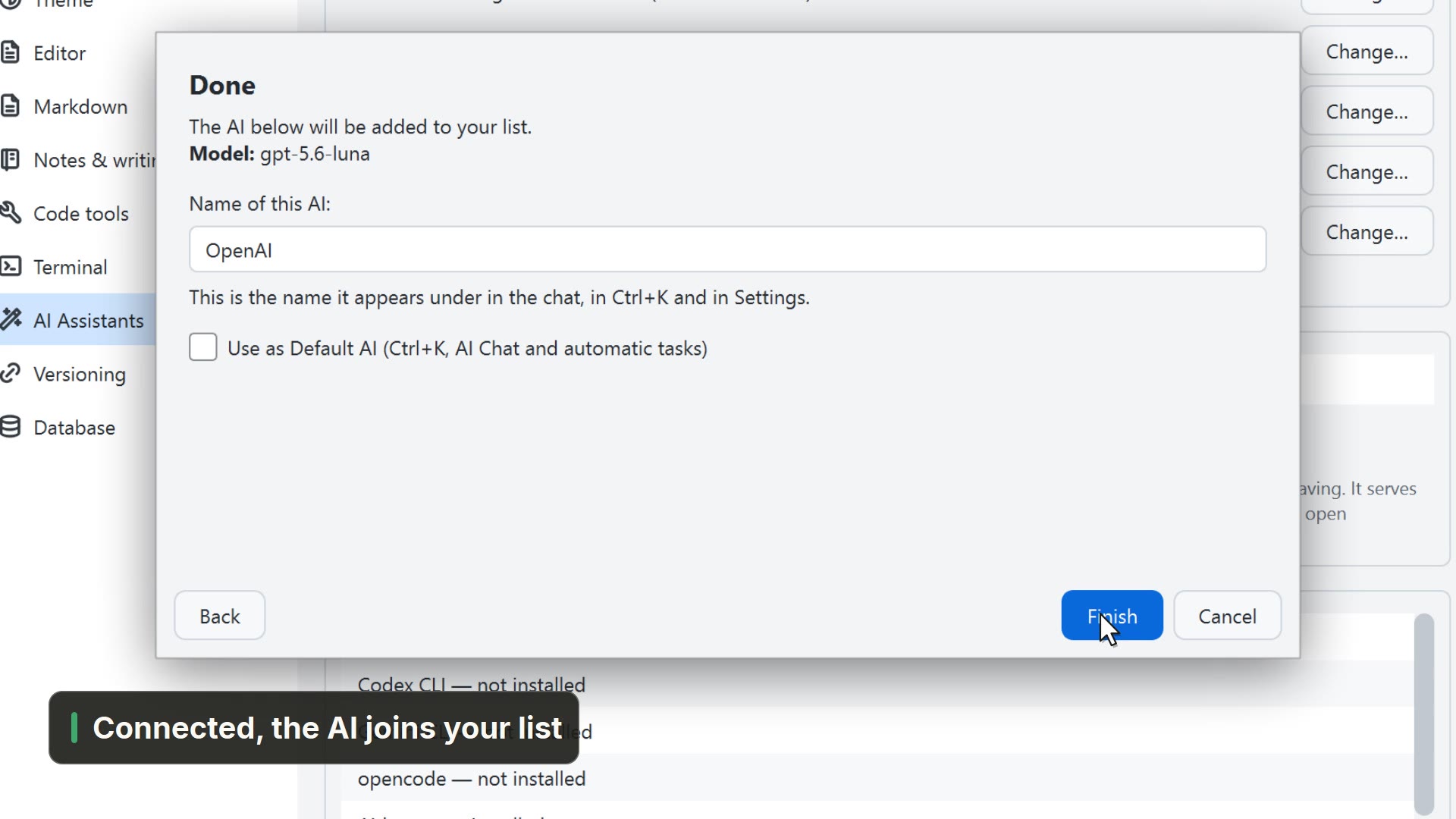
- 00:23Done, the AI joins your list
Read more in the HelpAI on your computer
Other ways
Configure AI assistants
- Menu
- AI → Configure AI assistants...
- Command palette
- Configure AI assistants...
- Activity bar
- AI → Configure AI assistants...
AI Assistants
- Menu
- General → General Settings... → AI Assistants
- Command palette
- General Settings...
- Activity bar
- Settings → General settings... → AI Assistants
Tips
- The model runs on your computer: your notes never leave it
- Set up AI only suggests models that fit in memory