Simulated in the video: the CLI installed on the computer.
Step by step
Select a step to jump to that moment in the video.
- 00:02Under AI Assistants, open Set up AI
- 00:07Pick a command-line assistant
- 00:10The list shows what is already installed
- 00:13Check it to make it the default AI
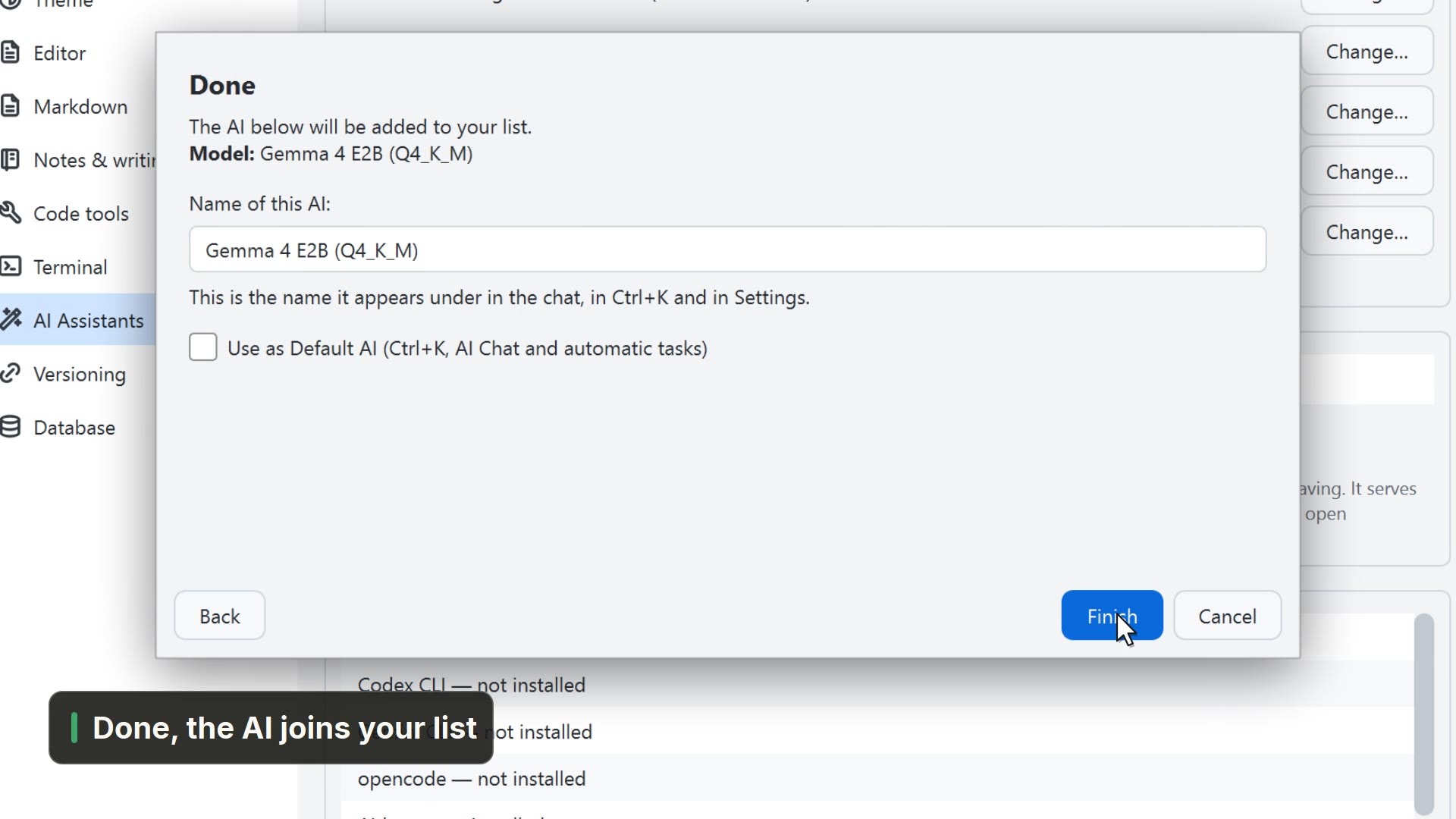
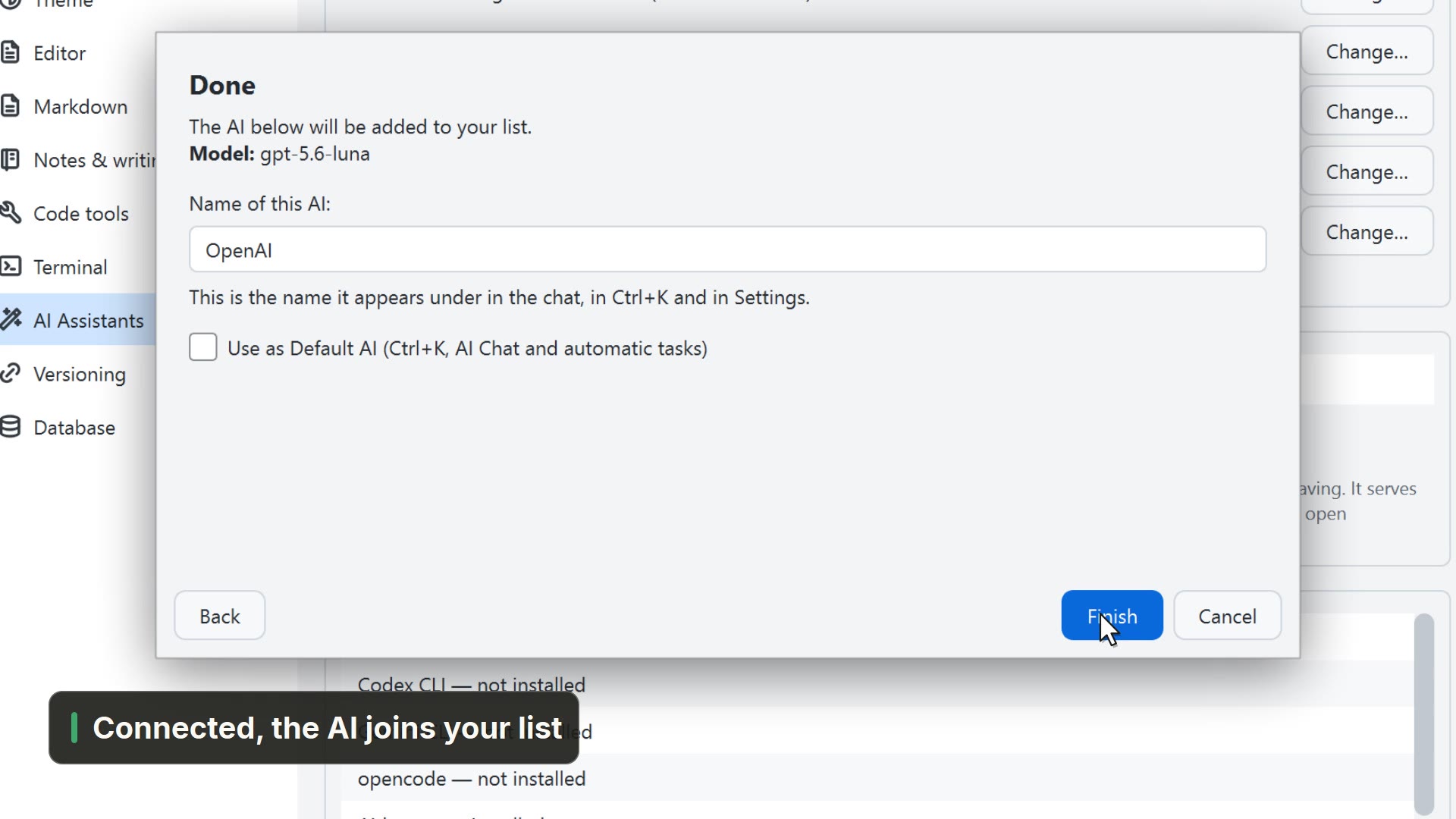
- 00:17Finish, and Claude Code becomes the default AI
Read more in the HelpSet up AI: the five paths
Other ways
Configure AI assistants
- Menu
- AI → Configure AI assistants...
- Command palette
- Configure AI assistants...
- Activity bar
- AI → Configure AI assistants...
AI Assistants
- Menu
- General → General Settings... → AI Assistants
- Command palette
- General Settings...
- Activity bar
- Settings → General settings... → AI Assistants
Claude Code
- Menu
- AI → Claude Code
- Command palette
- Claude Code
- Activity bar
- AI → Claude Code
Tips
- The installed CLI shows up on the AI button of the bar, ready to open