Step by step
Select a step to jump to that moment in the video.
- 00:01A project with Git, open in LightNote
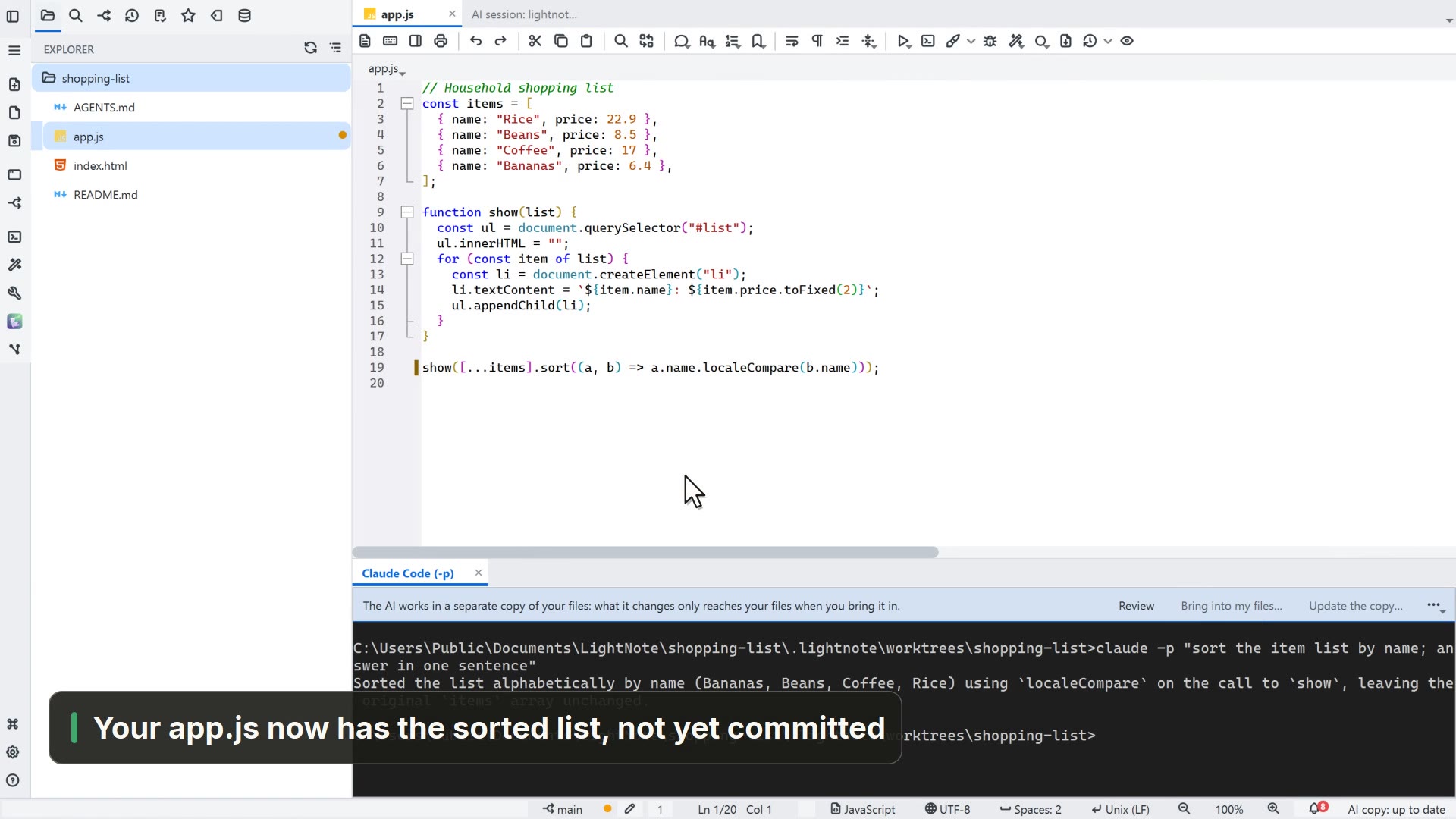
- 00:05On the AI button, pick Claude Code
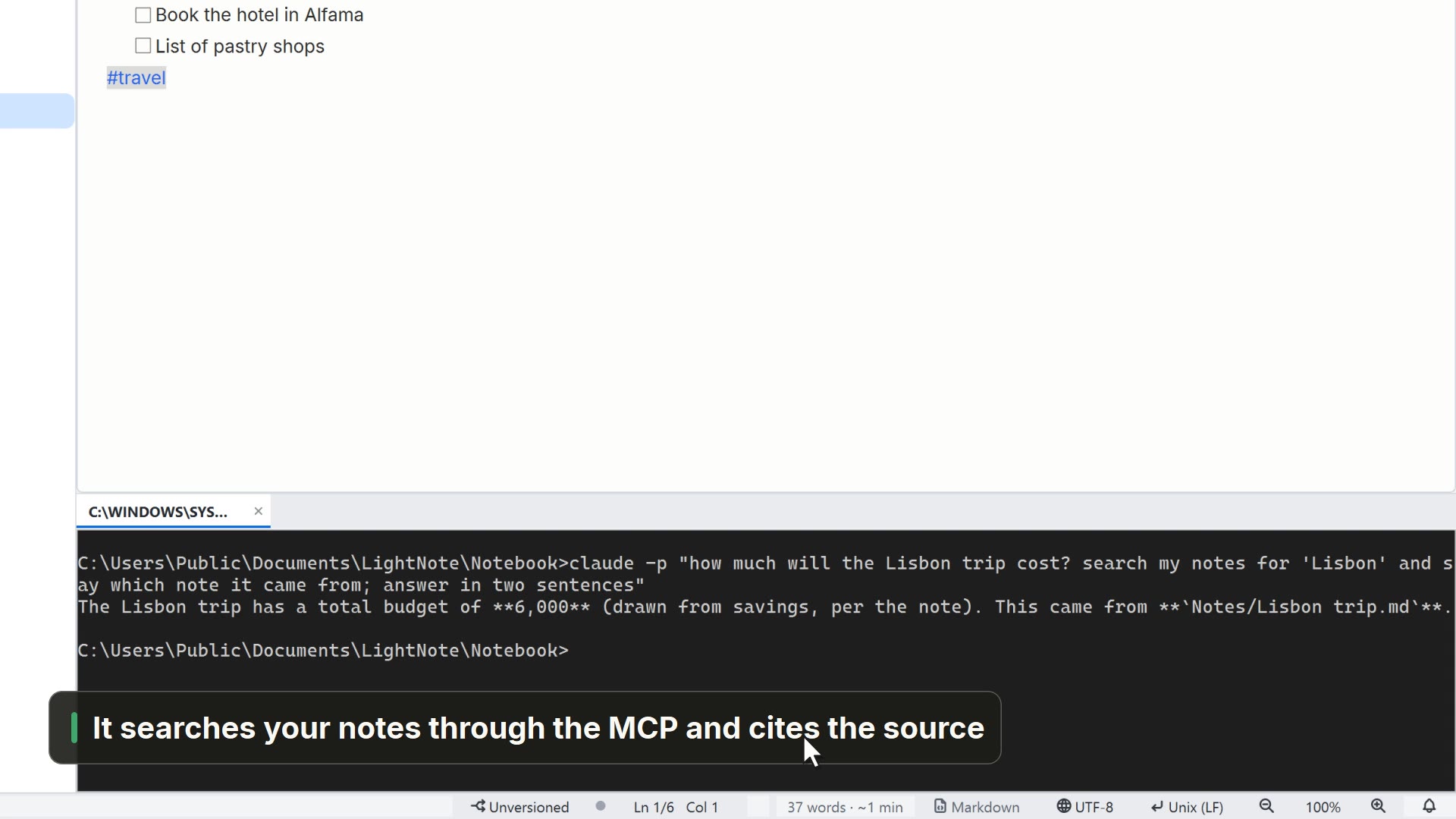
- 00:10Ask for the change, as in a chat
- 00:19The Git panel lists what it changed
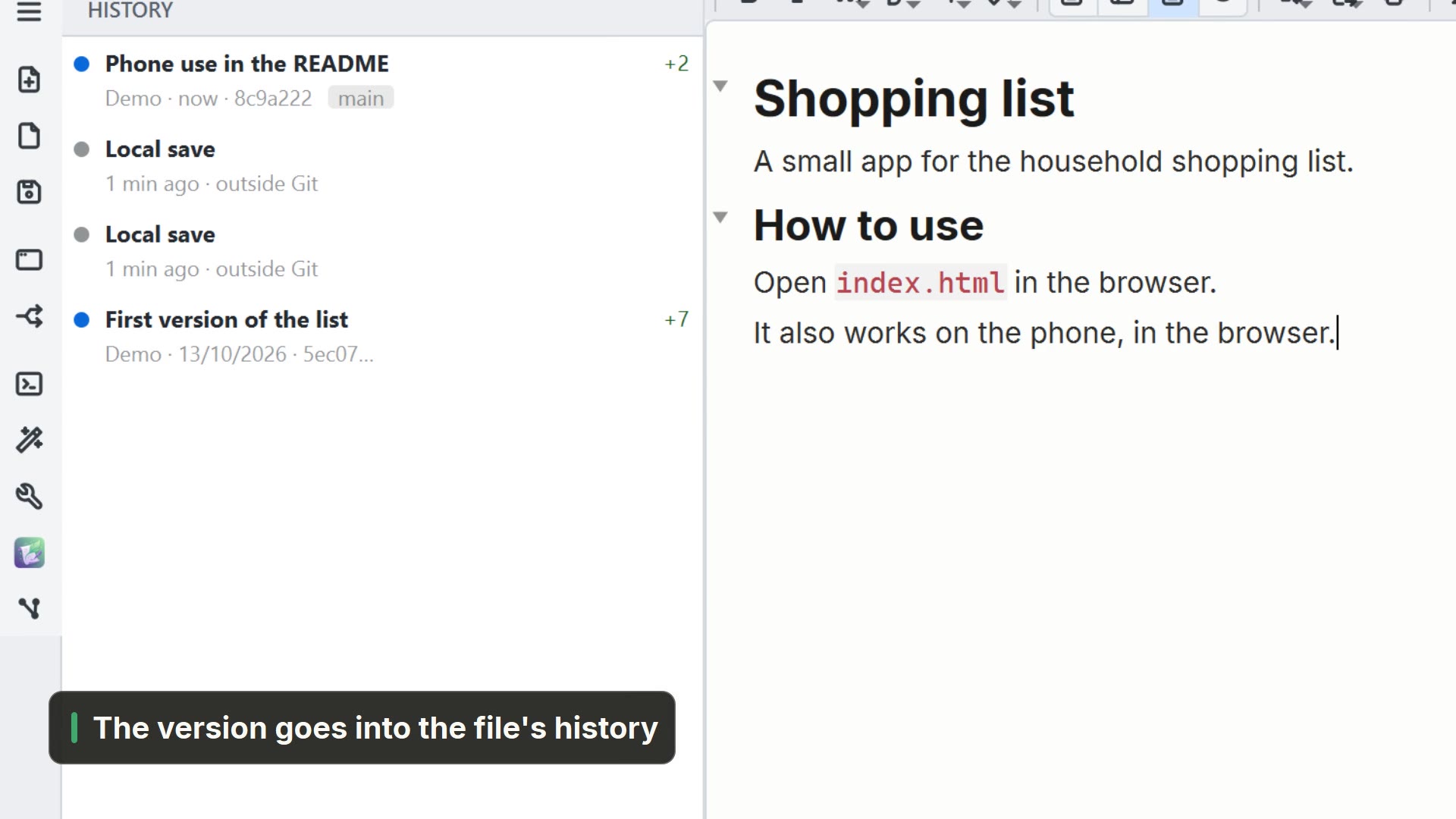
- 00:22Review the diff before saving a version
Read more in the HelpTerminal and AI CLIs
Other ways
Claude Code
- Menu
- AI → Claude Code
- Command palette
- Claude Code
- Activity bar
- AI → Claude Code
Versioning (Git)
- Menu
- Window → Versioning (Git)
- Shortcut
- Ctrl+Shift+G
- Command palette
- Versioning (Git)
Sessions panel
- Menu
- AI → Sessions panel...
- Shortcut
- Ctrl+Shift+I
- Command palette
- Sessions panel...
- Activity bar
- AI → Sessions panel...
Tips
- The first time in a folder, Claude Code asks whether you trust it
- Ctrl+Shift+Enter sends the selection or the line to the terminal