Step by step
Select a step to jump to that moment in the video.
- 00:01An AI CLI can look things up in your notes
- 00:05In the palette, enable AI in this folder (the MCP)
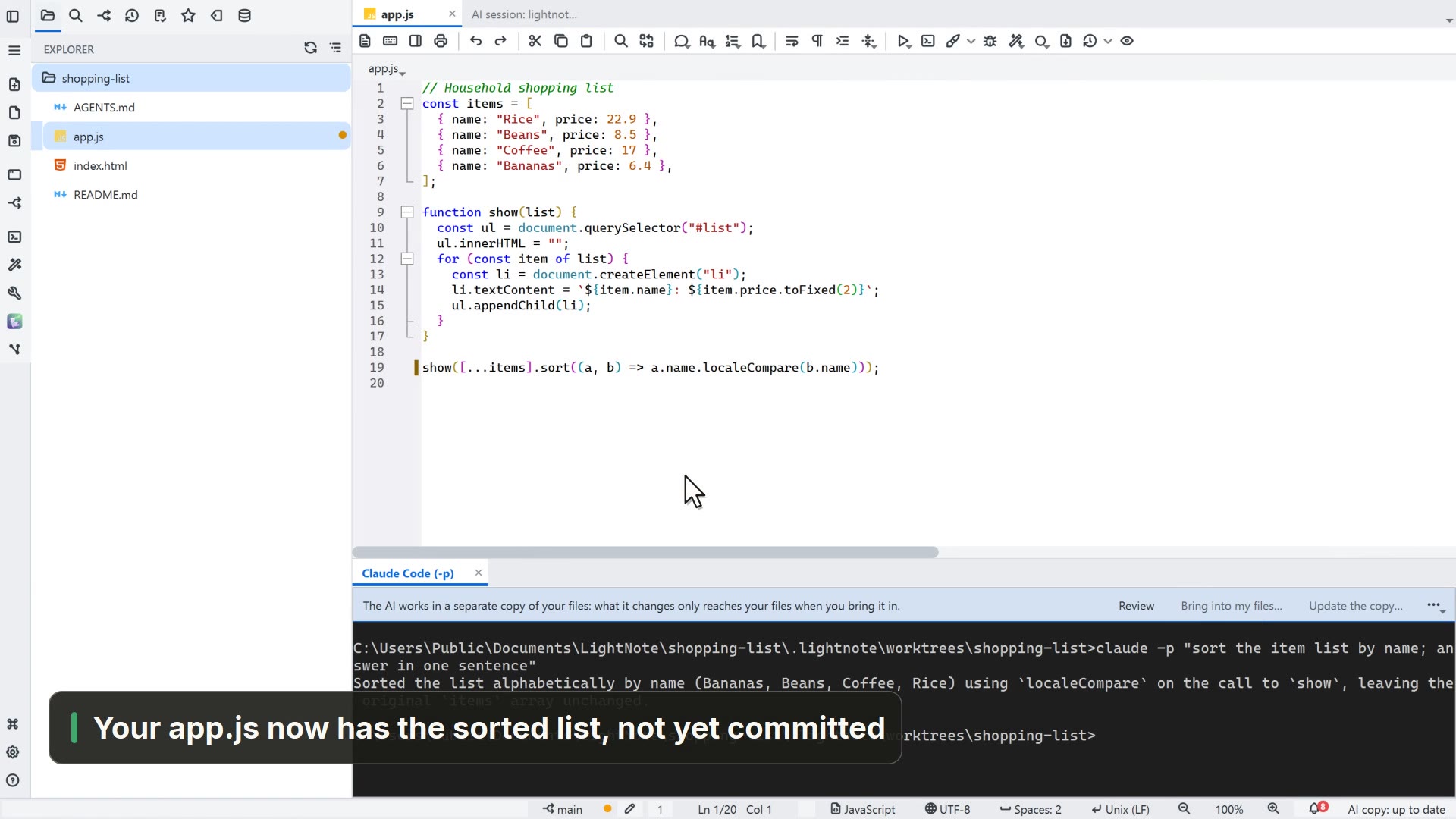
- 00:09In the terminal, ask the AI CLI
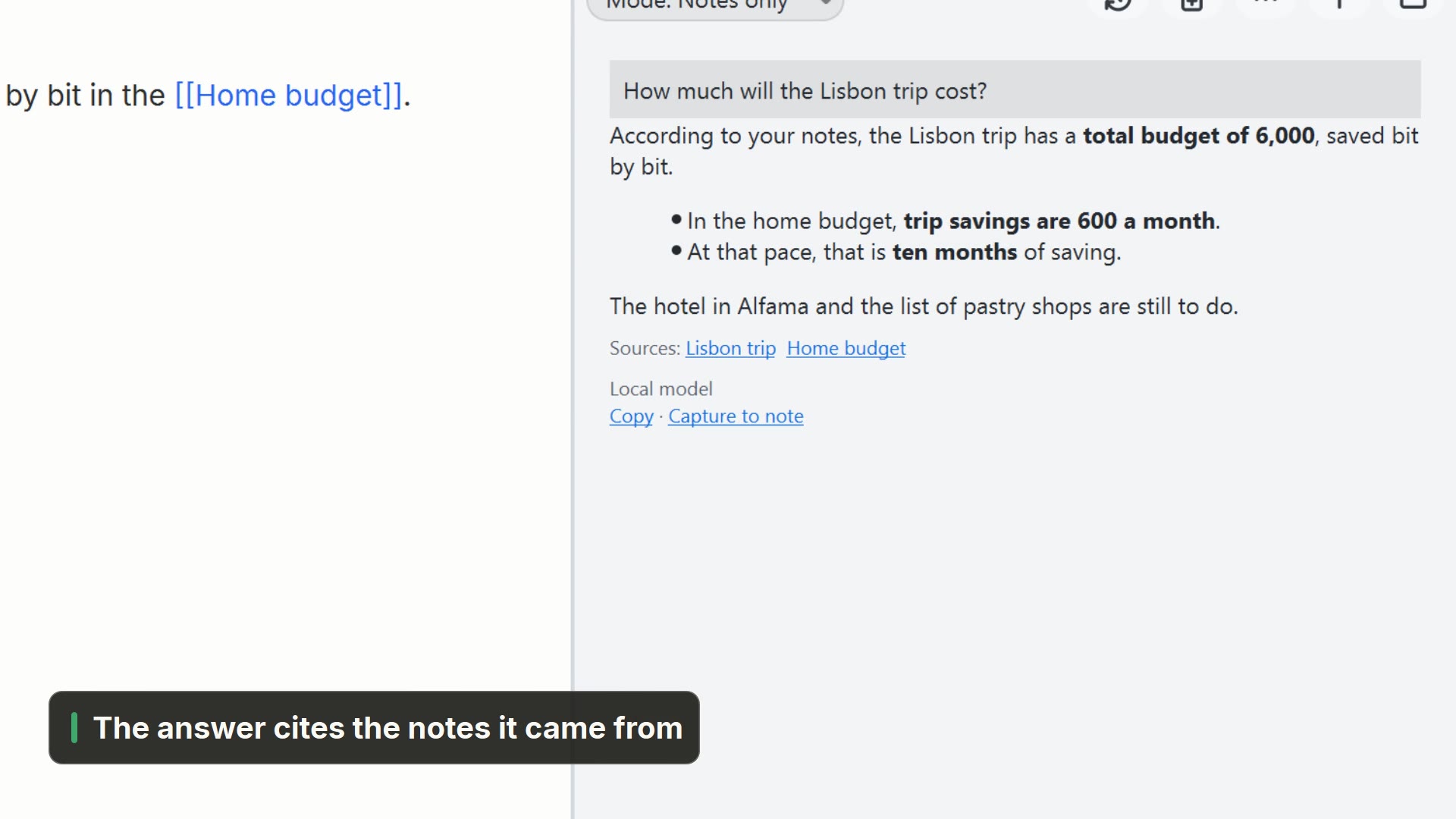
- 00:21It searches your notes through the MCP and cites the source
Read more in the HelpMCP server (AI agents)
Other ways
Enable AI in this folder
- Menu
- AI → Enable AI in this folder
- Command palette
- Enable AI in this folder
- Activity bar
- AI → Enable AI in this folder
Terminal
- Menu
- Window → Terminal
- Shortcut
- Ctrl+'
- Command palette
- Terminal
Tips
- Enable AI in this folder writes the .mcp.json file in the folder