Step by step
Select a step to jump to that moment in the video.
- 00:01The AI can work in a separate copy of the project
- 00:05In the folder settings, turn on the separate copy
- 00:10Open the agent's session from the AI menu
- 00:15It changes the copy, not your files
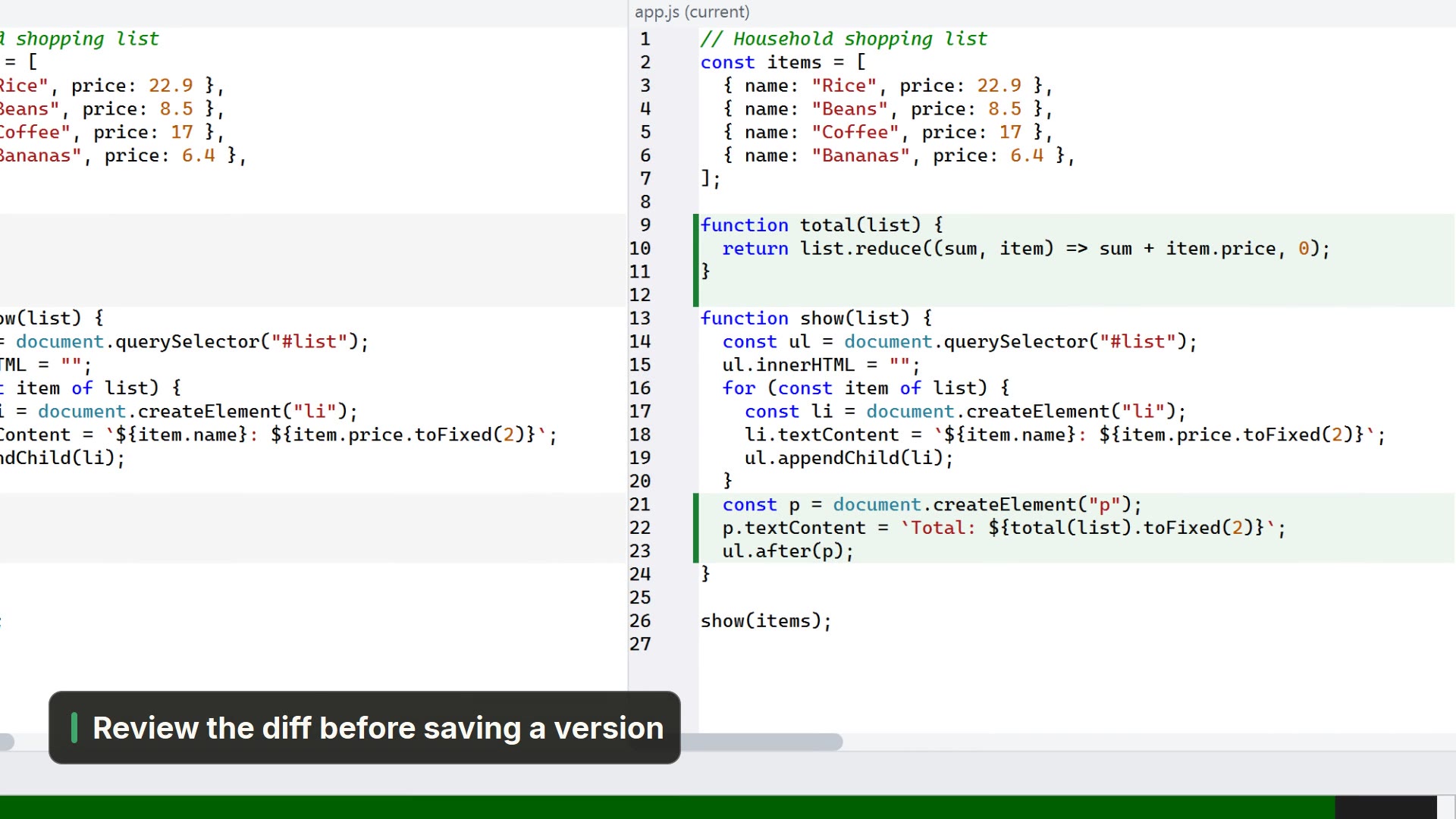
- 00:22Review what it did before bringing it into your files
- 00:29Happy with it? Bring the change into your files
- 00:33Your app.js now has the sorted list, not yet committed
Read more in the HelpSessions and the isolated copy
Other ways
Settings for this folder
- Activity bar
- Settings → Settings for this folder...
Sessions panel
- Menu
- AI → Sessions panel...
- Shortcut
- Ctrl+Shift+I
- Command palette
- Sessions panel...
- Activity bar
- AI → Sessions panel...
Tips
- The separate copy starts off: you turn it on per folder
- Bringing it in makes no commit: the change arrives as an uncommitted edit