Step by step
Select a step to jump to that moment in the video.
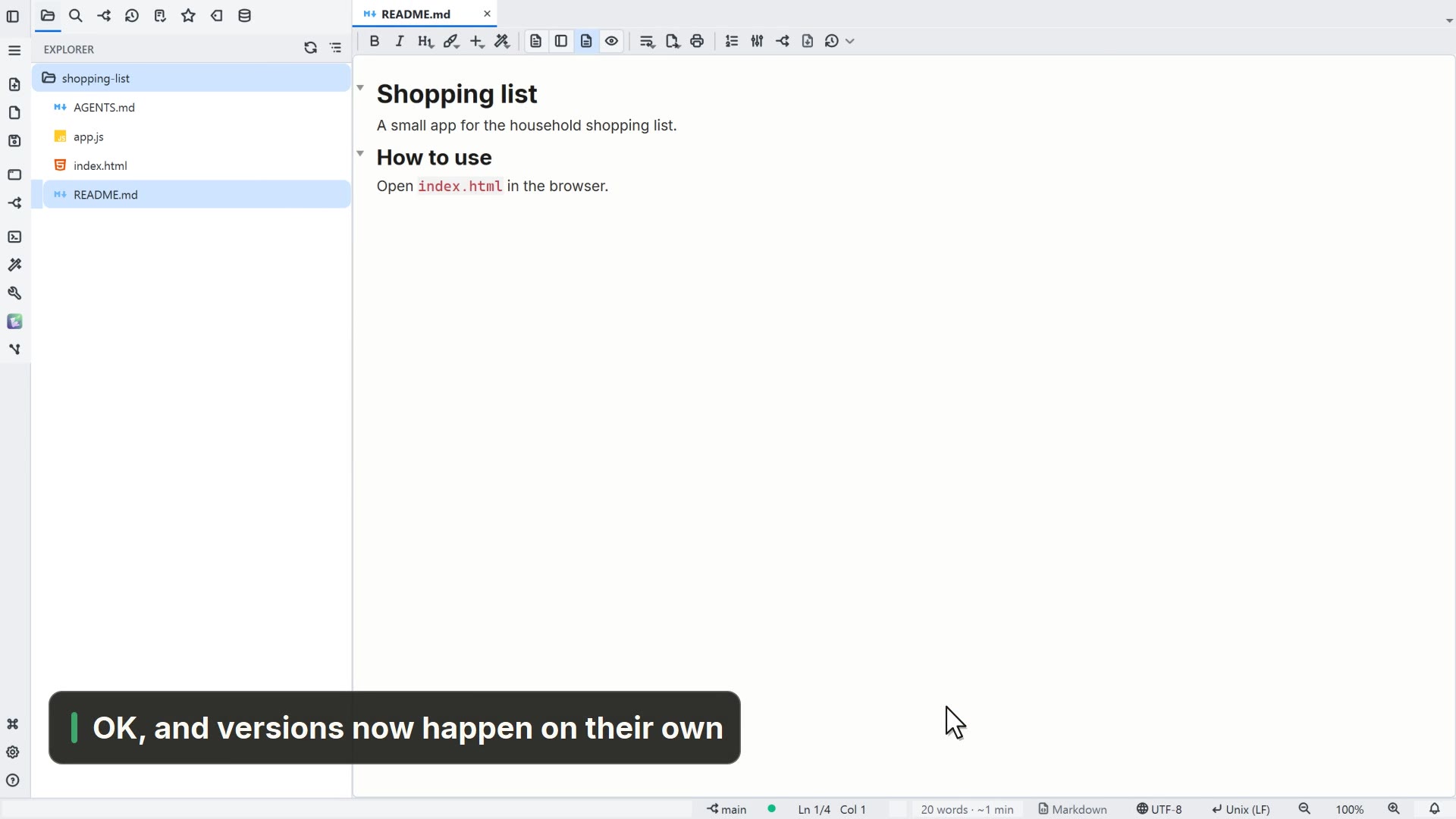
- 00:01Edit a file in the project
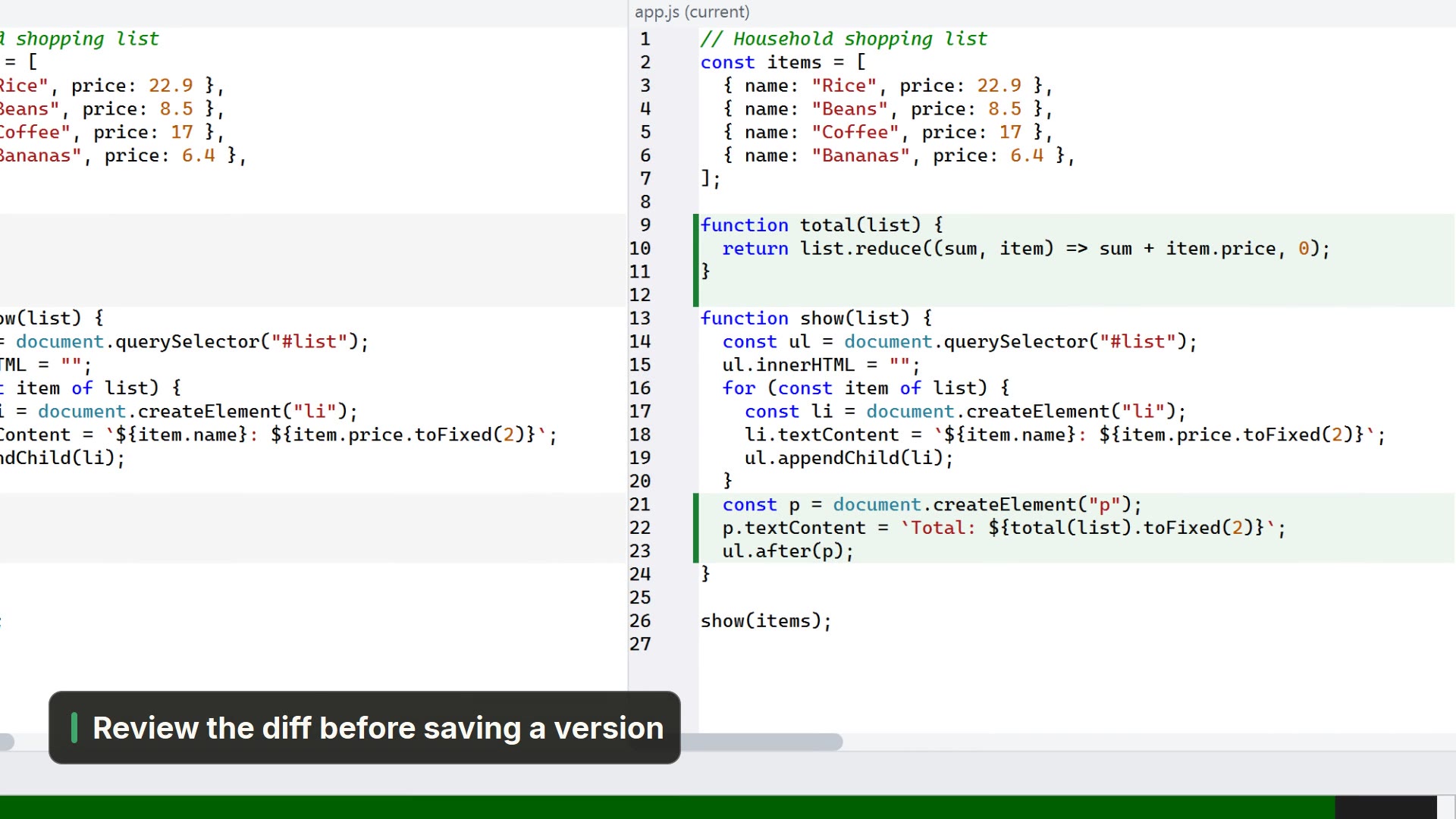
- 00:08The Git panel shows what changed since the last version
- 00:12Describe the change and save the version
- 00:19The version goes into the file's history
Read more in the HelpHistory and the change stripe
Other ways
Versioning (Git)
- Menu
- Window → Versioning (Git)
- Shortcut
- Ctrl+Shift+G
- Command palette
- Versioning (Git)
Save
- Menu
- File → Save
- Shortcut
- Ctrl+S
- Command palette
- Save
- Activity bar
- Save → Save
Tips
- A file's history is under the tab's Versions button