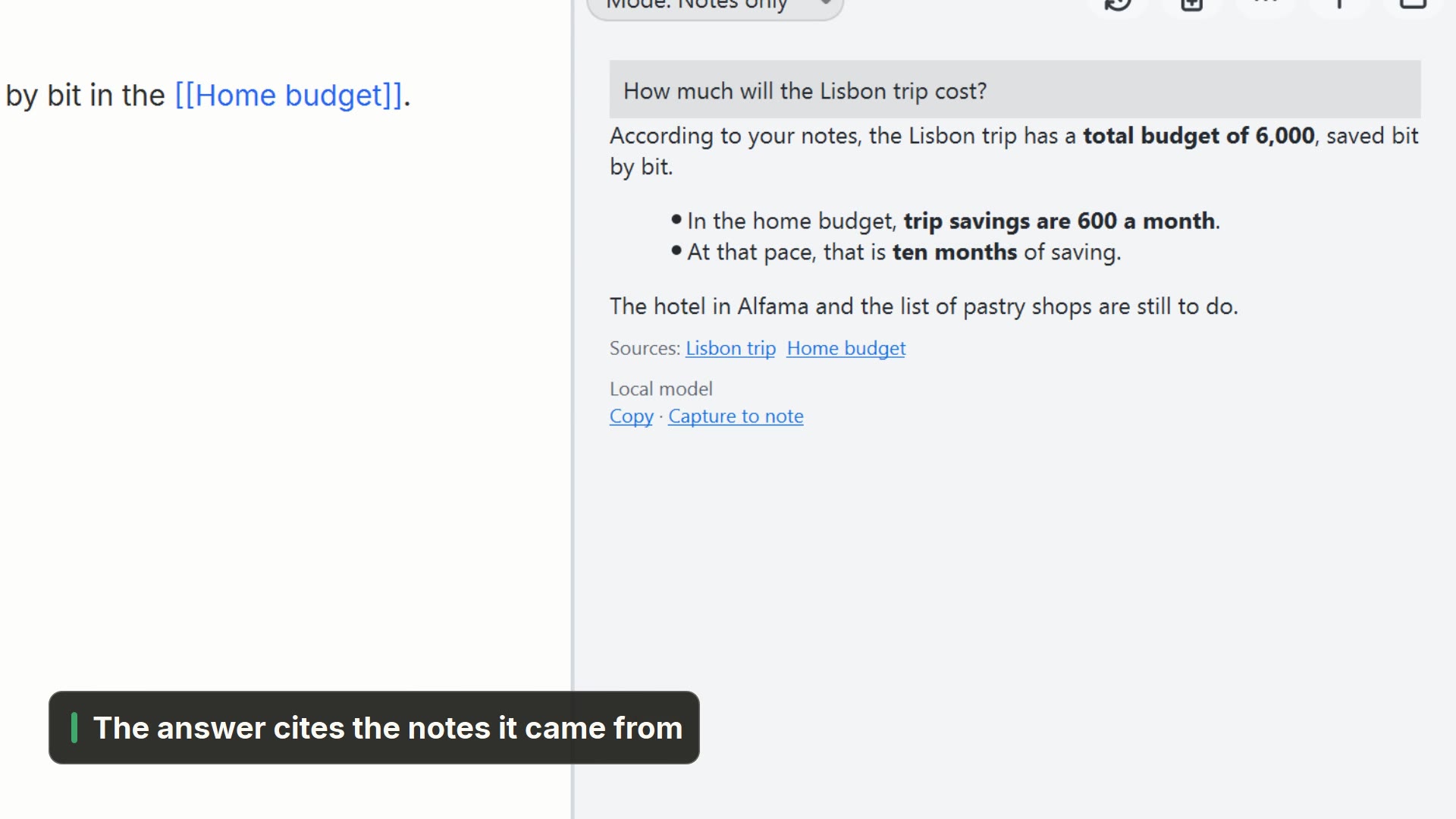
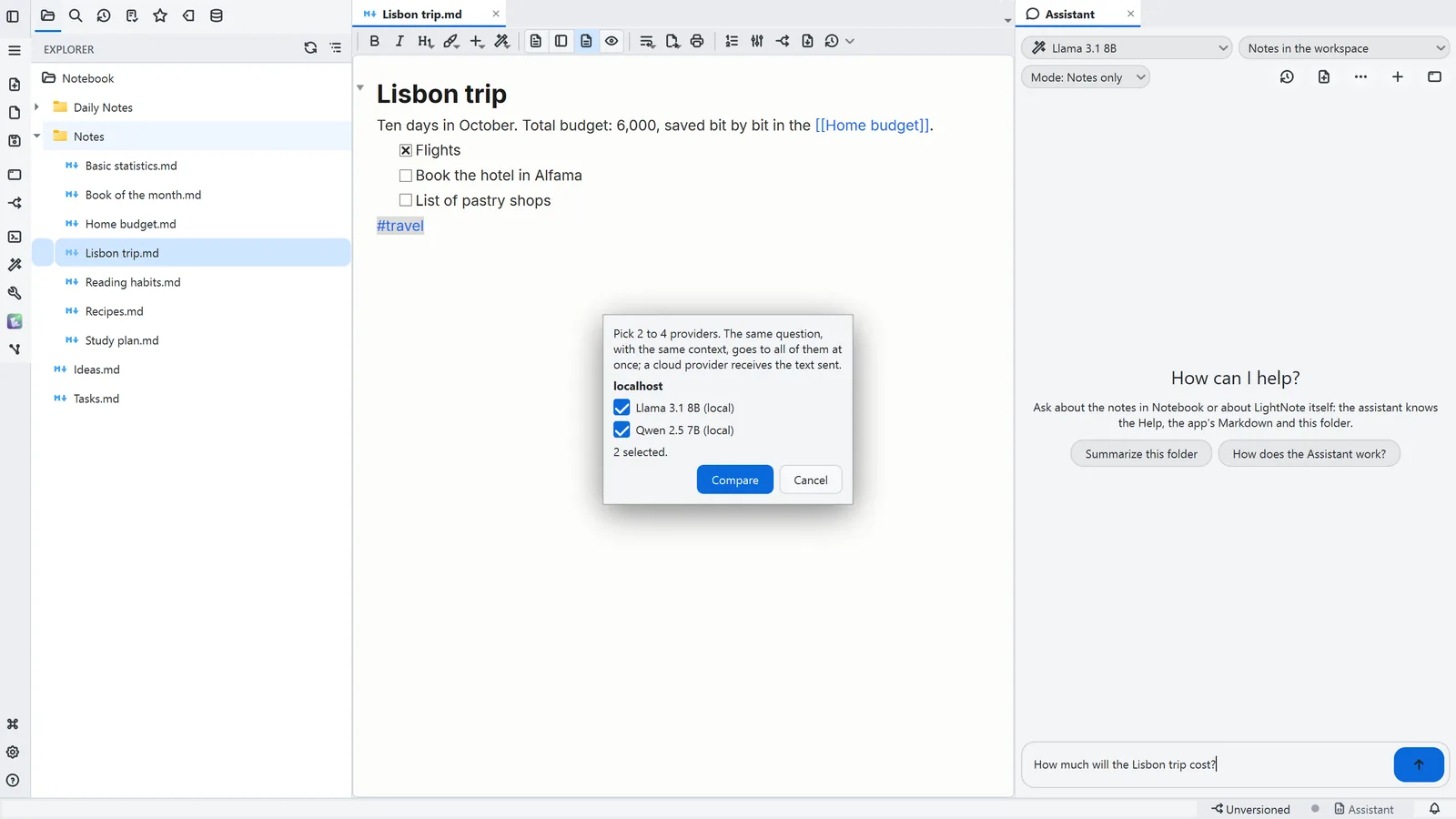
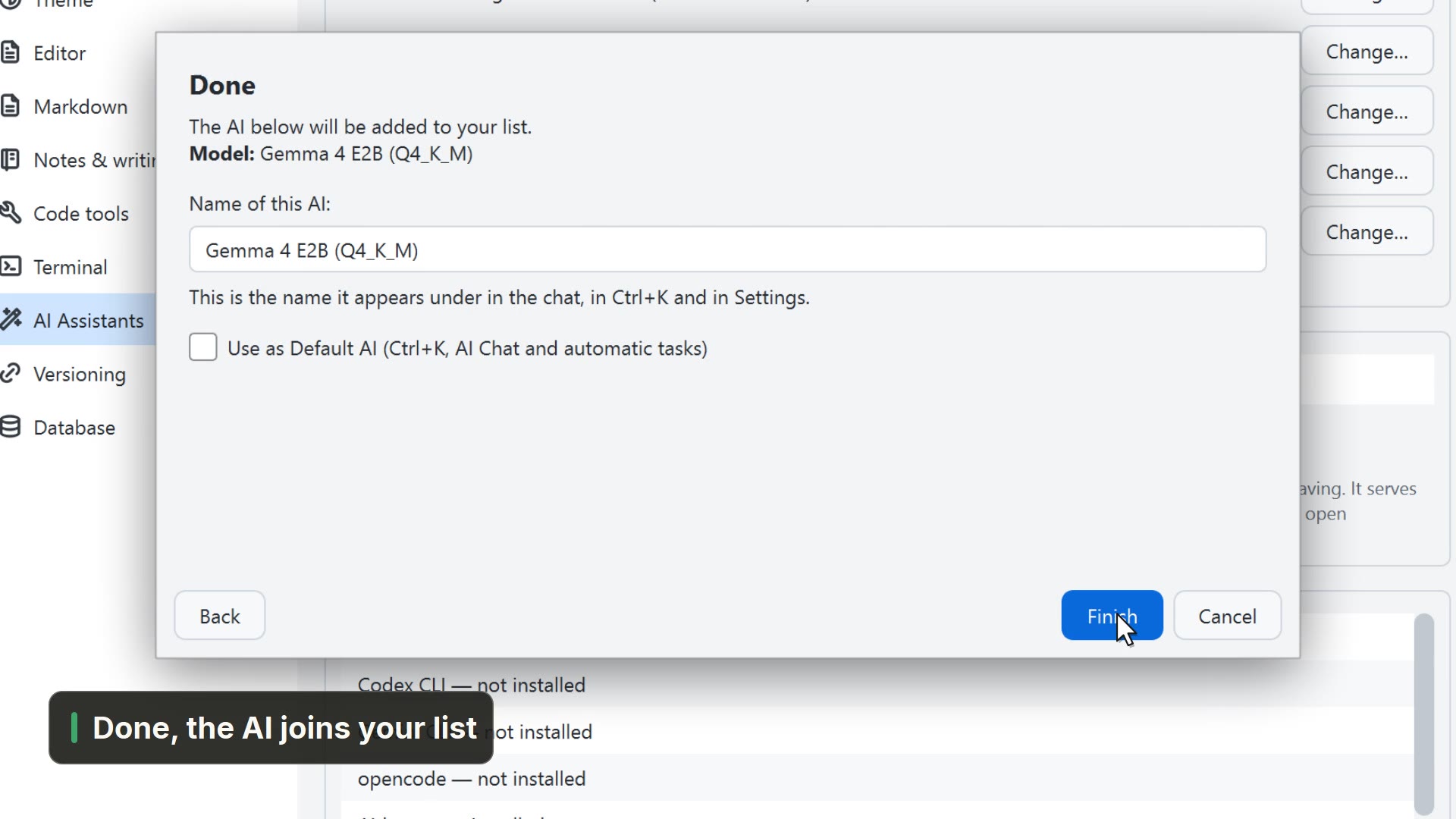
Simulated in the video: the AI's answer.
Step by step
Select a step to jump to that moment in the video.
- 00:01The Assistant sees the open tab and can edit it
- 00:05On the AI button, open the Assistant
- 00:08Under Mode, pick Change with approval
- 00:15It proposes the edit and shows what changes
- 00:19One approval applies the edit to the note
- 00:22Undo puts the note back as it was
Read more in the HelpThe Assistant and what you have open
Other ways
Assistant
- Menu
- AI → Assistant...
- Command palette
- Assistant...
- Activity bar
- AI → Assistant...
Ask the Assistant about this
- Menu
- AI → Ask the Assistant about this
- Shortcut
- Ctrl+Shift+Q
- Command palette
- Ask the Assistant about this
- Activity bar
- AI → Ask the Assistant about this
Tips
- Every change waits for your approval; untick a part to keep it as it is
- A Ctrl+Z in the editor also undoes what the Assistant applied
- Change with approval needs an API provider that can use tools