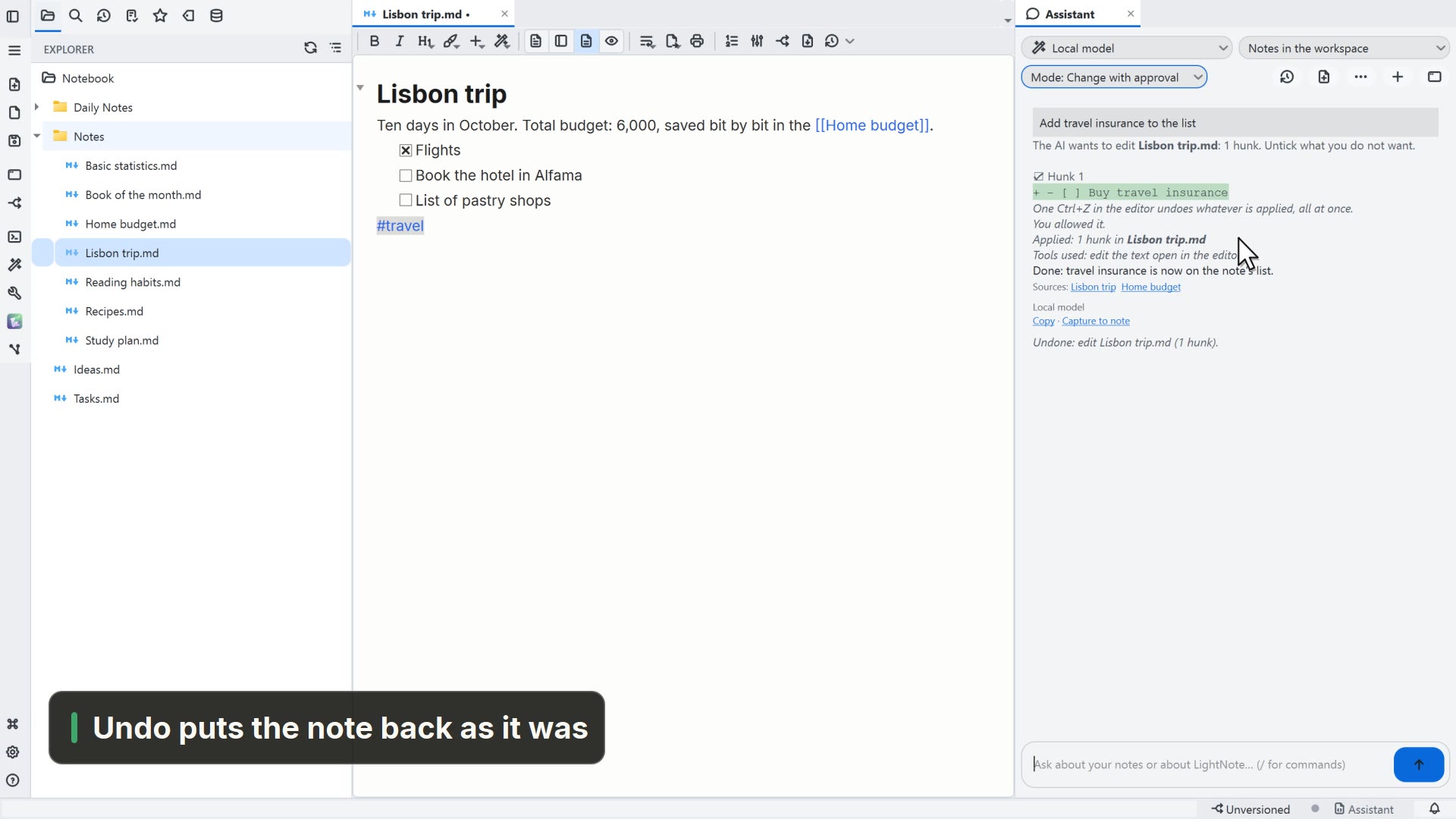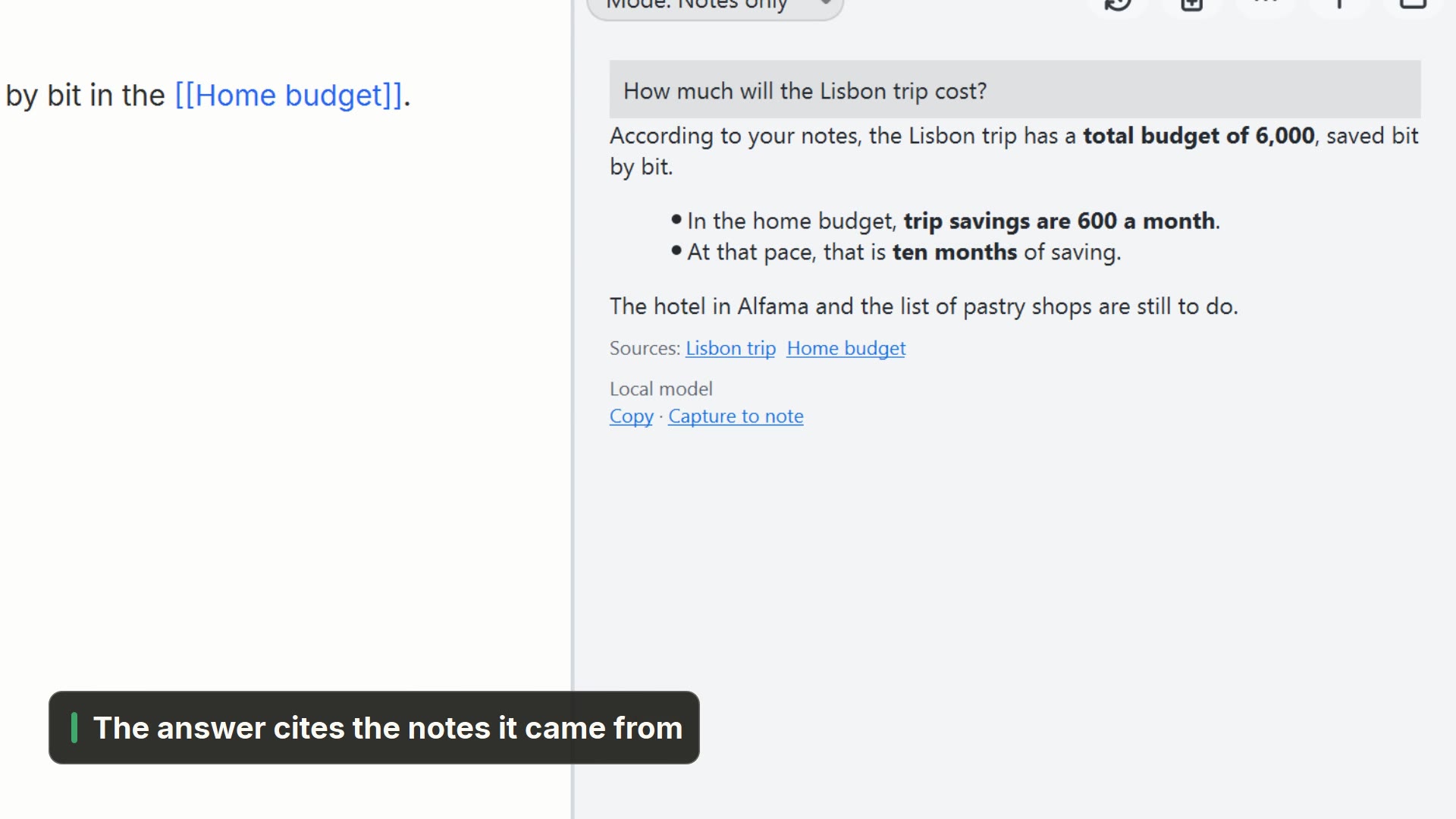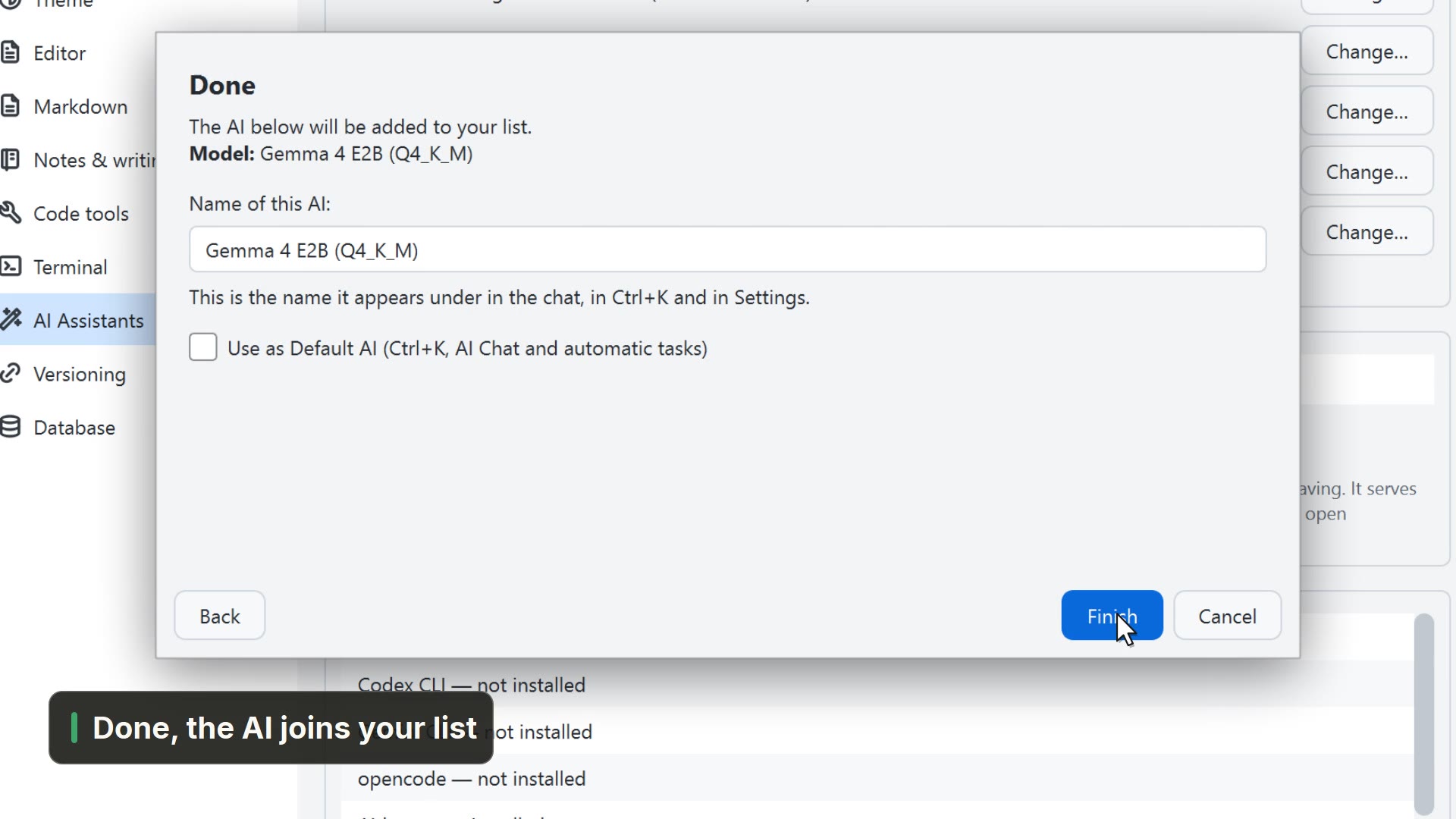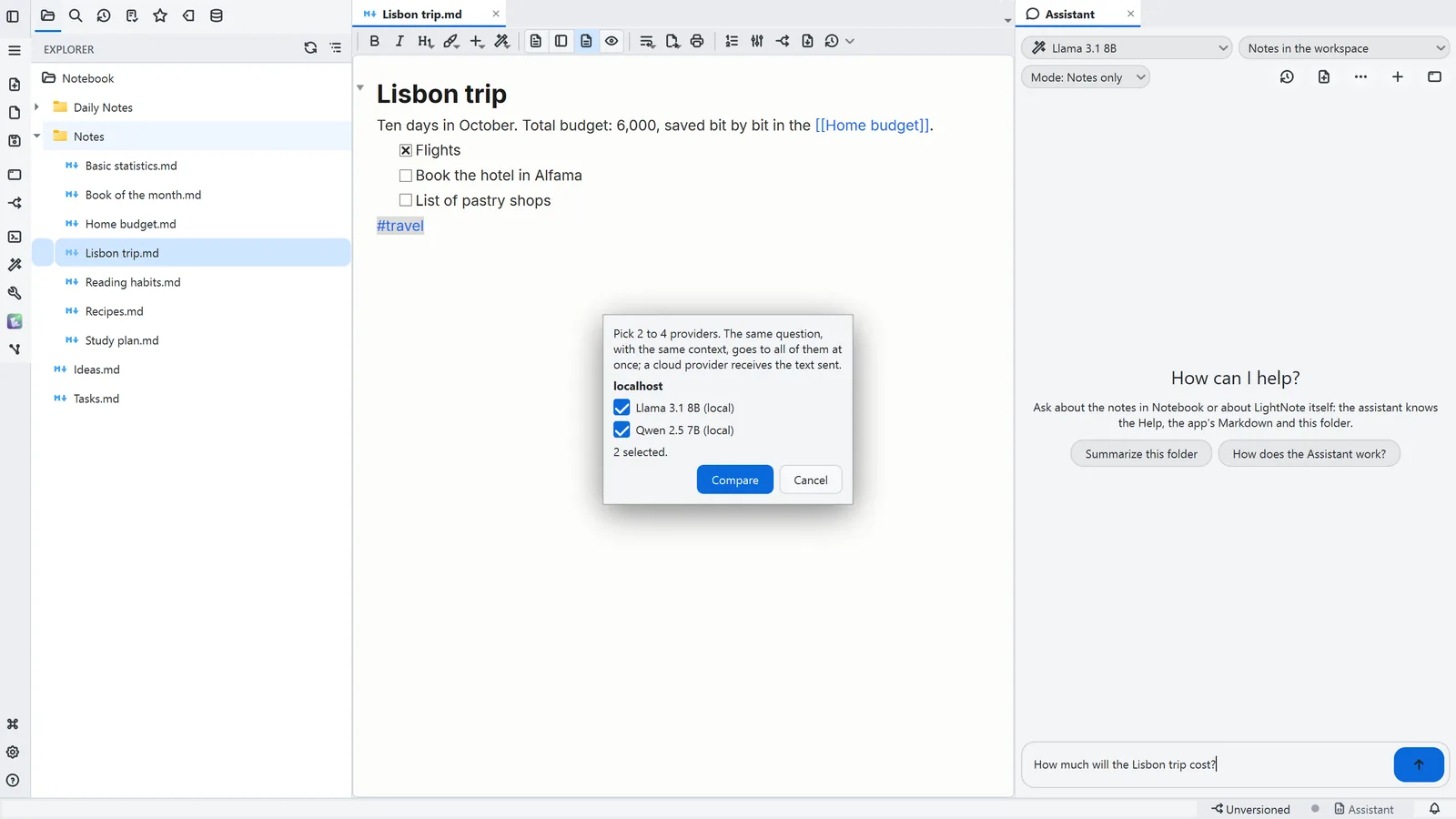
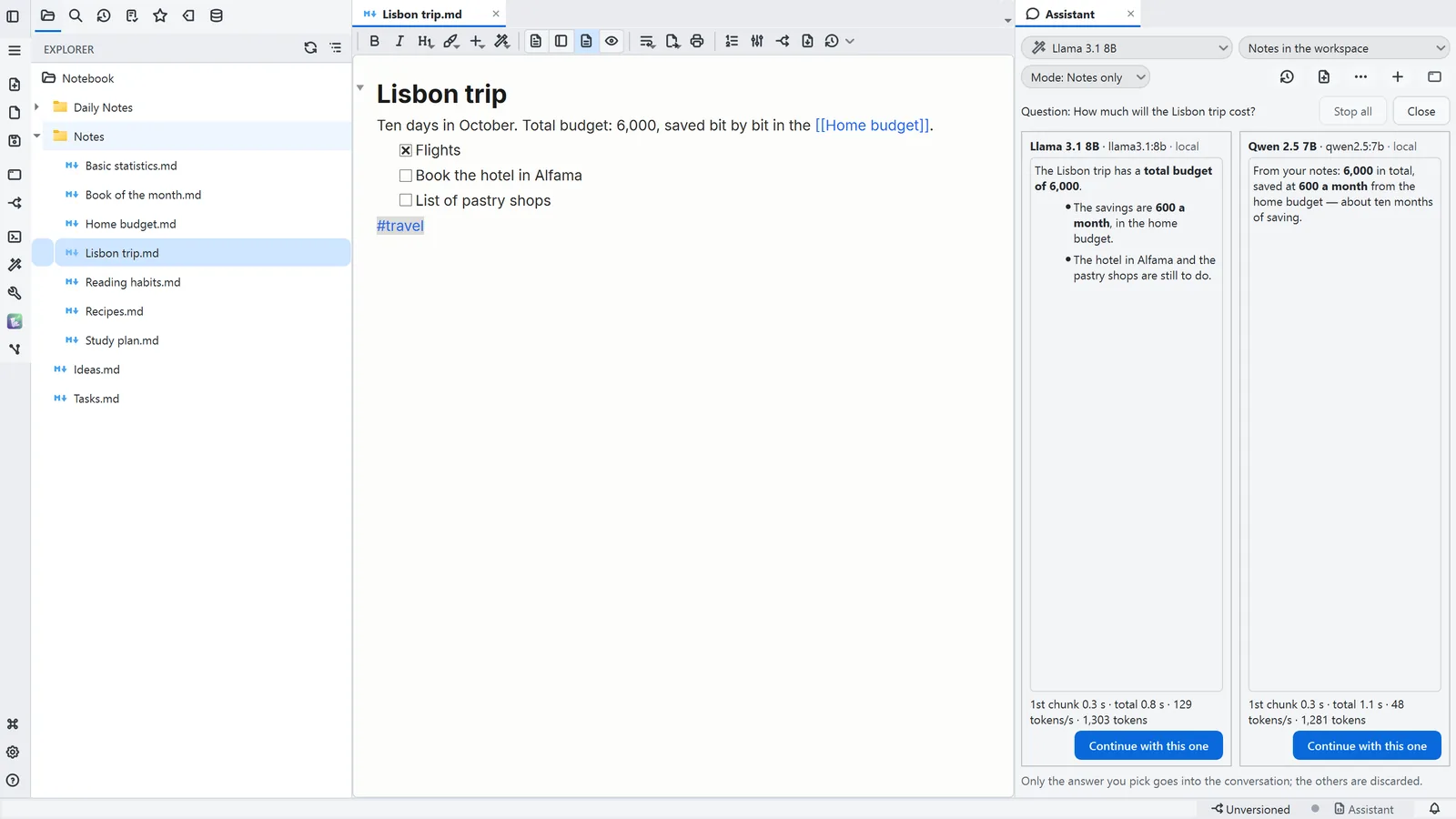
Simulated in the video: the models and their answers.
Step by step
Each step's number matches the marker on the screenshot; hover over or select a step to highlight it.
- 1On the AI button, open the Assistant
- 2Type the question
- 3In Conversation actions (…), choose Compare answers
- Tick 2 to 4 models
- 4The same question goes to all of them, and the answers sit side by side
- 5Below, the time and tokens of each one
- 6Continue with this one takes only that answer into the conversation
Read more in the HelpComparing answers
Other ways
Assistant
- Menu
- AI → Assistant...
- Command palette
- Assistant...
- Activity bar
- AI → Assistant...
Tips
- You can also type /compare before the question
- A cloud model receives the question and the context from your notes
- The comparison is read-only: no tools, and nothing is changed