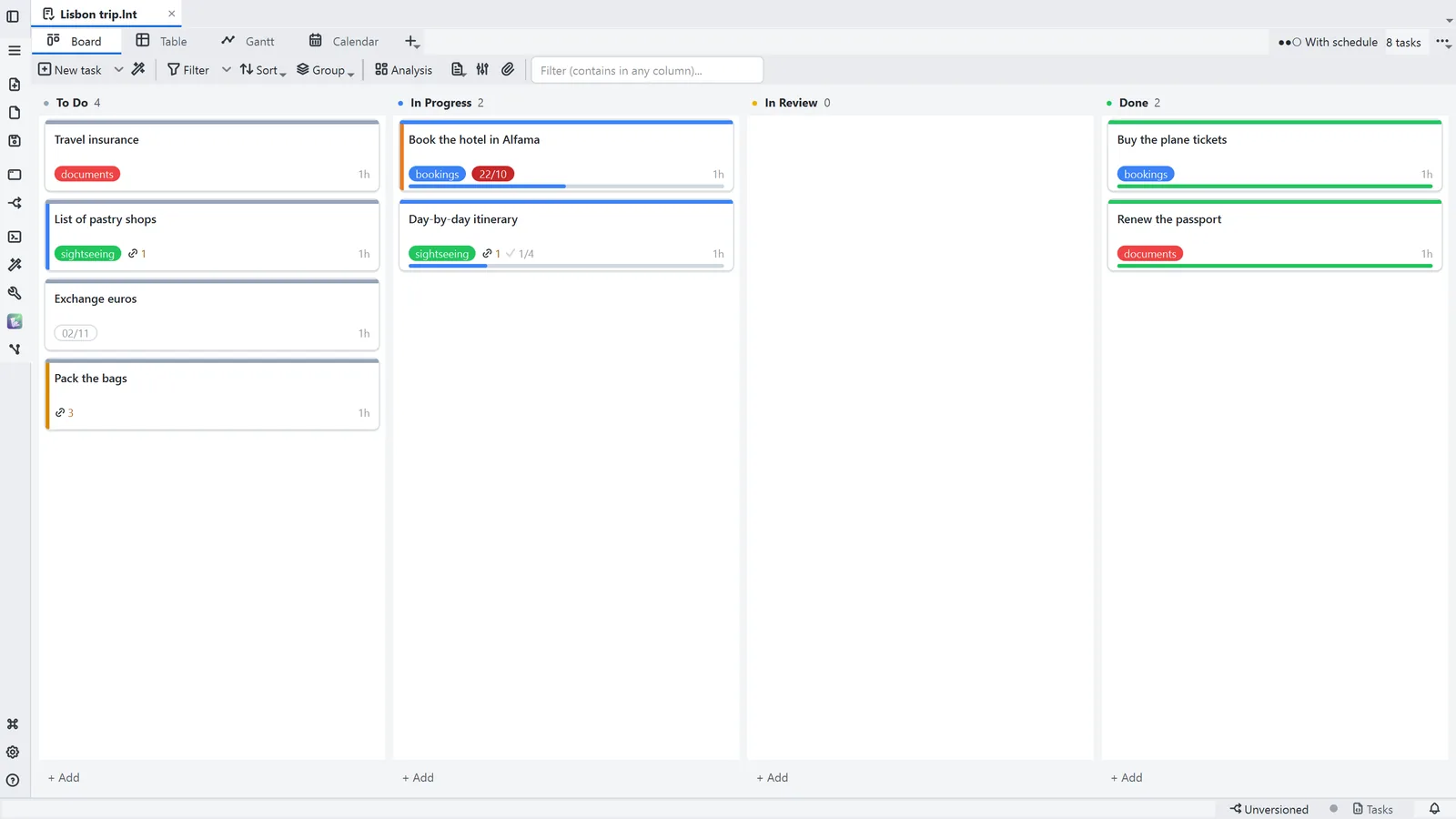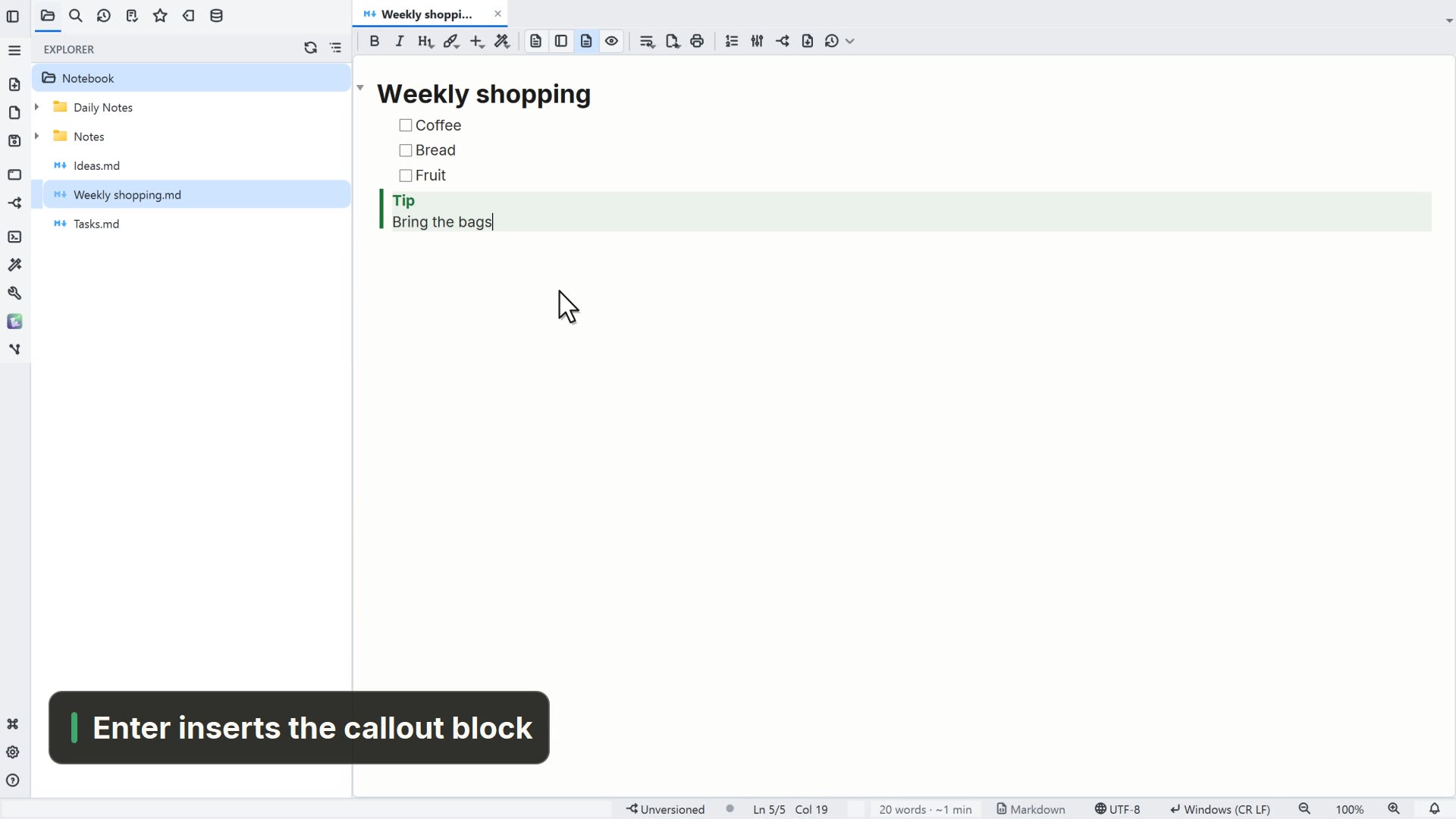
Step by step
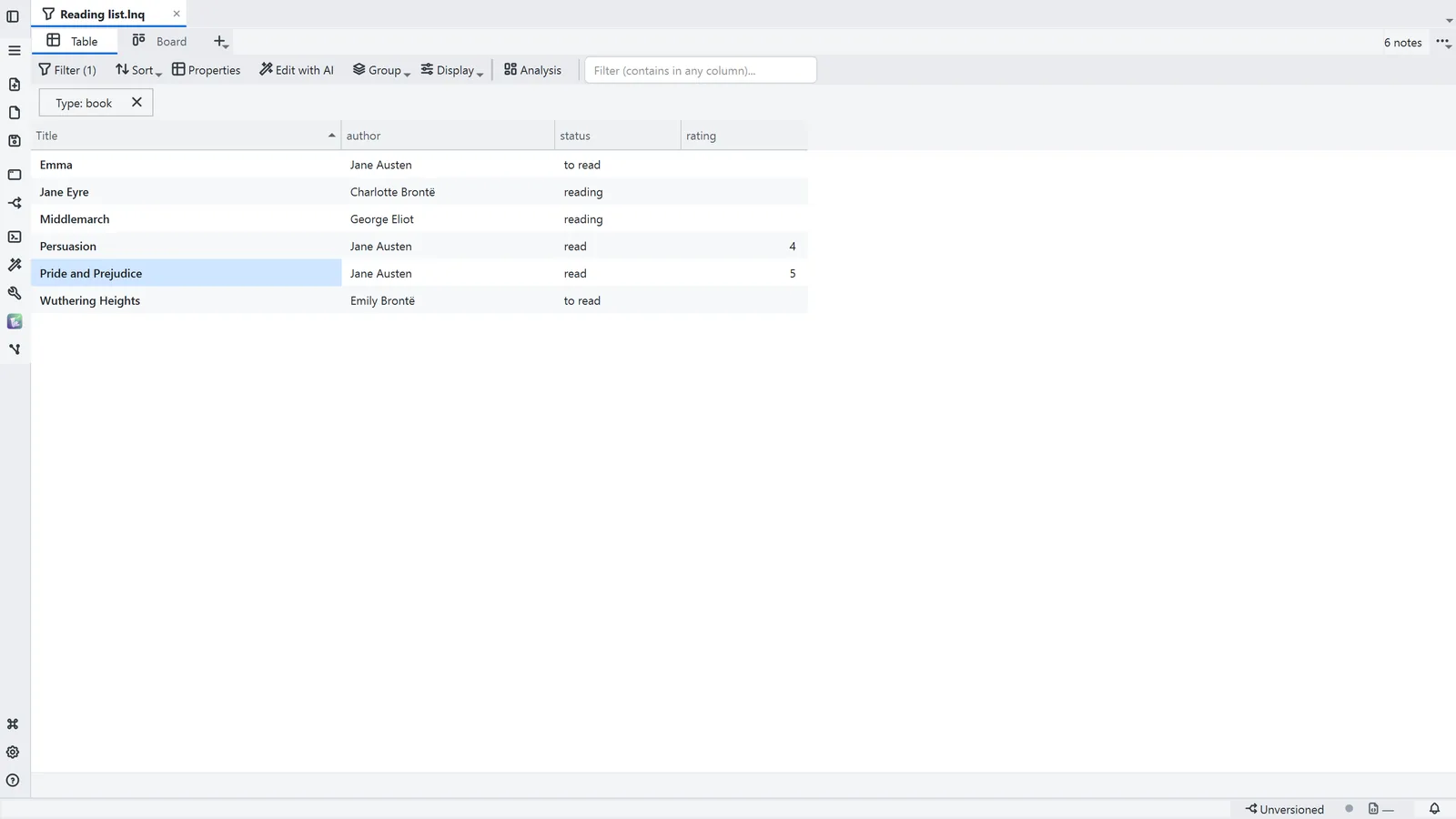
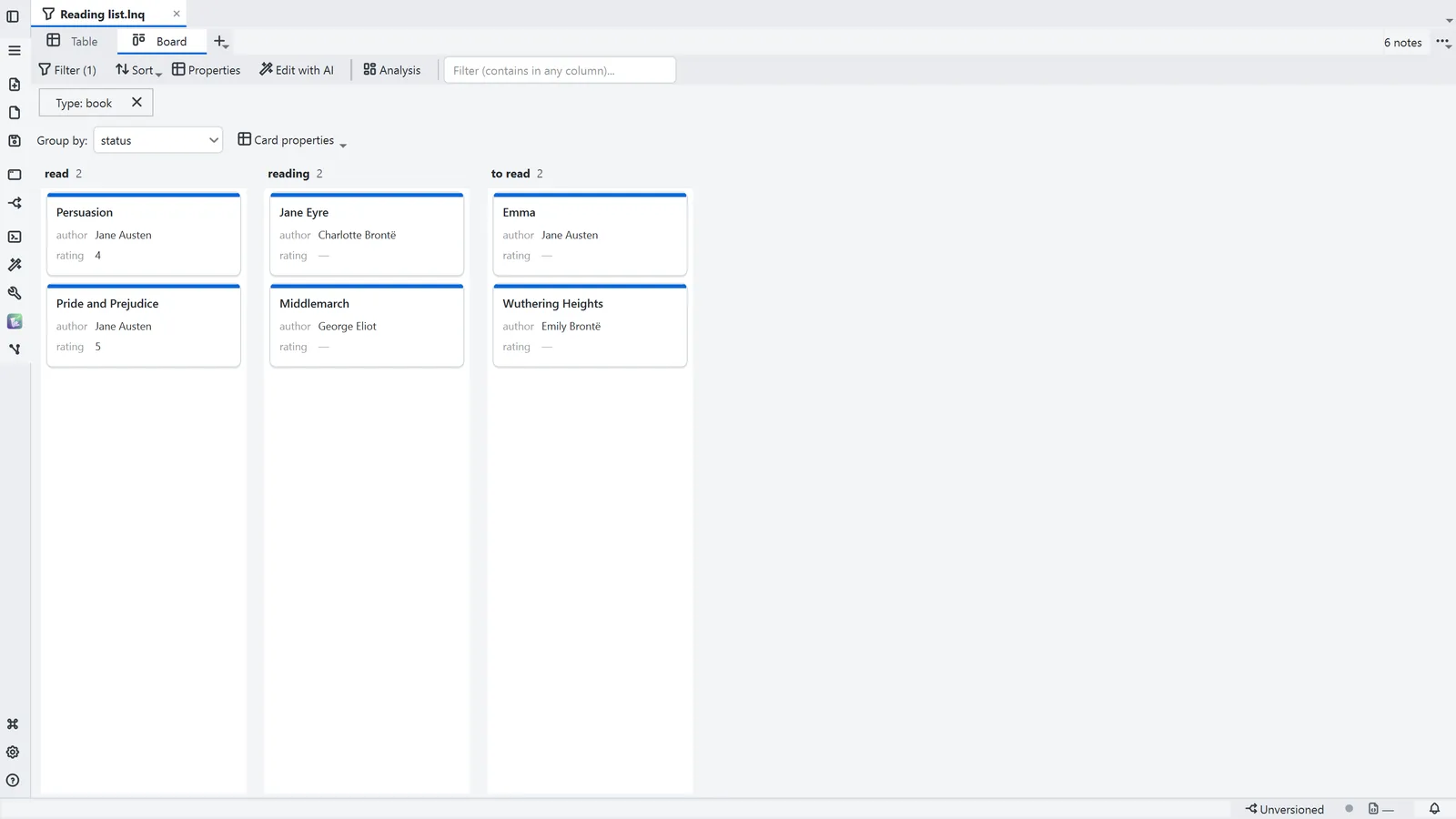
Each step's number matches the marker on the screenshot; hover over or select a step to highlight it.
- 1A Base (.lnq) starts from File → New → New Base, and Filter picks the note type and the conditions
- 2Each row is a note and each column a property: editing a cell writes to the note
- 3Board: the same notes in columns; dragging a card writes the new value to the note
- 4Group by picks the property that becomes the columns
- 5The + adds another view of the same Base: table, board, gallery, list, calendar or timeline
Read more in the HelpTable, board and filter
Other ways
New Base (note query)
- Menu
- File → New → New Base (note query)
- Command palette
- New Base (note query)
- Activity bar
- New → New Base (note query)
Tips
- A Base stores no data of its own: deleting the .lnq deletes no notes
- ![[Reading list.lnq]] on a line of its own shows the Base inside another note