Step by step
Each step's number matches the marker on the screenshot; hover over or select a step to highlight it.
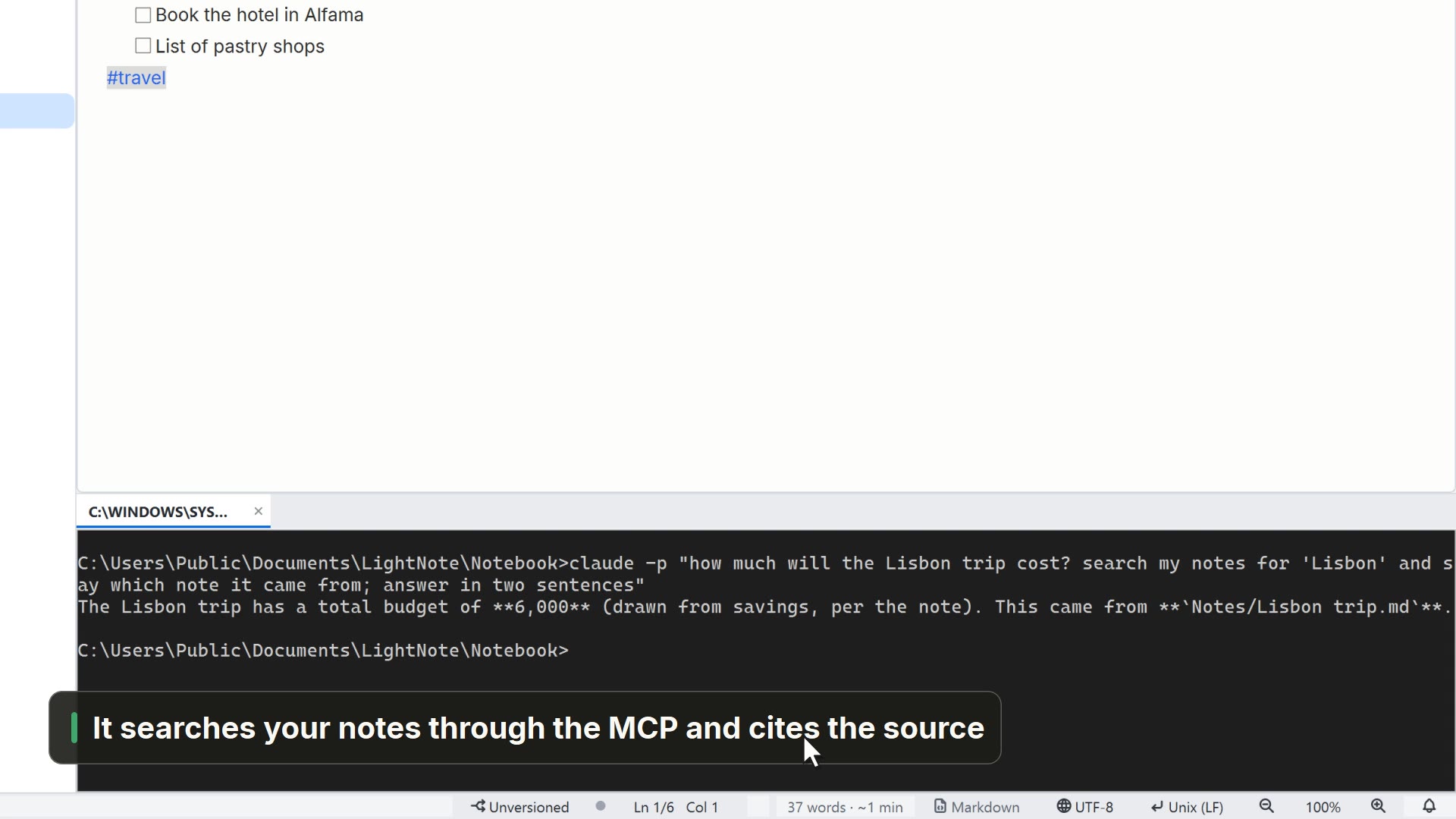
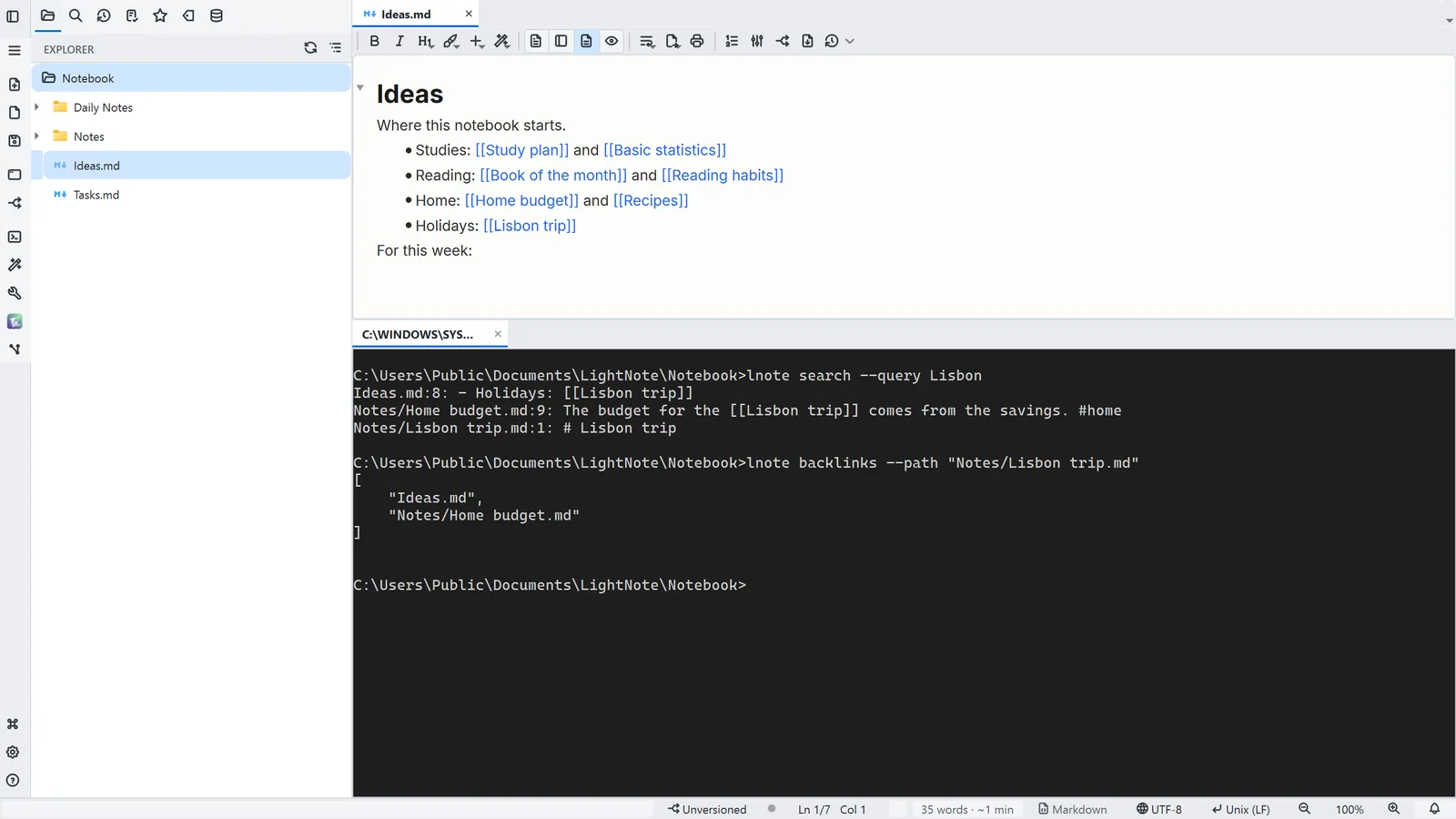
- 1The terminal opens in the workspace folder, and lnote acts only inside it (--root picks another)
- 2lnote search looks for text in every file and returns the file and the line
- lnote backlinks lists the notes that link to this one with [[ ]]
Read more in the HelpCommand line (lnote)
Other ways
Terminal
- Menu
- Window → Terminal
- Shortcut
- Ctrl+'
- Command palette
- Terminal
Tips
- lnote list --recursive lists the files; lnote read --path note.md reads one of them
- lnote write --path note.md --content "Hello" writes a note; lnote append adds to the end
- lnote daily --text "Call Marta" adds an item to today's note
- lnote search-notes --query "where did I write about the budget" searches by meaning; lnote audit-links finds broken links
- --json gives structured output ({ok, data, error}) and lnote <command> --help explains each command