Step by step
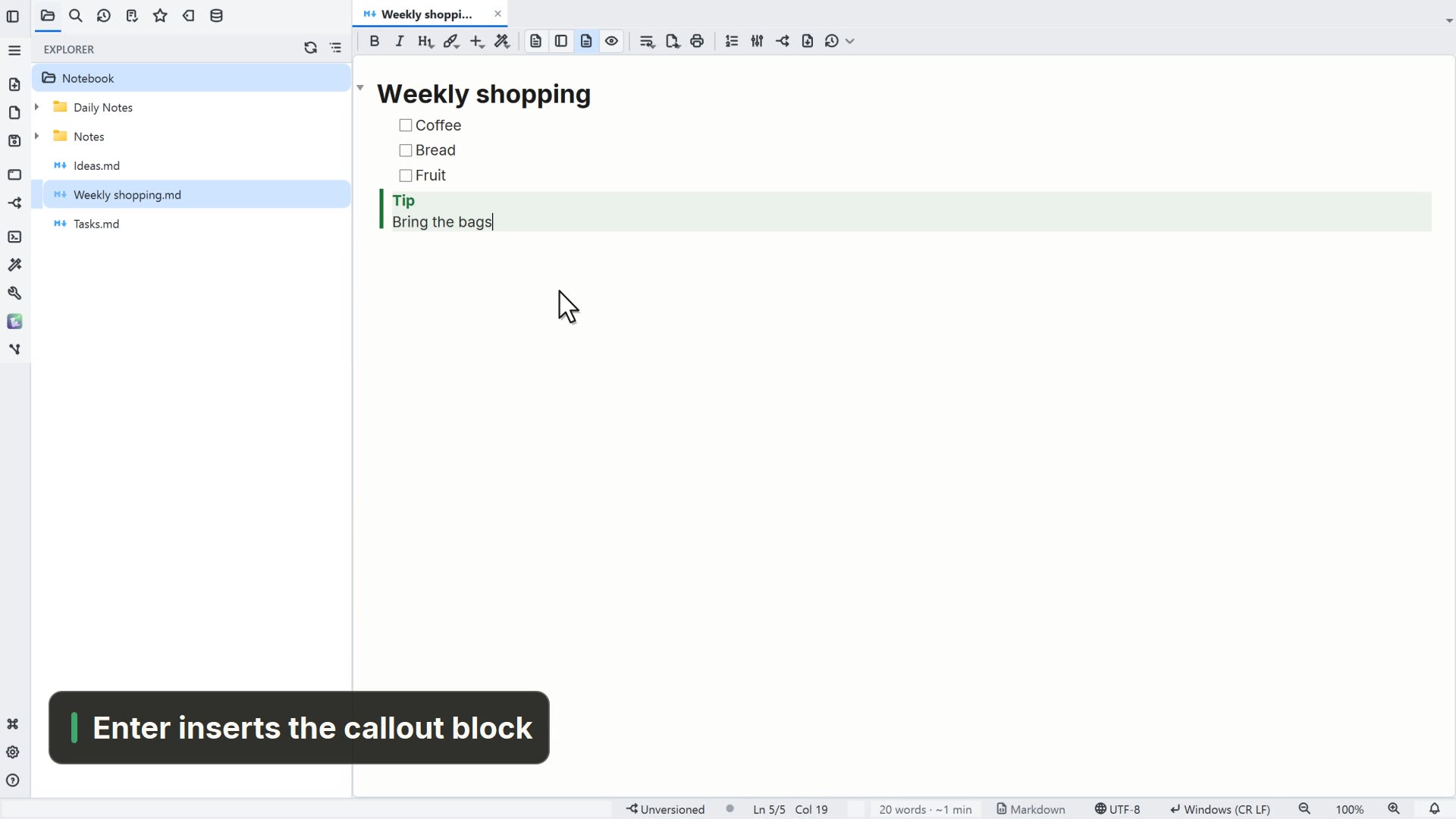
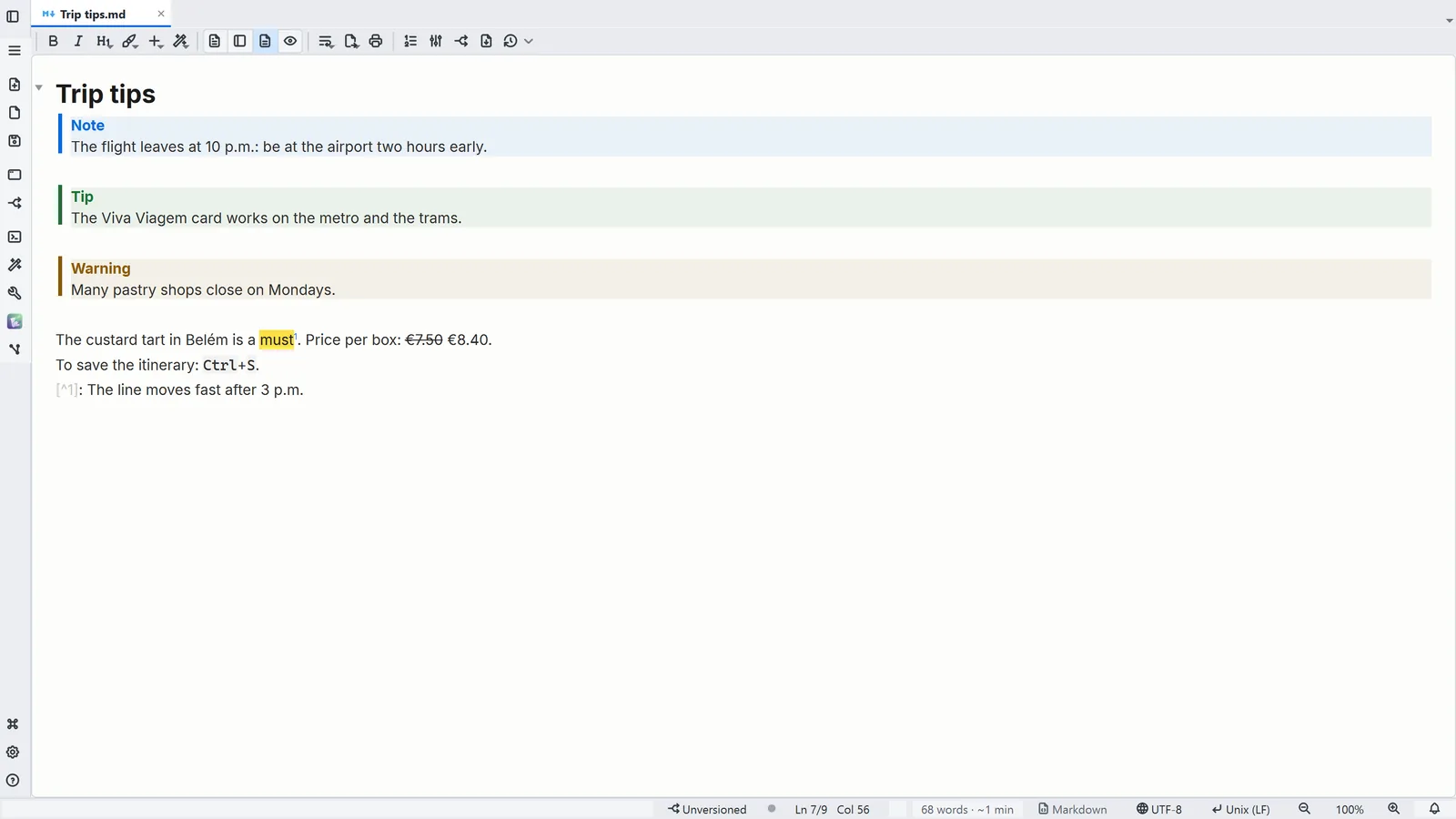
Each step's number matches the marker on the screenshot; hover over or select a step to highlight it.
- 1A quote that starts with [!NOTE], [!TIP] or [!WARNING] becomes a colored box
- 2[^1] in the text becomes the note number, and the [^1]: line holds its text; Ctrl+click jumps between them
- 3==highlight==, ~~strikethrough~~ and <kbd>key</kbd> show up already formatted
- 4Insert → Callout and Insert → Footnote write the markup for you
Read more in the HelpBoxes, footnotes and rich markup
Tips
- The box types are NOTE, TIP, IMPORTANT, WARNING and CAUTION, each with its own color
- Writing ^[note text] also makes a footnote, written right where you reference it