Step by step
Select a step to jump to that moment in the video.
- 00:02New → New canvas adds the board to the folder
- 00:05Give it a name
- 00:08Pick Text card and click the board
- 00:12The card takes Markdown; Ctrl+Enter finishes it
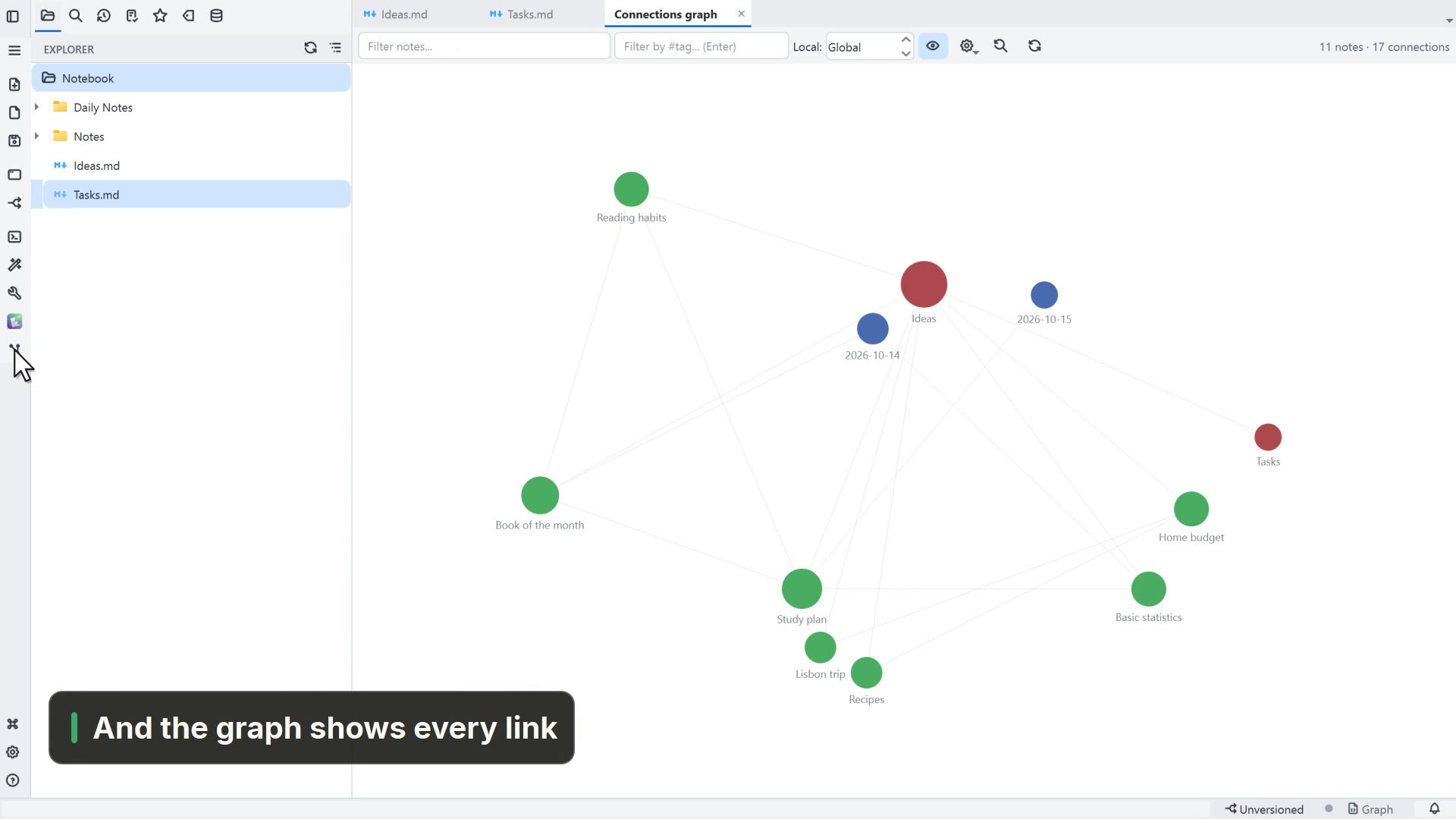
- 00:15Drag a note from the Explorer onto the board
- 00:19Pull the card's handle to the note to link them
- 00:22With the card selected, pick Pill under Shape
- 00:29Fit all shows the whole map
Read more in the HelpCreate, edit and connect·Notes on the canvas
Other ways
New canvas
- Menu
- File → New → New canvas
- Command palette
- New canvas
- Activity bar
- New → New canvas
Tips
- A double-click on an empty spot also creates a text card
- Dropping the arrow on an empty spot creates a new card, already linked
- A .canvas file uses the open JSON Canvas format: the same file opens in Obsidian